The add-on Email puts company mailboxes inside the CRM: a letter to a customer sits next to their deals and requests instead of in a separate mail program. Mailboxes can be personal or shared with a team, replies come from ready-made templates, and what your team sends is never lost.
Why you need it
When mail lives in employees’ personal inboxes, customer letters are scattered across their computers. When someone leaves, the correspondence leaves with them: what was promised, when the reply went out, how it ended. A shared info@ mailbox usually turns into a dump nobody sorts out, because it is unclear who took a letter and who is responsible for it. And writing every letter from scratch wastes time on every request.
Email brings the company’s correspondence back. A mailbox is connected right inside the CRM, letters appear on the customer’s card and in the shared list of conversations, replies are assembled from templates, and sent letters are not lost. A personal mailbox stays personal, but the company no longer depends on whether one employee remembers what was agreed.
What it does
- Three kinds of mailboxes. Personal — one employee’s correspondence. Group, or shared — one mailbox for a team: every participant sees the letters, and a letter is never stuck with whoever is on holiday. System — a mailbox for letters from robots and notifications, so they do not clog the working dialogues. A mailbox carries a check schedule and the folders to watch: Inbox always, Sent by choice.
- A clear connection check. Every mailbox has four checks: receiving mail, sending, a test letter and reading the Sent folder. The result is visible in the Mailbox health section, and the passwords stay encrypted and are never shown back. The secrets are never printed together with the check report either.
- Sorting rules for incoming mail. A rule is a condition plus an action: skip a letter past the CRM, file it into a folder, send it to trash or create a lead. The first matching rule wins, so the order of the rules is the sorting logic itself. The rules live on the Filters tab of the Mail console and change without restarting the product.
- Your own mail does not get in the way. Correspondence between colleagues (when the sender and every recipient are your own people) never reaches client cards, but is honestly counted. That way office correspondence does not turn into “talking to a customer”, and the reports stay truthful.
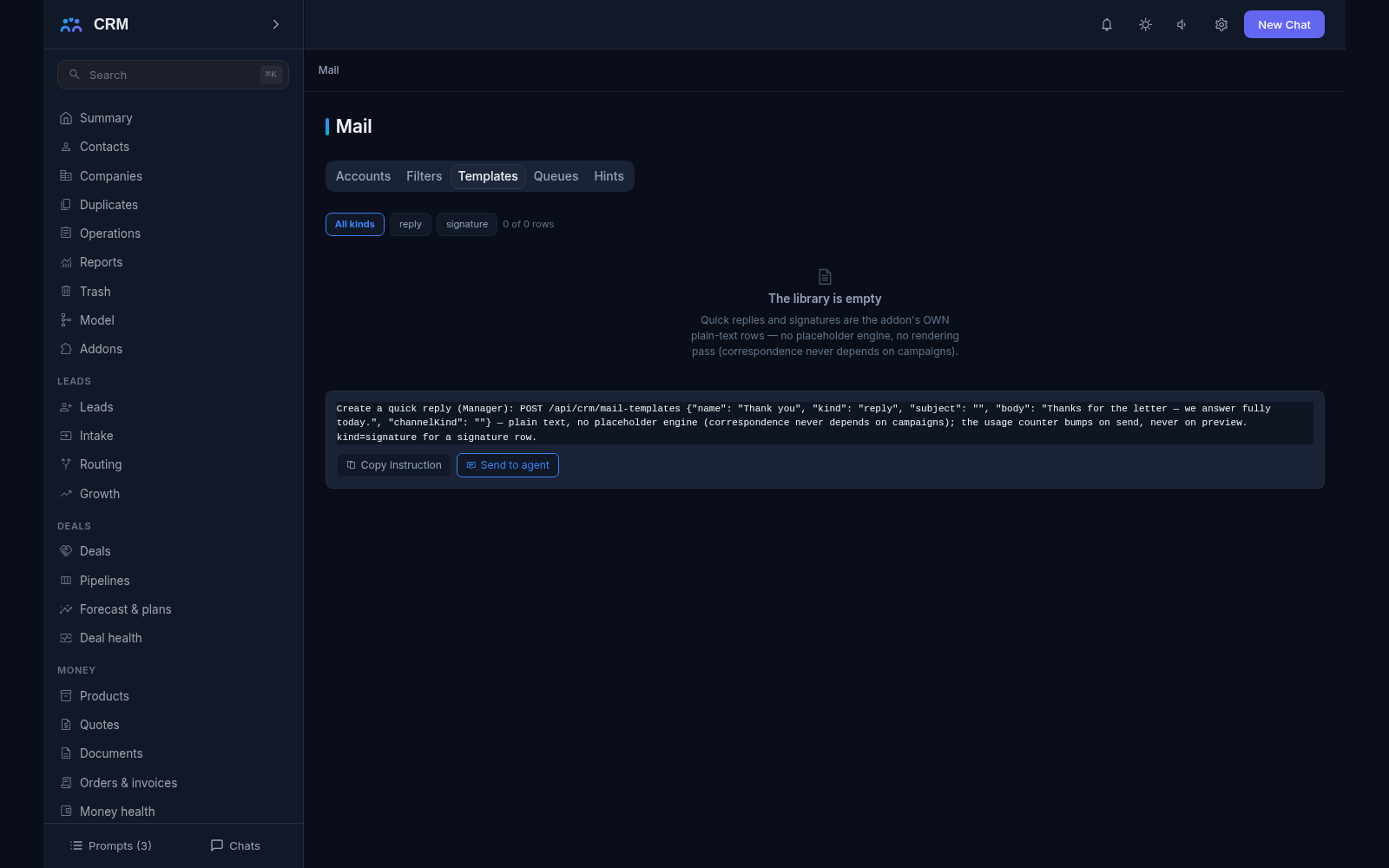
- Templates, signatures and hints. Ready replies and signatures are your own data with a usage counter: you can see which templates work most often. While you type an address, the product suggests recipients: by the start of the address, by name, by recent correspondents and by people’s roles in deals. A hint is a convenience, not an automatic substitution — the final word is the employee’s.
- One send path. A reply, a forward, a letter from scratch, a draft, an attachment — everything leaves through the same path. A letter is written exactly once into the customer’s timeline and exactly once into the shared dialogue, under one key: the letter’s own Message-ID. So the reply chain never breaks, whichever mailbox you answer from, and a letter is never counted twice in the history.
- Honest refusals before sending. Before a letter leaves it passes several checks, and every refusal is named in its own words: unknown recipient, an address on the blocklist, a personal-mailbox brake. The send does not “disappear silently” — if a letter did not go out, you see the reason.
- Scheduled sending. A letter can be queued for the right moment — write it in the evening, send it in the morning. The moment is stored together with its time zone, so “morning” cannot turn into “night” because of a clock difference. If the mail server is unavailable, the attempts repeat with growing pauses; after several failures the letter stays in the queue with the refusal reason — a visible “undelivered”, not a quiet loss. Every mailbox carries a daily limit of letters, so the queue cannot turn into an unnoticed mailing.
- One workplace. The Mail console is made of the tabs Accounts, Filters, Templates, Queues and Hints. It only reads: changes are made by agent commands, which can be copied straight from the interface.
How it relates to other add-ons
Email rests on Inbox: letters become part of the shared dialogue rather than a separate feed. If Inbox is switched off, the product does not break — the correspondence is simply written to the client’s timeline as before, and no dialogues appear.
It is useful to know the switching order: if Inbox is switched on later, the correspondence is not rebuilt into dialogues retroactively — old letters stay a timeline, and new ones become dialogues. A separate case is the Service add-on: it lets a mailbox’s letters go not into dialogues but straight into tickets. One mailbox picks one path, and an attempt to configure both at once is refused by name — so the same correspondence never lives in two places.
Honest limits
- There is no “Sign in with Google or Microsoft” button yet: a mailbox connects with an ordinary password or an app password issued by the mail service. Sign-in through external services is named as a deferral outright, so nobody waits for a button that does not exist.
- A personal mailbox is still a personal mailbox, but with a caveat: the product warns that an employee’s correspondence through a work mailbox becomes part of the work history. The warning is shown when the personal class is chosen, so the decision is a deliberate one.
- The product does not store mail instead of your mail service: it connects to that service and fetches the correspondence, it does not replace the server. If the mail service is unavailable, the sync waits and the letters arrive later — they do not disappear.
- The scheduled-sending queue is not infinite: repeated attempts run into a limit, after which the letter stays unsent with its reason named. That is deliberate — a visible non-send is better than a letter that “may have gone”.
- The pre-send checks are prohibitions, not advice: while the recipient is unknown or the address is on the blocklist, the letter does not leave. The prohibition is lifted only deliberately, by changing the conditions.
- The internal-domain rule is computed from the employee list: when an employee writes to their own work address, the letter never becomes “talking to a customer”. The rule is visible and explainable, not hidden.
All add-ons → Add-ons catalogue