The add-on Notifications is the CRM’s bell. It makes sure the right event reaches the right person — a new lead, an approaching deadline, a customer’s reply, a mention in a dialogue — without turning the working day into a stream of pop-ups. Everyone chooses what to be told about and can receive one digest letter a day.
Why you need it
When there are many events, a team stops noticing them. A deadline passes because nobody saw it in advance, a customer waits for a reply because the letter reached the wrong colleague, and a new lead sits untouched until the manager happens to look.
Notifications fix this quietly. Events do not scatter as pop-ups that get dismissed unread: they land in one list per person, and the list stays where it is when the page reloads, because it is data. Settings per event type let each person switch off what does not concern them and keep what they are really needed for.
What it does
- An event reaches the person. All sections of the product send events to one place, and Notifications decides who to show them to: the assignee of a lead, the owner of a ticket, the author of a deal. Nobody has to check five screens — the bell is enough.
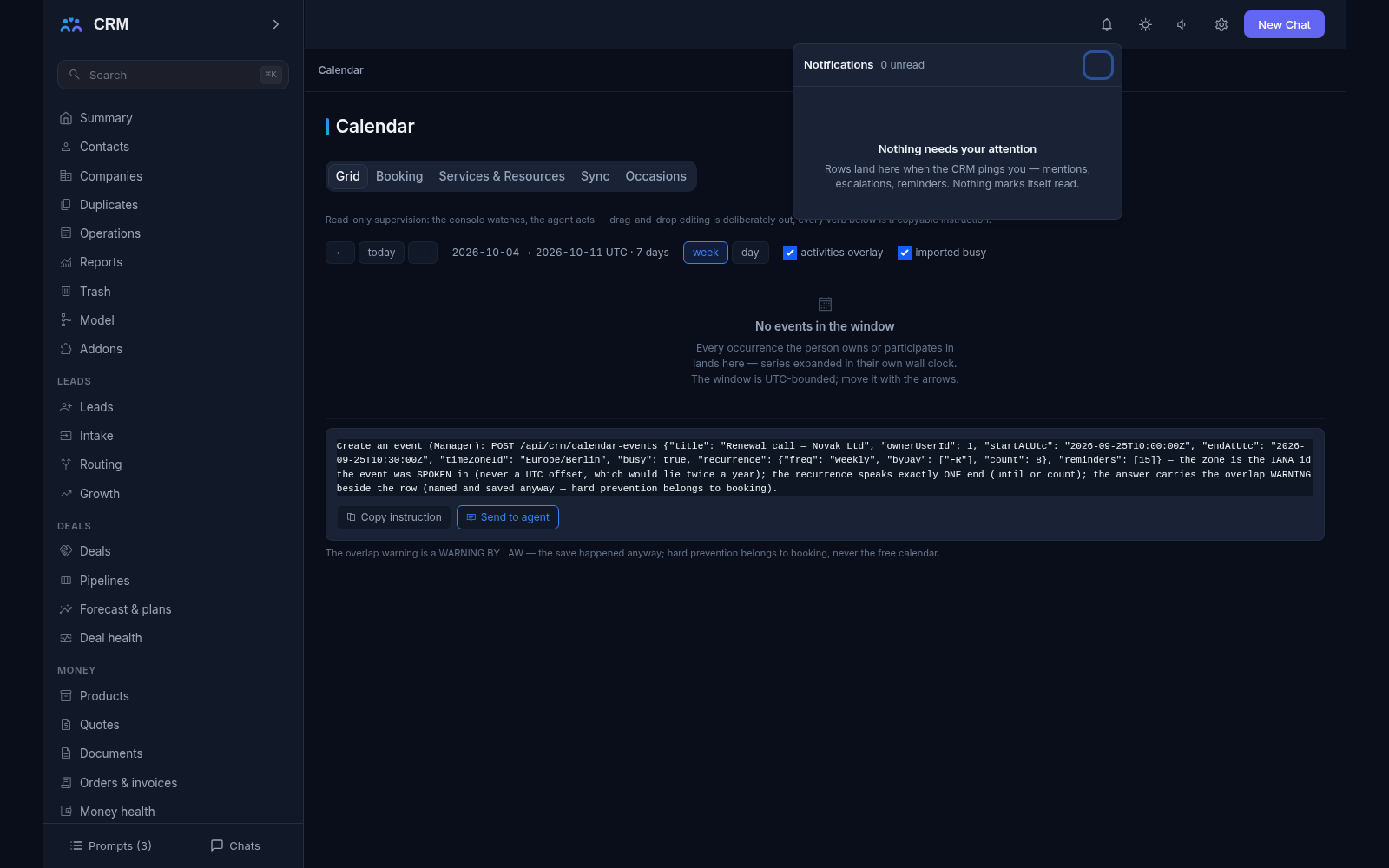
- A feed of one’s own for everyone. Unread rows come before read ones, and the count is visible next to the bell. Every row is a record with the event’s text and a link to the place it happened. The feed stays in place after a page reload: it is data, not a pop-up hint.
- Settings per event type. In the Notification settings section every type has its toggles: show in the app, include in the daily digest letter. A type you do not need can simply be switched off — then there will be neither rows nor a letter for it.
- The daily digest. Once a day one letter goes out over the unread rows of the types the employee marked for the digest. The letter travels over the workspace’s internal mail — a service message to a person, not a mailing to customers.
- Marks instead of deletion. There is “Mark read” and “Mark all read”. These are exactly marks: nothing is deleted. And the product never marks a row read by itself — only what a person truly opened counts as read.
- The link leads to the real place. From a row you can jump straight to the deal, the ticket or the dialogue. The link is set only under allowed schemes: somebody else’s or a suspicious scheme stays plain text, not a clickable line.
- A row lives thirty days. After a month a notification goes away by itself. The bell is working memory for current business, not an archive of correspondence.
- The feed belongs to the person. Somebody else’s feed is inaccessible: you can neither hang it on another employee nor read it with the shared management key — such a request refuses by name. The feed is read only from a personal login.
- One row per event in the bell. Even if the check ran several times in a row, the same event never appears twice: every row carries its own key, and a repeated attempt adds nothing.
- Rules and automation speak through the bell. The Automation add-on sets the rules: which event, for whom and in which words. They dispatch not directly but through the same bell, so a person’s settings are honoured by themselves, not bypassed.
How it relates to other add-ons
Notifications rest on no add-on and install separately. Without them the product works as before: events happen and are written to the history — the employees simply have no separate notification list and no settings.
The other way round, delivery in other contours depends on Notifications: reminders from Calendar reach people through them, and rules from Automation use the same list and the same settings. Notifications switched off break neither — what remains is the journal without the bell.
Honest limits
- The bell has no external channels: no SMS, no messengers. Every notification lives inside the app and in the service letter to a person. Messages to customers in messengers are other add-ons, not notifications.
- The digest letter is a service message to an employee over the internal mail. This contour does not touch marketing mailings, and cannot be used instead of them.
- Rows disappear after thirty days; there is no archive. If a notification has to be kept for a long time, it is worth creating a task or a note on the card.
- Nothing is marked read by itself: even an opened row waits for its mark. That is deliberate — this way the list shows what a person has truly seen.
- Somebody else’s feed cannot be read — not even with the shared management key. Notifications are a personal matter, and no setting works around that.
- A link is set only under allowed schemes. If a scheme is not allowed, the row stays text with no way through — the product does not lead an employee to an unfamiliar address.
- A switched-off type does not reach the digest either: if “in the app” is off for a type, there are simply no rows for the letter.
- The digest goes out once a day. A forced run started before any new rows appear sends nothing and does not duplicate yesterday’s letter.
All add-ons → Add-ons catalogue