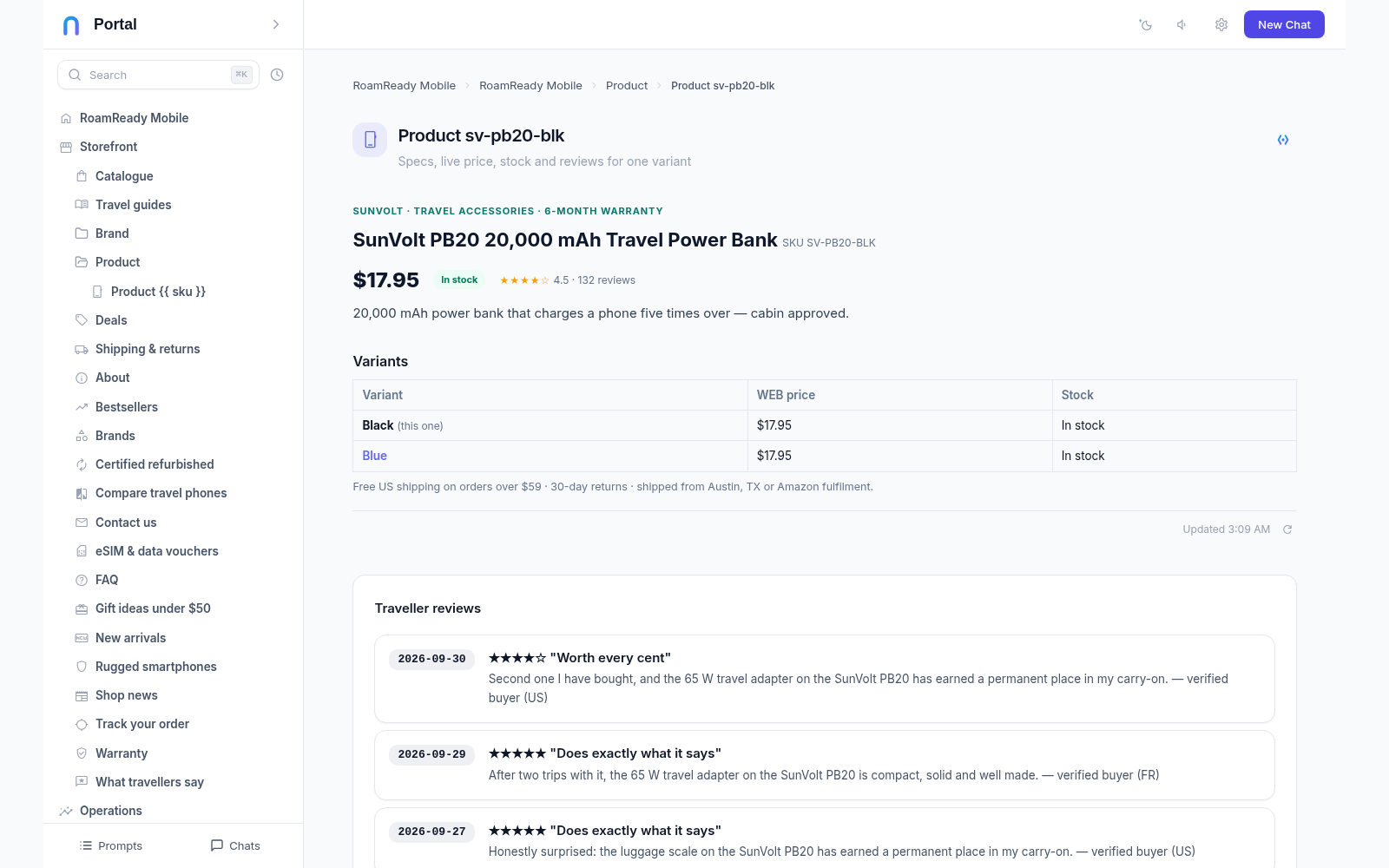
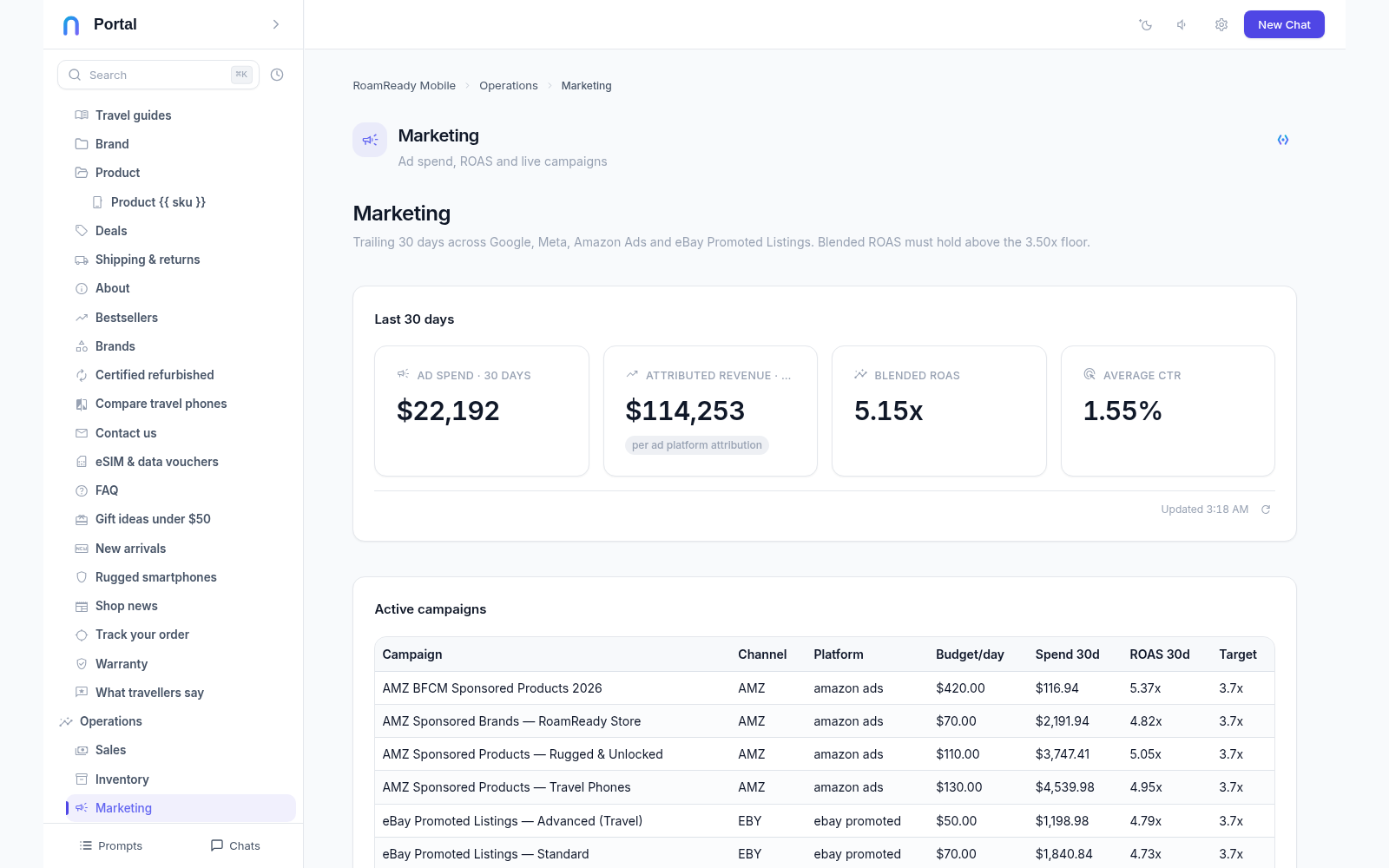
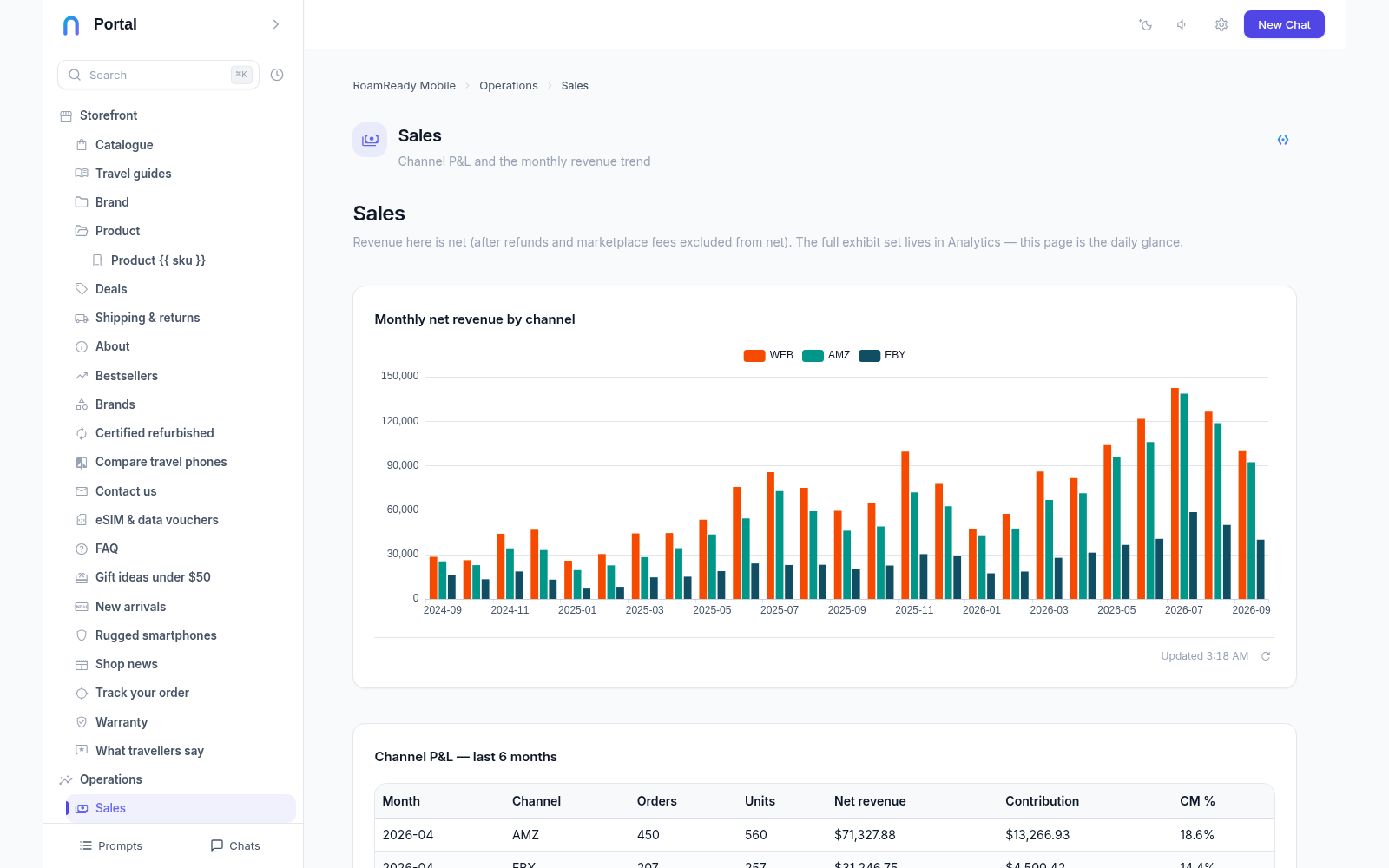
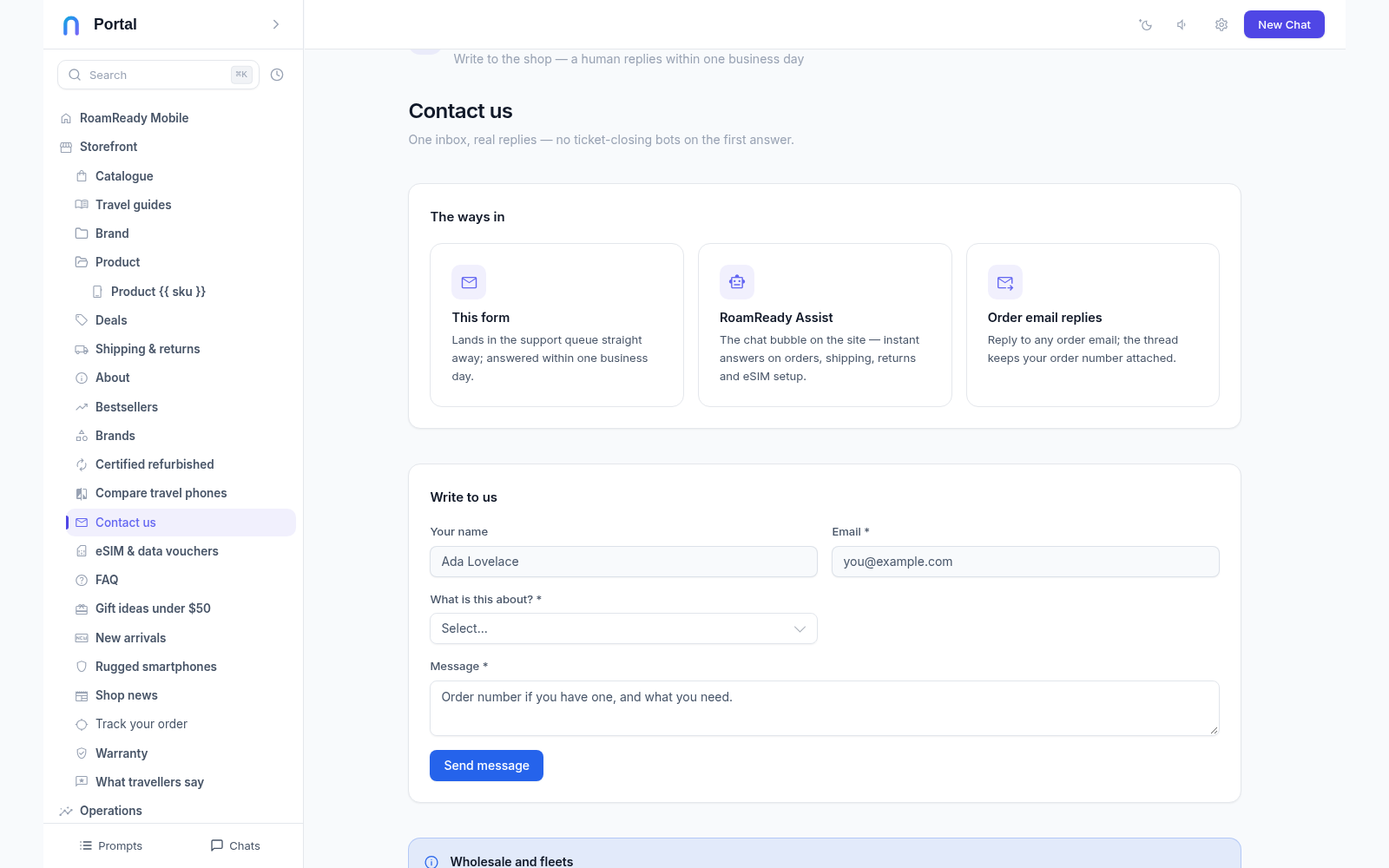
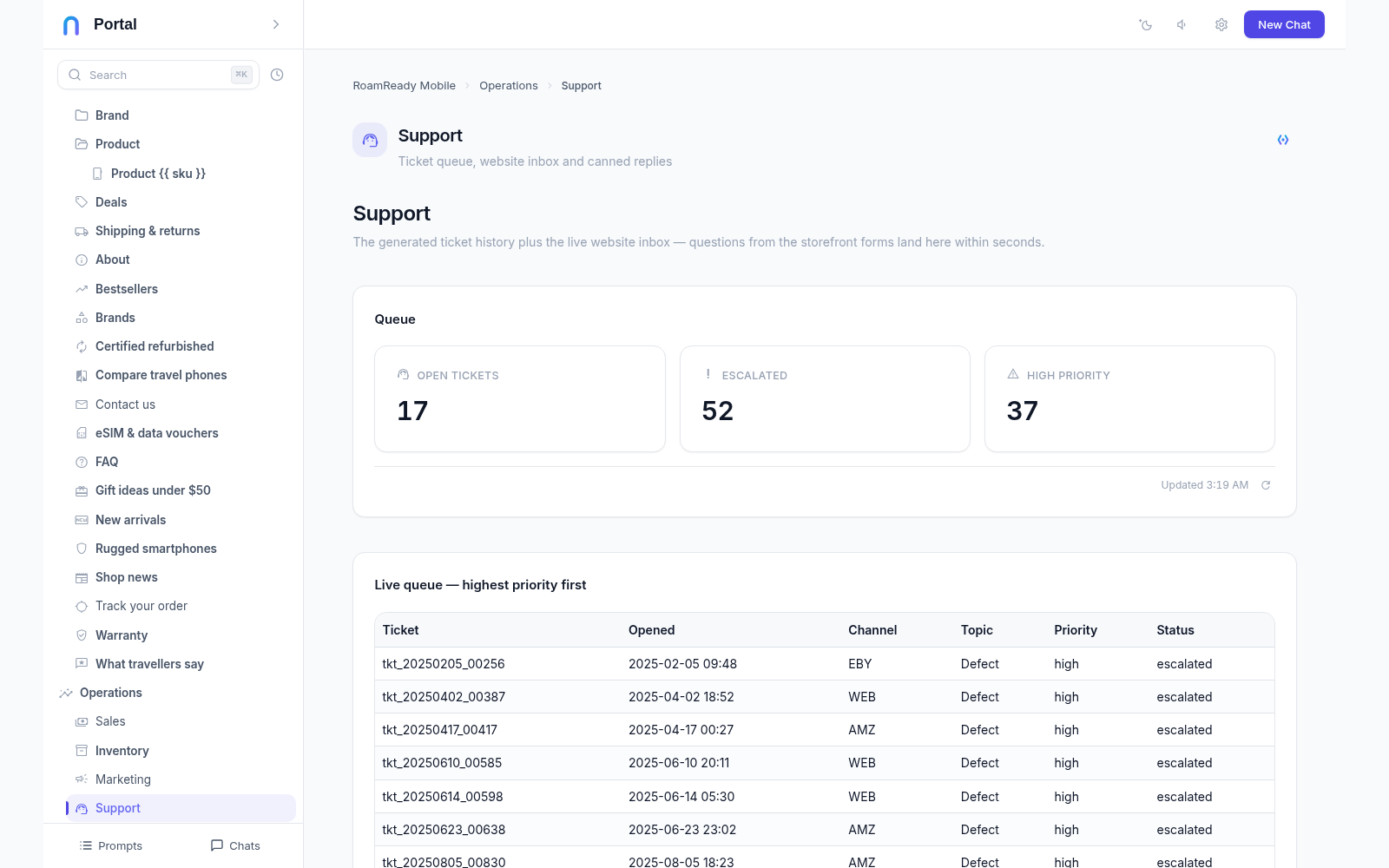
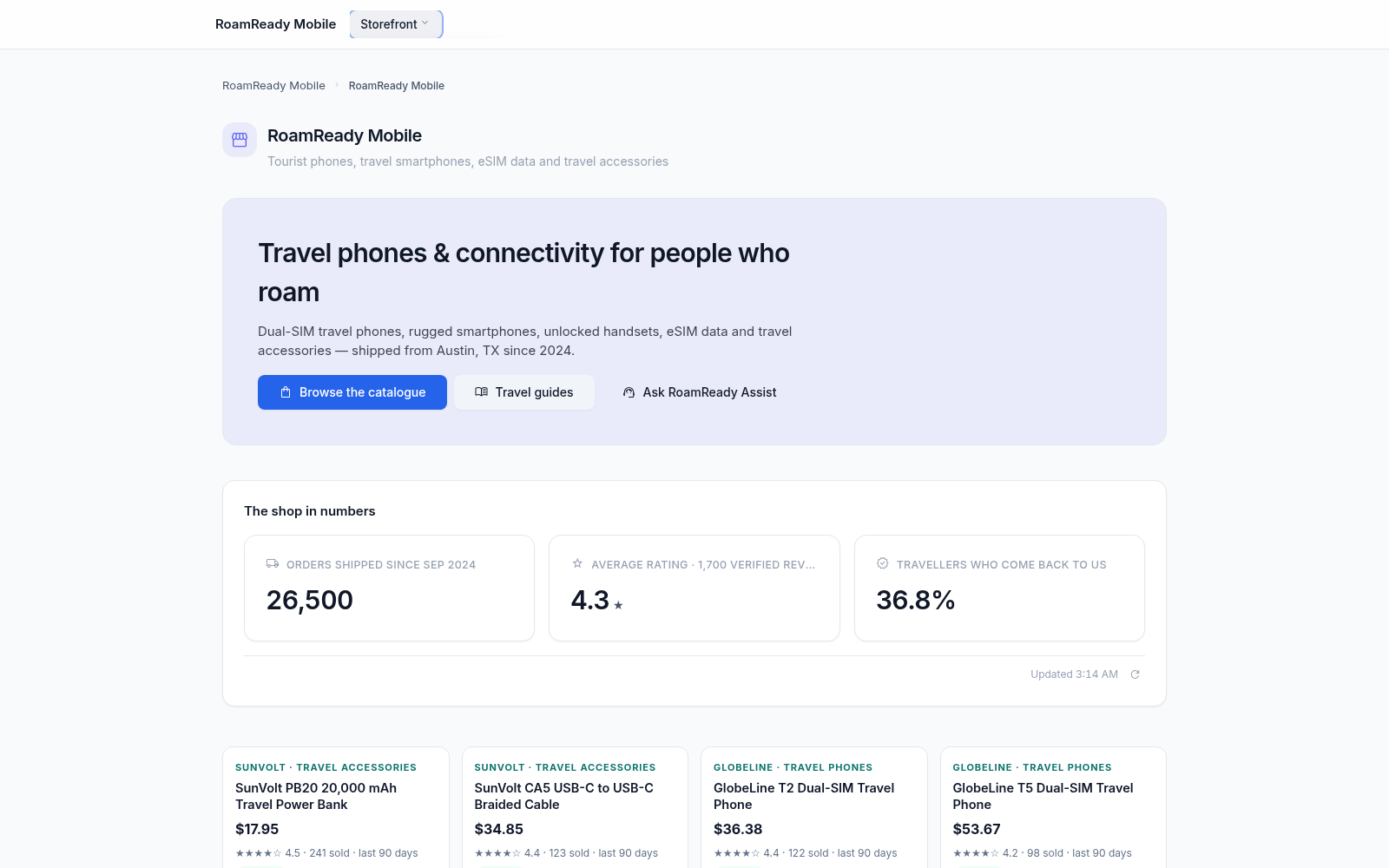
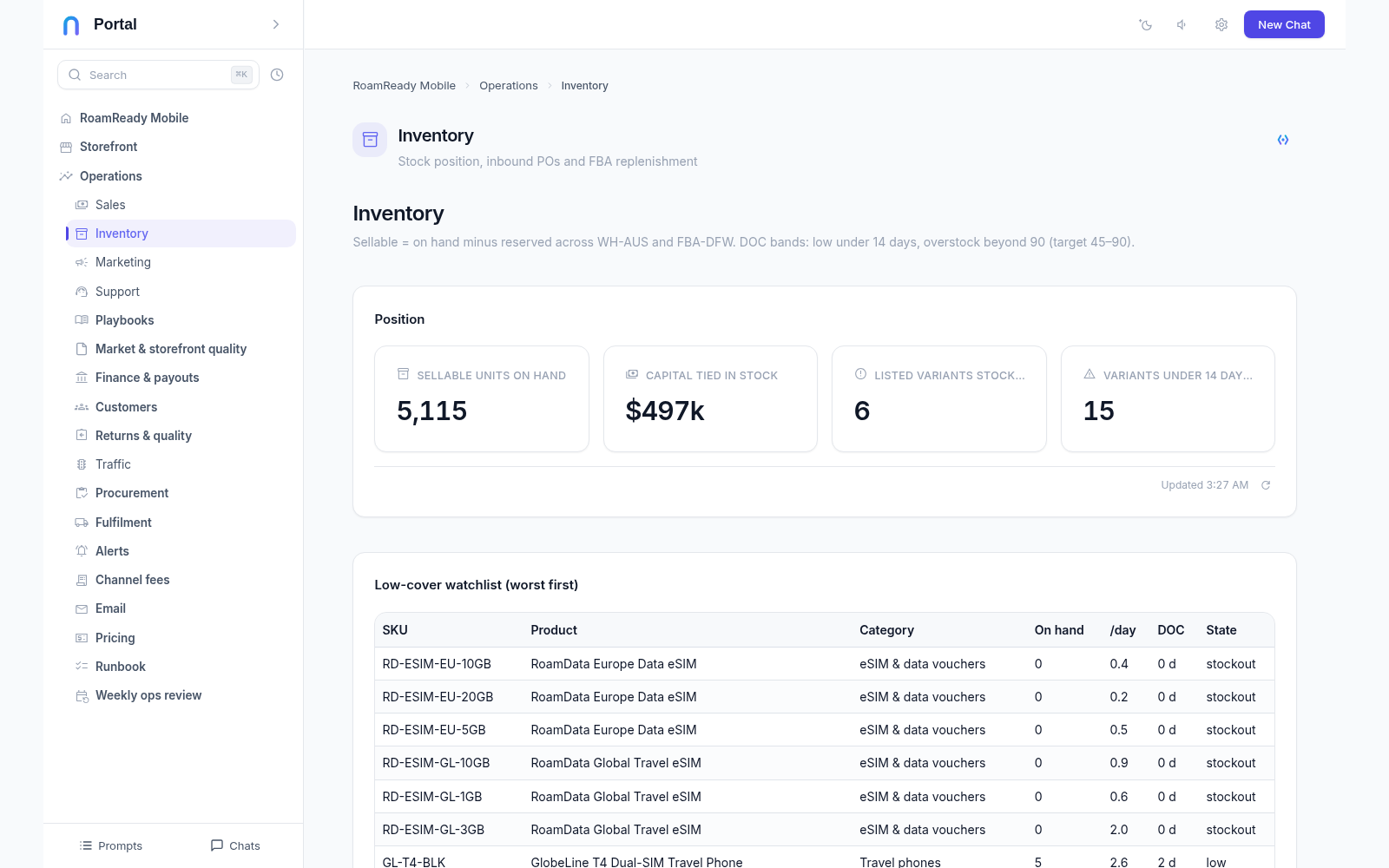
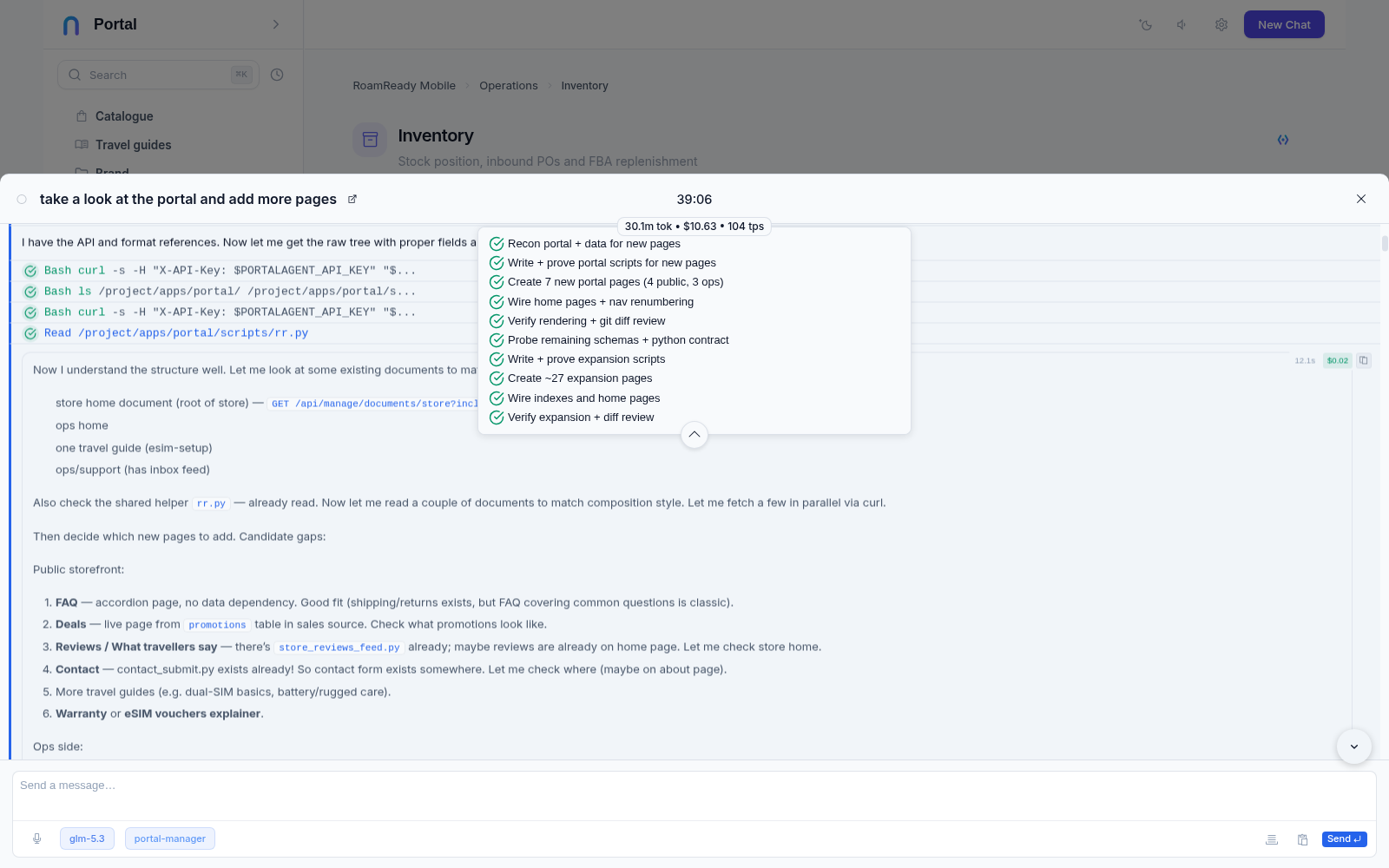
You give agents tasks and check the results — while the company’s instructions and fresh numbers sit right next to them, on the same pages
Portal Agent is a program for your server. It exists so that working with agents doesn’t sprawl across chats, emails and folders, but lives in one place, on ordinary pages.
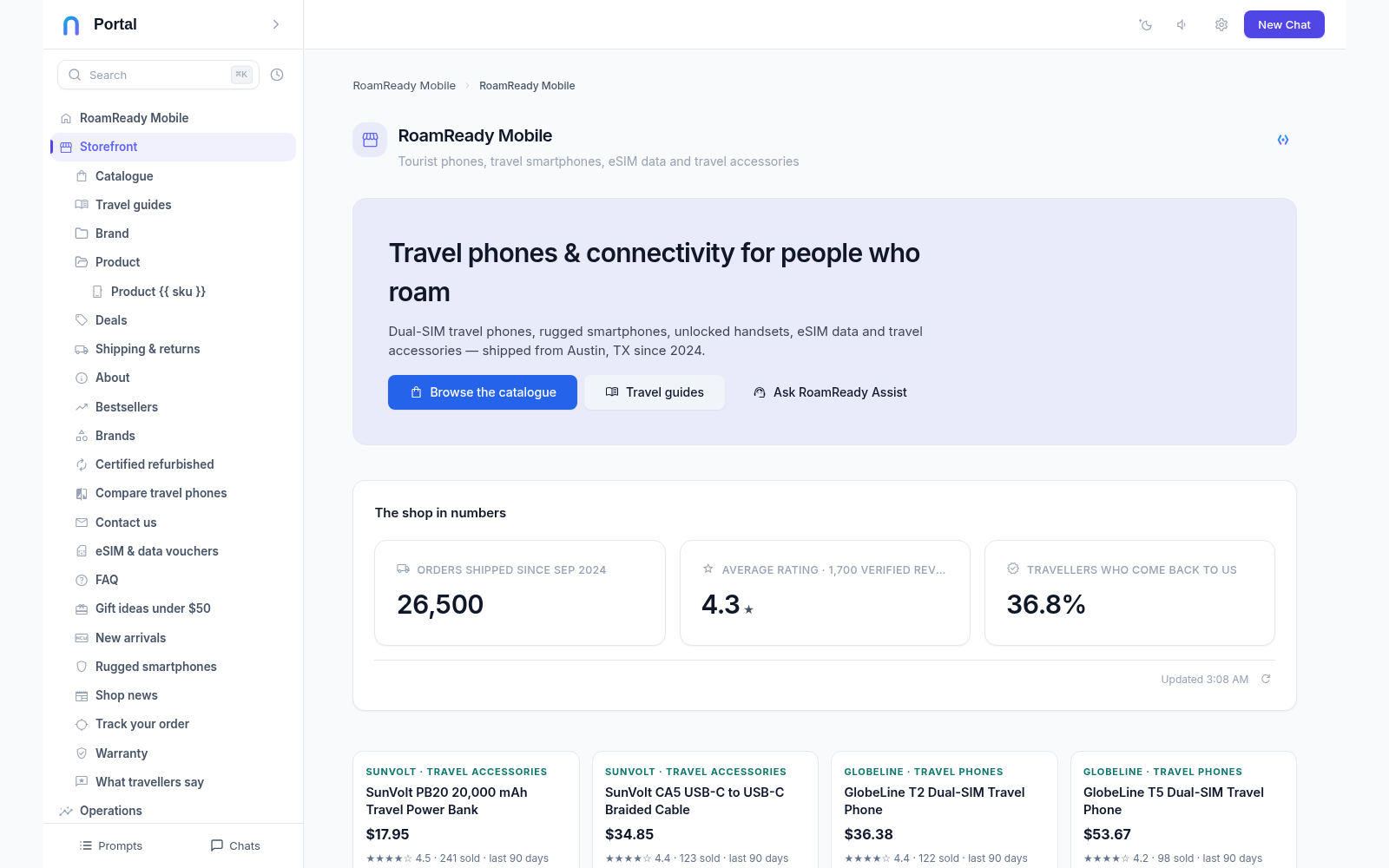
On every page three things happen at once. First, it is a knowledge base: this is where the way you work is written down. A person and the agent read the same text, so the agent does things the way you do them, not however they turn out. Second, real numbers from your systems stand next to the instructions — no exports and no separate reports. Third, agents are launched from the page: press a button or fill in a form, the agent gets the task, and the result appears right there.
The other half of the job is control. You can see which pages the agent touched, who changed what and when, what it proposes to fix and where it waits for your answer; any unsuccessful edit can be rolled back. Nothing needs to be laid out by hand: the managing agent assembles and maintains the pages. You say in words what is needed, and it does it and keeps it from going stale. A reader is left two small things: adding a line to the journal and fixing a single table cell. Part of the portal can be opened to the outside — and you get an ordinary site.
Knowledge base: how your work is set up
The established way of working lives on pages, not in someone’s memory or chat history
Every page says who does what, in what order, and what the result should be
The agent reads the same text people do — and does things the way you do them, not however they turn out
A newcomer can figure it out alone and doesn’t keep pestering colleagues with questions
What you need is found in a second: full-text search and the list of recent pages
Pages are assembled from ready-made blocks: text, tables, pictures, diagrams, cards. No layout work
One sample page yields a dozen similar ones — the rules are not written anew each time
A page has an edit history: you see who changed it and when, and any version can be brought back
Agent edits won’t slip by unnoticed: touched pages are marked unread
What to open up is your call: a page can be a draft, for staff, or for everyone
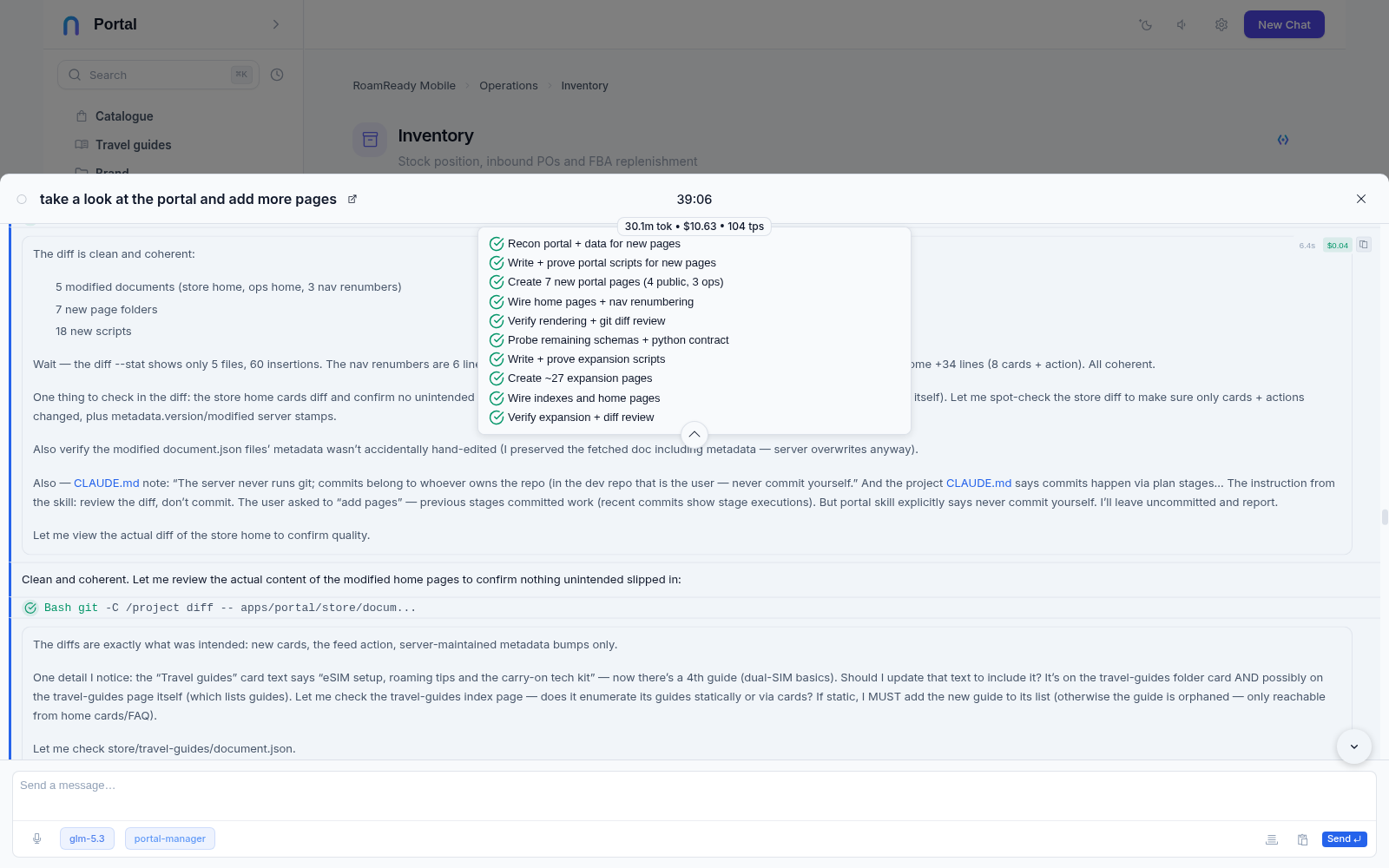
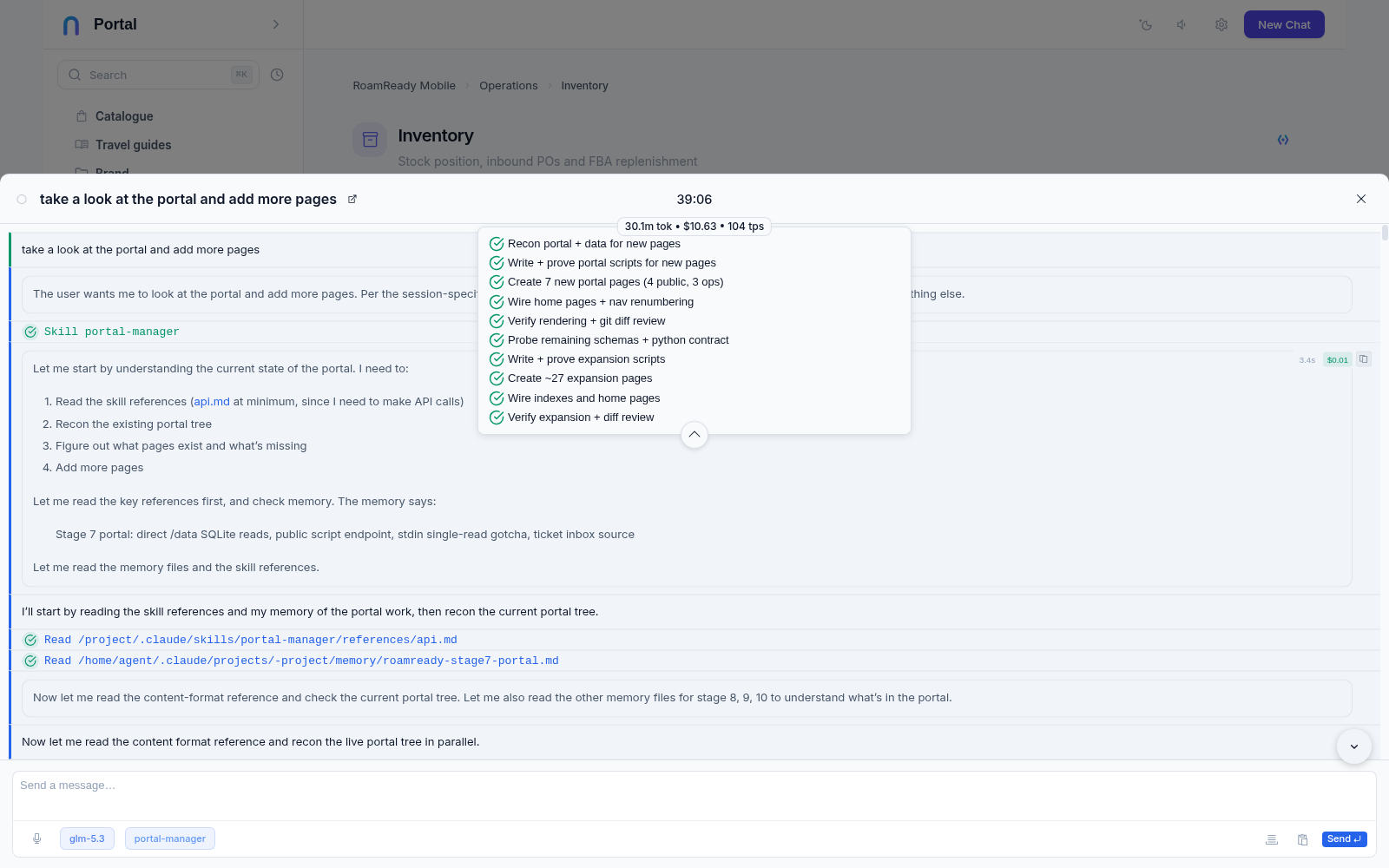
Agents are launched from the page
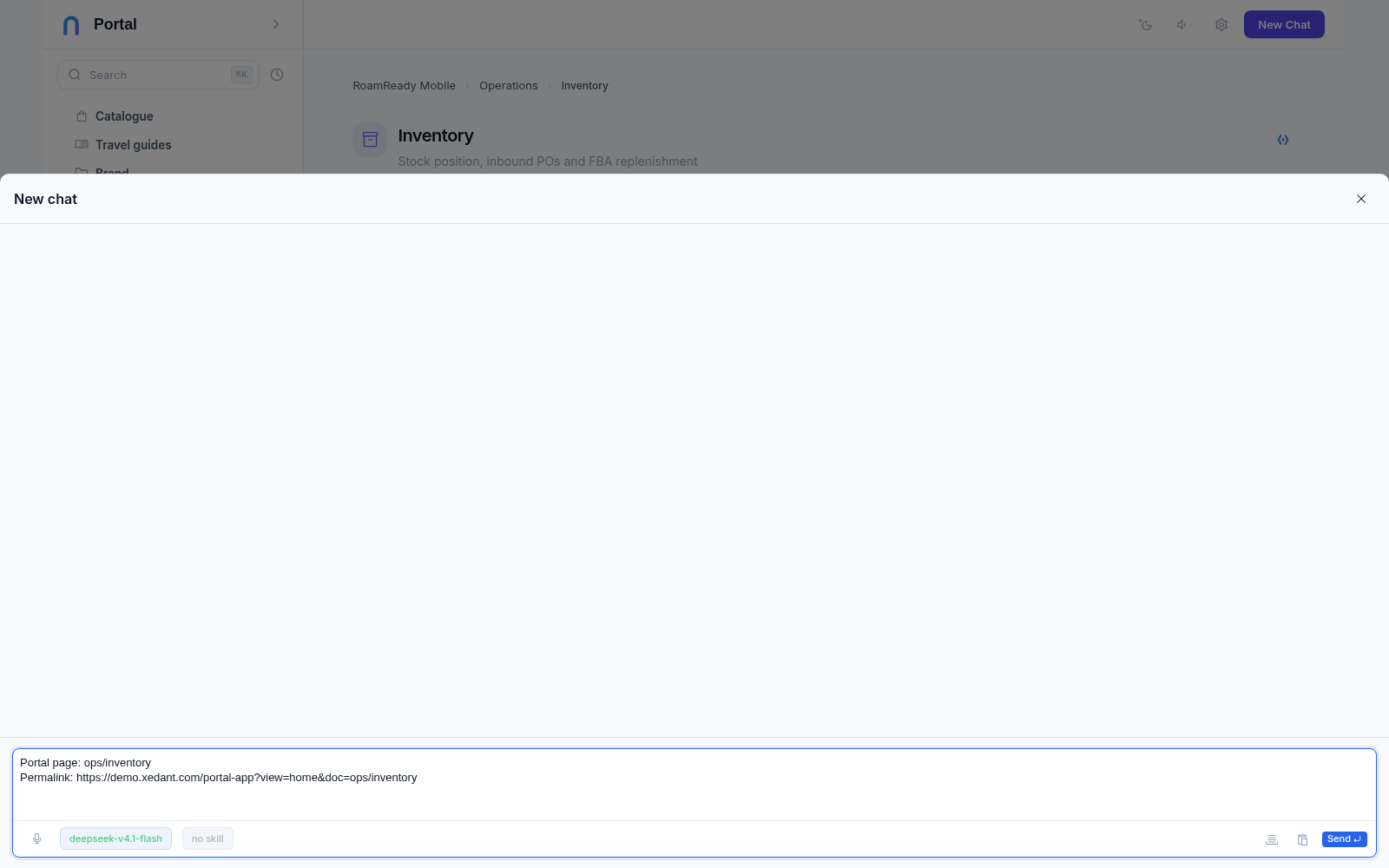
Press a button — the agent already has the task. No need to repeat it in a chat
Say in words what you need — the agent assembles the page
A form asks the reader for a couple of fields and passes the answers to the agent itself
Select a piece of text — hand it to the agent as a task or leave a remark at once
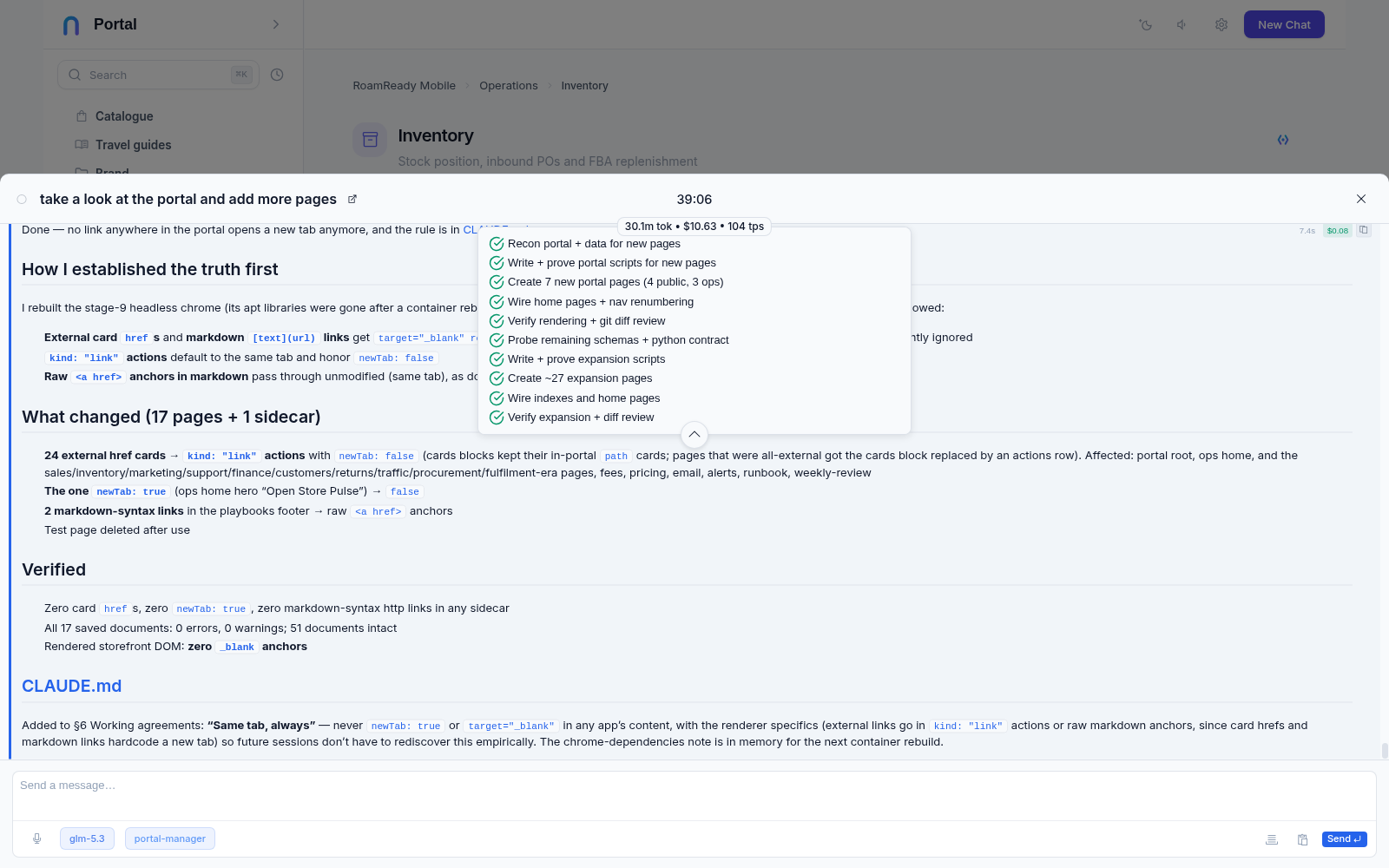
Every press opens a separate chat for the agent — visible in the general list
The chat opens at the side and doesn’t get in the way of reading
You can ask about the whole page or a single block — both have their button
The model and skill are picked right there, for the task at hand
While the agent works you see what it is doing; once it takes the task, the page updates by itself
The license is needed only to write to the agent. Everything else works without it
Live numbers and control
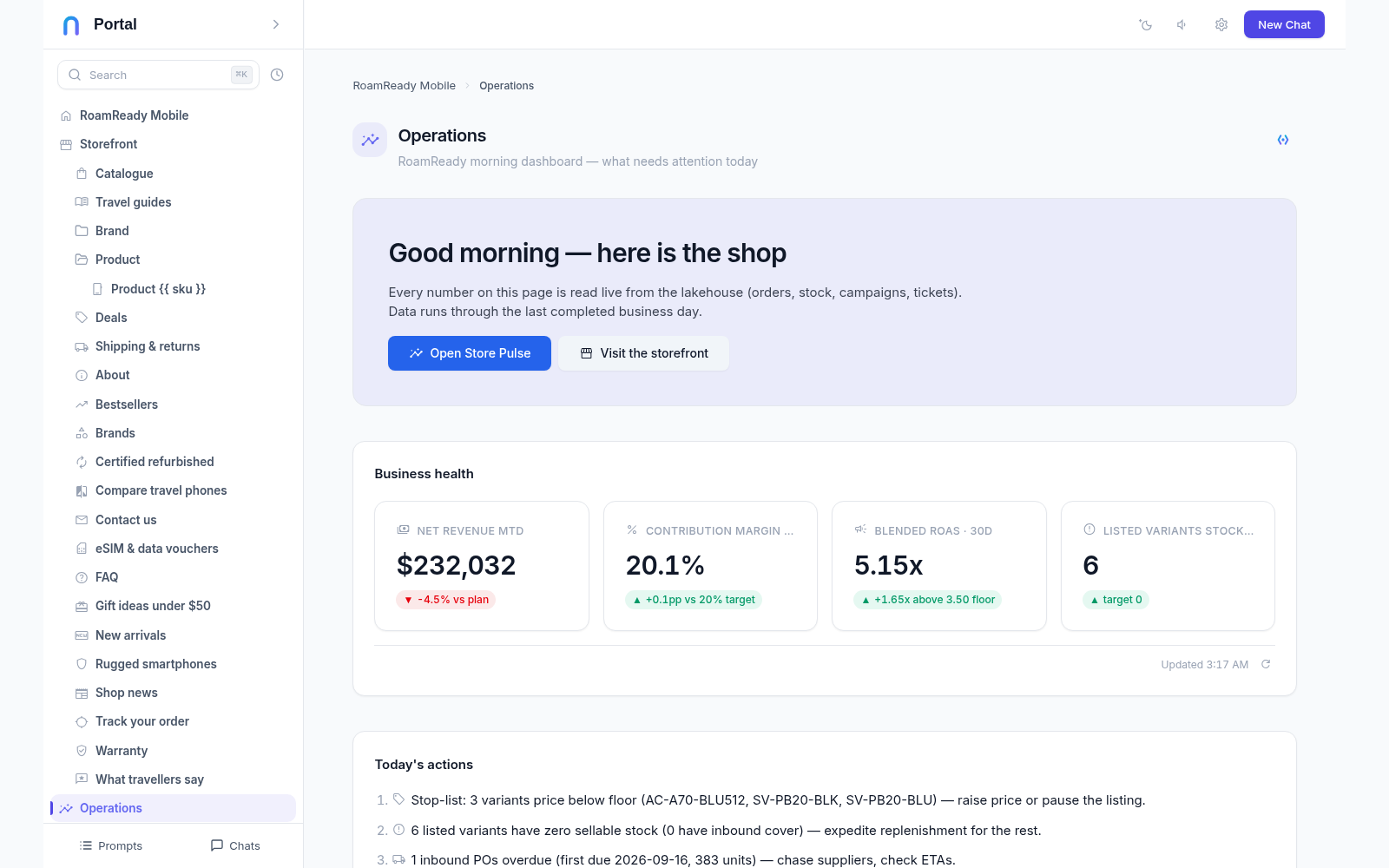
The numbers sit next to the description of the work — no need to cross-check the page against a report
The portal pulls data from your systems by itself and shows when it was refreshed
Charts, tables and diagrams are drawn from your data: from the big picture you can drill into the details
Errors and weak spots the portal finds by itself and shows on the page — with a “Fix” button appearing nearby
At the top of the page there is one hint: what to do next and why
The agent’s work is committed to history with one button — and rolled back with one button if you don’t like it
An open page updates before your eyes: no reload, and you don’t lose your place
Requests can be left right on the page, and the portal checks what was typed in
Everything lives on your server: the data stays with you, and only what you open up leaves
The portal opens in a browser like an ordinary site — the reader installs nothing
Every agent edit is visible — and any of them can be rolled back
A page is an ordinary folder with the description and files: nothing is locked away inside the program
The description is stored apart from the texts, so an agent’s edit is easy to read and compare
The whole edit history is kept: any version of the page can be seen and brought back
The whole portal can be moved to another server — or you can simply read its files
The agent’s work is committed to history with one button, and an unsuccessful edit is rolled back
The agent assembles the pages — no layout work
There is no page editor: a person can only add a line to the journal and fix a single table cell
The agent creates pages itself, renames, moves and copies them
A page is checked before saving — mistakes are visible at once
Edits go through a closed address with a key — an outsider cannot get in
A page is assembled from ready-made blocks
Text: headings, lists, tables, quotes, dividers
Cards, icon tiles, callouts, big banners
Pictures, galleries, carousels, video, files
Charts, forms, tables with live numbers, buttons
Diagrams and pictures go right inside the text — no separate block needed
Tables have icons, colour and action buttons, and the cell you need can be fixed right on the page
The journal: readers add entries themselves, the list keeps flowing, and even a blank line is not lost
Press a button — the agent gets to work
A link to another site or to a document
A step to another page of the portal — in a new tab if you like
A button starts a calculation, an export or a submission
A button opens a chat with the request already written — you only have to send it
One press — and the agent has a separate chat with the task, no extra back-and-forth
A button with a form: it asks for a couple of fields and sends the answers to the agent
When the agent takes the task, the needed blocks refresh and the page opens — right away or in a new tab
One sample page — ten sections if you like
One sample page yields many pages — one for each department if you like
The needed values are substituted into headings, descriptions and buttons by themselves
The value can be chosen right on the page
If a separate page was made for an address, that page is shown, not the sample
Numbers right on the page
Instead of numbers typed by hand — a block that pulls data from your system by itself
If some capability is missing, the agent connects it — you don’t have to install anything
Even if a calculation takes long, the portal keeps working: pages never hang
If something breaks, the reader sees a clear explanation, and the details go to the agent
From the numbers a clear picture emerges
Lines, columns, pies — everything is drawn from your data
The colours follow the portal’s design so it reads easily
Change the design — the chart redraws itself
The portal remembers the result for a while, so the page opens fast
The portal takes data straight from your databases. 33 visualisation types in total
Click a value — and the linked blocks show only what relates to it
Requests are taken right on the page
The fields carry hints, and the portal checks what a person typed in
After submitting, the person sees a clear answer: a message, a page refresh, a step or a file
Instead of a frightening wall of text on error — a human explanation
An accidental double press and too-frequent submissions won’t go through
A request goes to the agent as a separate chat: the answer is visible there, and the page refreshes when the task is taken
Everything changes before your eyes
The portal notices every change; nothing needs to be refreshed by hand
An open page updates itself, with no reload
The portal decides by itself what counts as unread: the mark appears only where the text really changed
Any page can be opened in a new tab, marked read and given its own icon
The page tree expands in place, so you see the structure without leaving the page
An update doesn’t reset your scroll — read on calmly
The portal remembers where you stopped for a day — in the working part and on the public one
Part of the portal can be opened to everyone
Mark a page public — and it is open to everyone without signing in
The menu is assembled from the published pages by itself: order, labels, nesting
The site title and description can be set — search engines will see them
From outside, a draft is indistinguishable from a page that doesn’t exist — it won’t show up by accident
Who sees what
A draft is visible to administrators only
For staff, a page opens after signing in
A public page is seen by anyone at its own address
A new page always starts as a draft, and opening it up is one switch
The agent works with the portal by itself
The agent has its own closed address with a key — outsiders cannot get in
The agent creates pages, renames, moves, copies and deletes them
It uploads pictures and documents, runs actions, connects new capabilities
It checks a page before saving and, on request, shows whether everything is all right
The chat on the side: you edit in plain words
Connect Xedant Agent with a single setting
Fix a page or a single block right from the chat
The agent sees which page and which block you are working on
The license is needed only to send messages to the agent; all else works without it
Leave a note on the page itself: select the fragment and comment — the agent works it as a task
Select a fragment and either leave a remark or send the task to the agent straight away, choosing the model and skill on the spot
The chat drawer leads with a chat list: only portal chats, with running counts and error or question badges
Model quotas and context usage sit as bars above the input, with details and a quota refresh on click
A message can be queued or sent ahead of time: it waits for the busy chat and goes out on its own
Power saving mode: fewer updates and no animations to keep a laptop battery alive
The portal checks itself
All 29 block types are checked: mistakes and hints are visible at once
Problems and hints are shown on the page itself
One recommendation card: what to do next and why
Service messages are never shown to readers