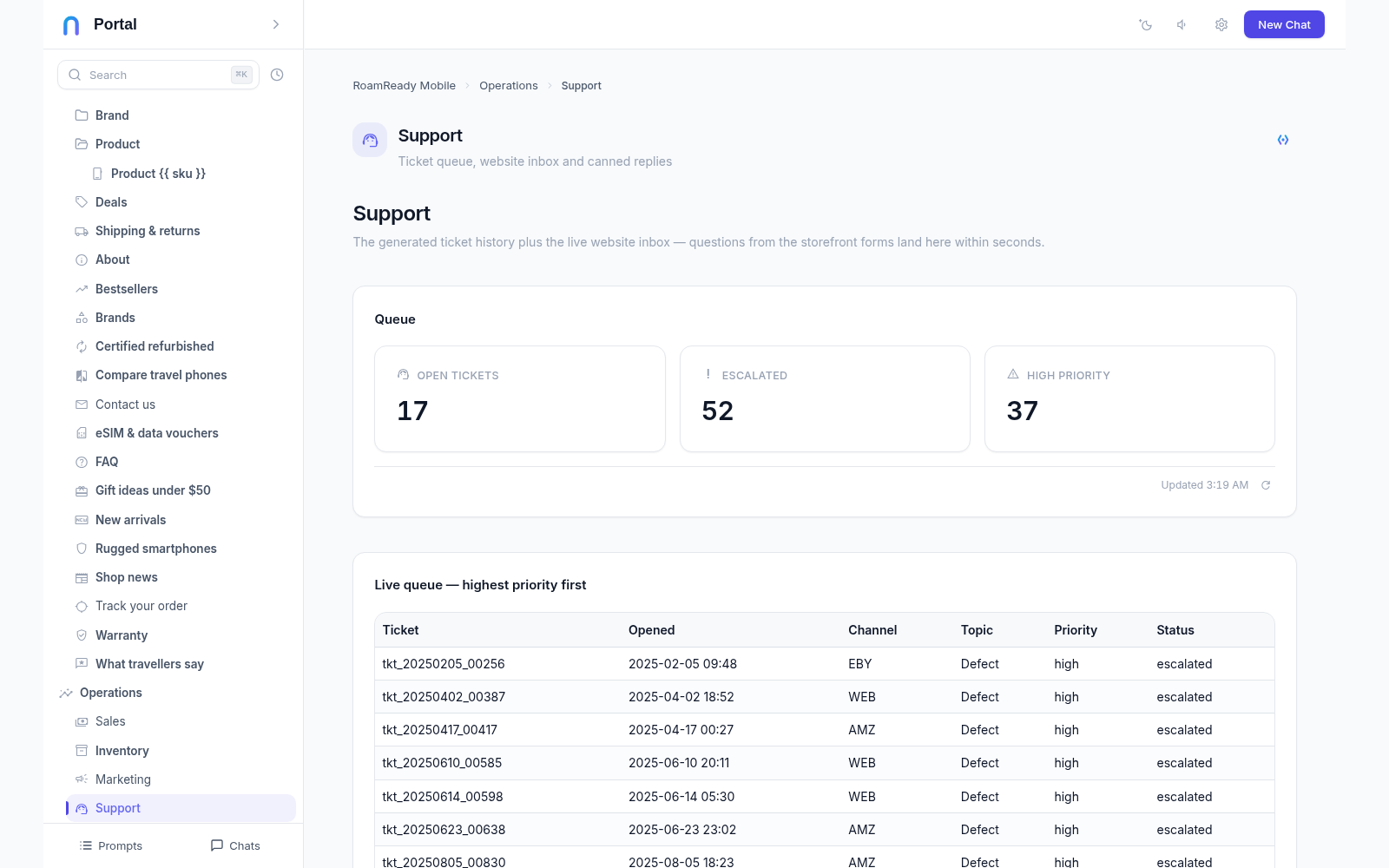
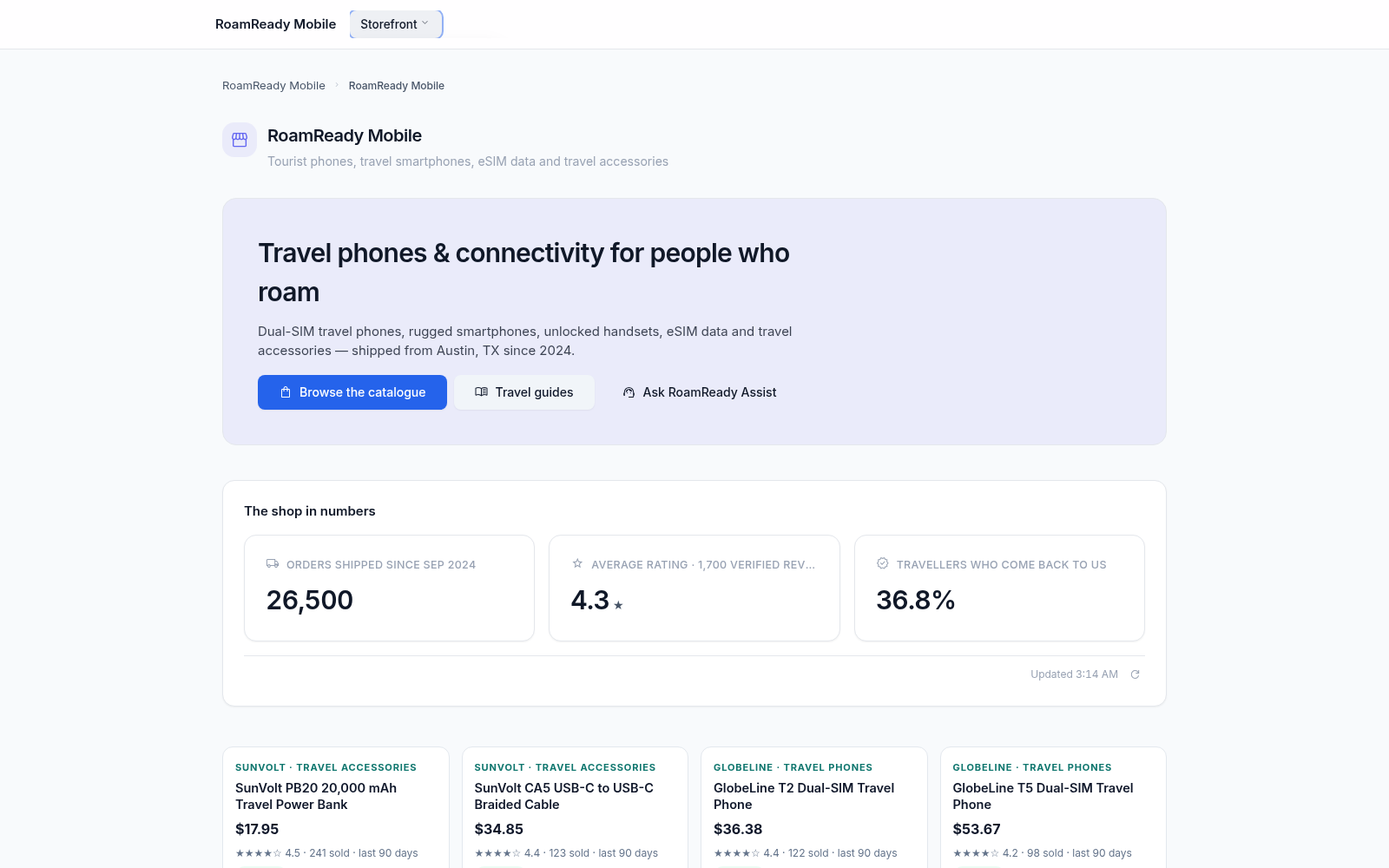
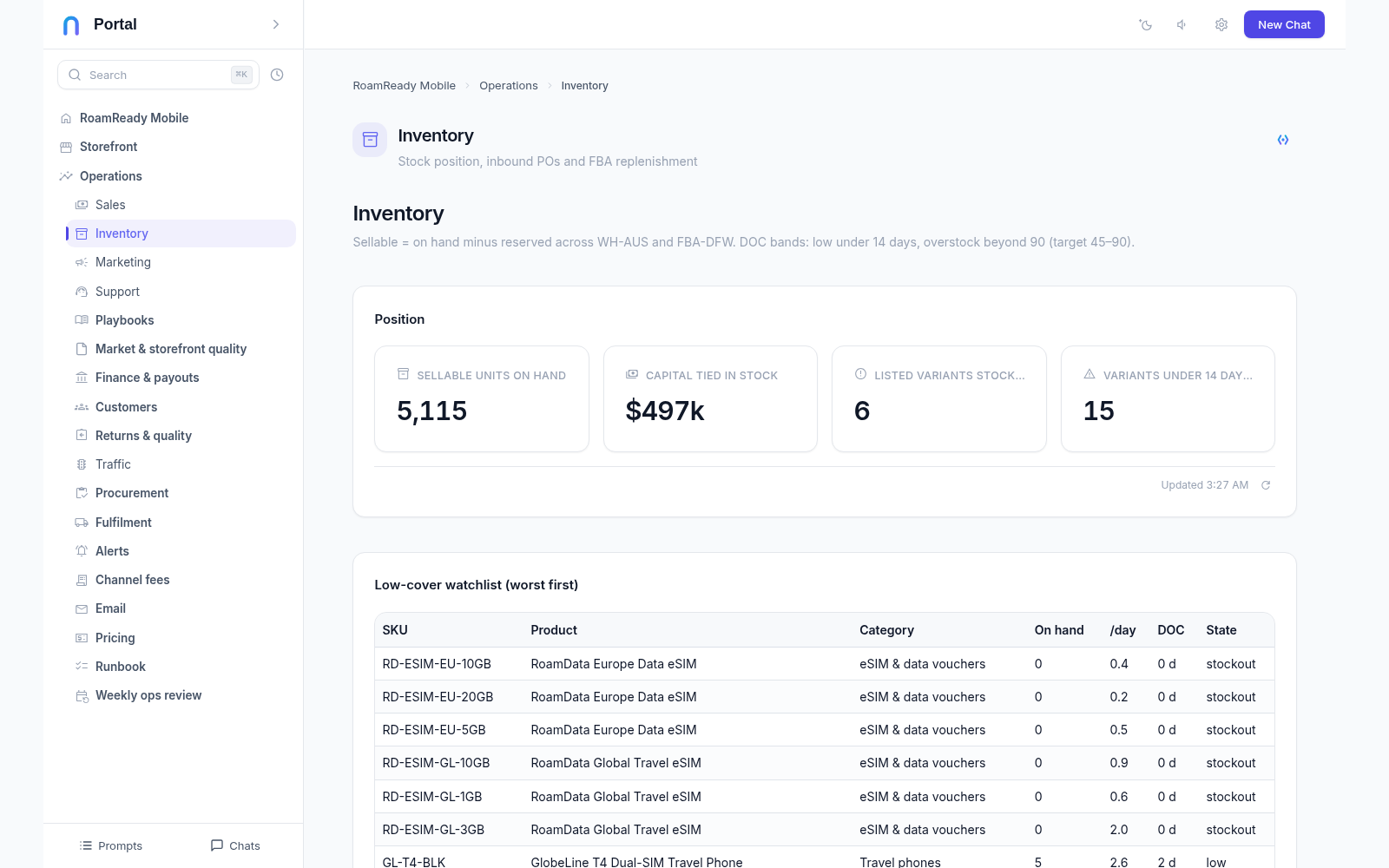
A portal that an AI agent builds and maintains: pages from ready-made blocks, live numbers and a public site — with no manual layout work
Portal Agent is a program for a company portal that you run on your own server. The portal’s content is plain files in a git version store: a page is a folder with a description file, and the whole edit history is visible and can be rolled back. People do not edit pages in a browser — a managing agent assembles them, updates them and keeps them in order. Part of the portal can be opened to the outside world as a public site.
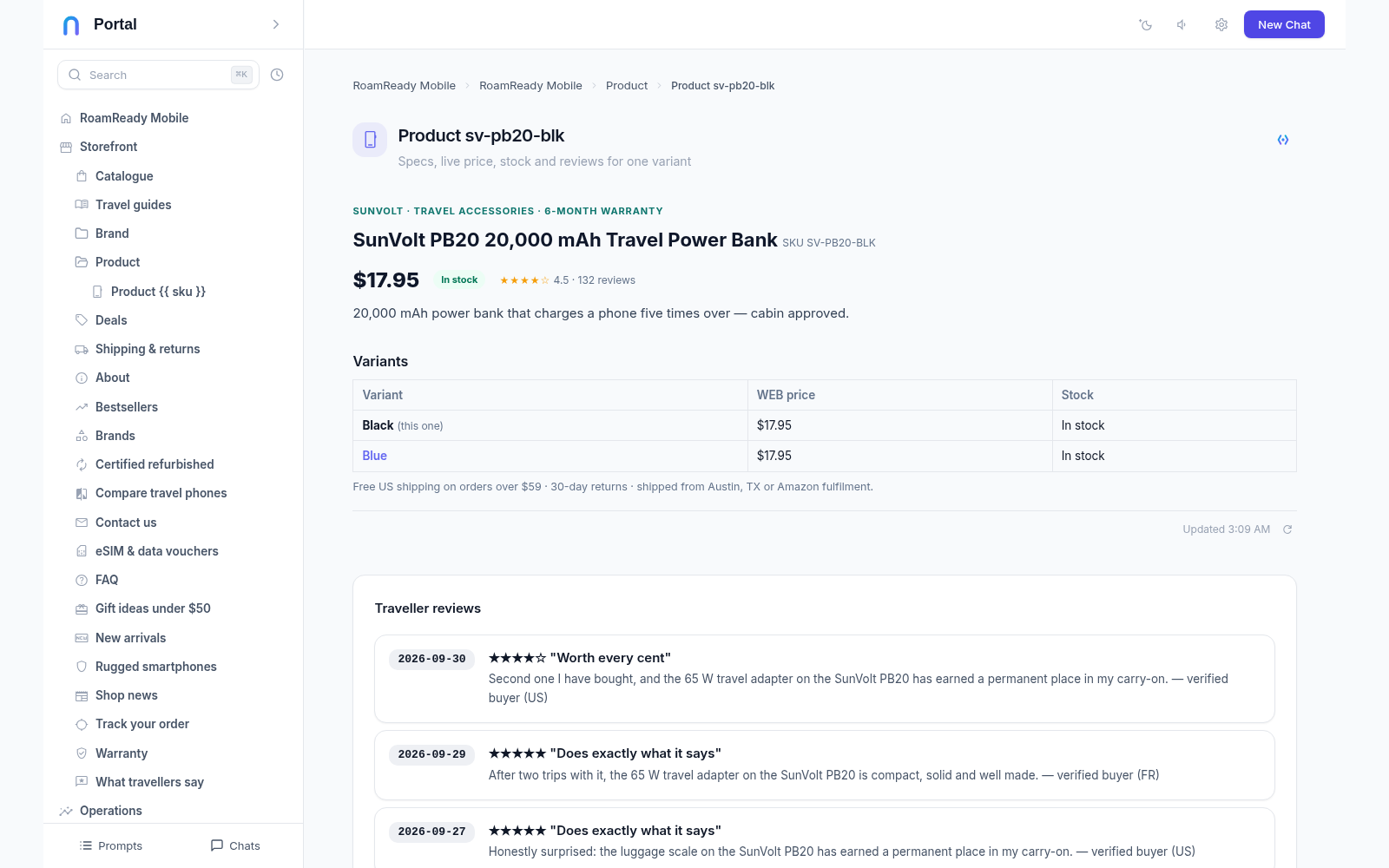
28 block types: text, images, cards, tables, 33 visualisation types, video, forms
A page is a folder with its description file: everything lives in files, not in a database
Full edit history in git: any version can be seen and brought back
Page templates: one sample page serves many addresses (news/python, news/go)
Variables in the text: substituted into headings, descriptions and buttons
Page width of your choice: normal, wide or full width
Images and documents are stored next to the page
Full-text search and recent lists: find a page by its text and jump back to what you viewed, updated or created
Tables fit the page width: text wraps, sideways scrolling only as a last resort
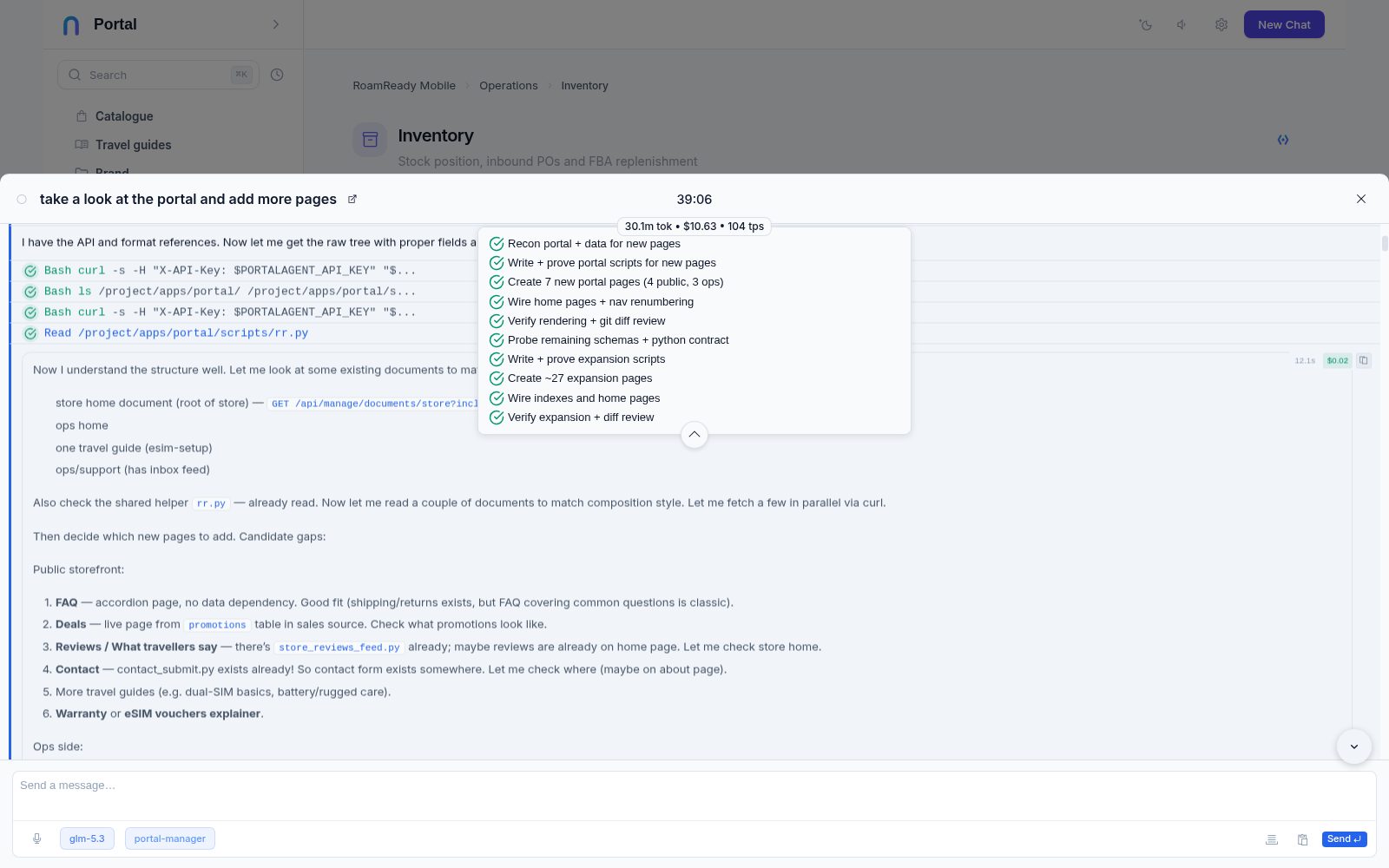
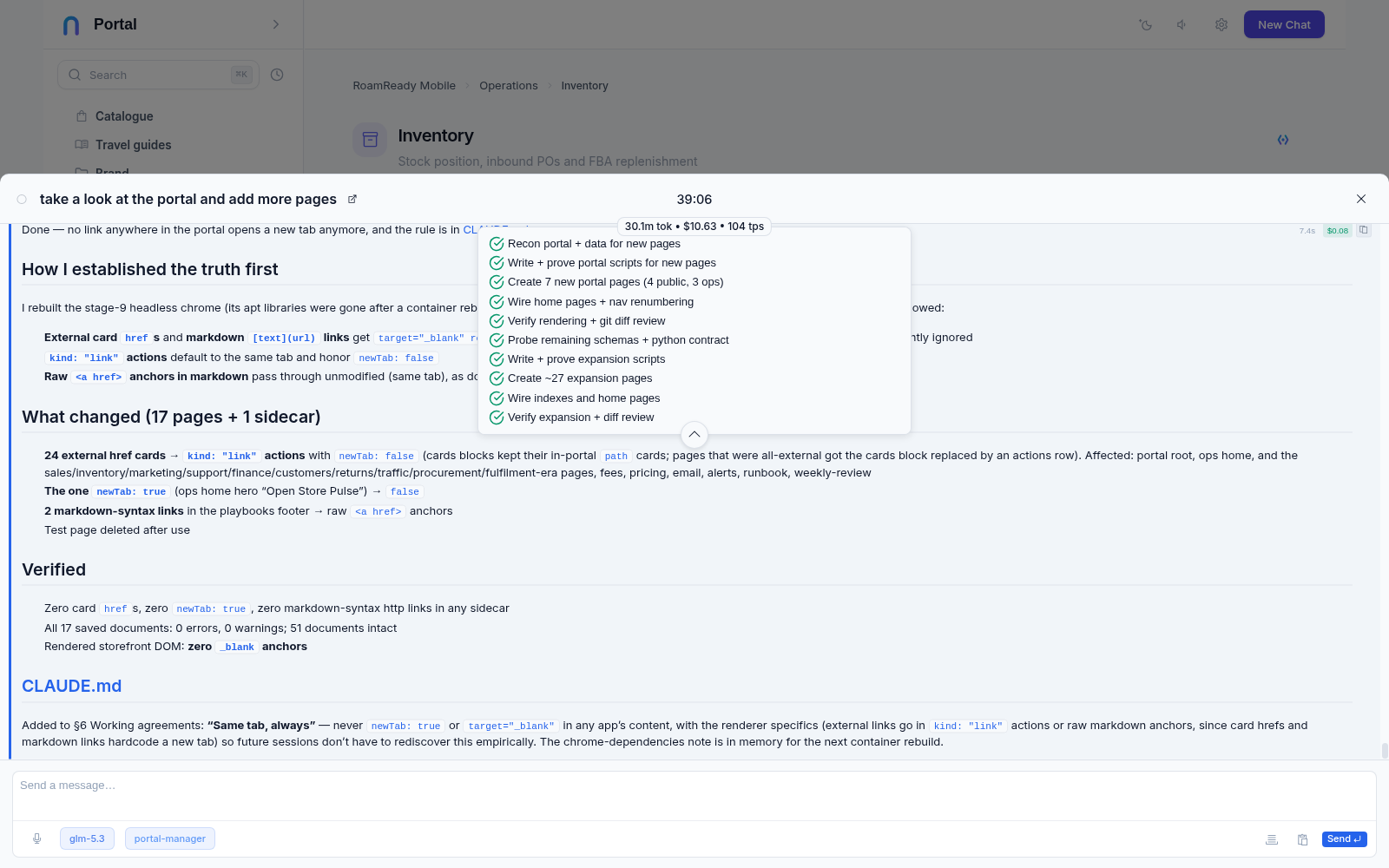
The managing agent builds and edits the pages — no manual layout at all
Edits in plain words: the “Edit with agent” button at the page header
Edit a single block: every block has its own “Edit with agent” button
Problems left by the agent are visible on the page, each with a fix button
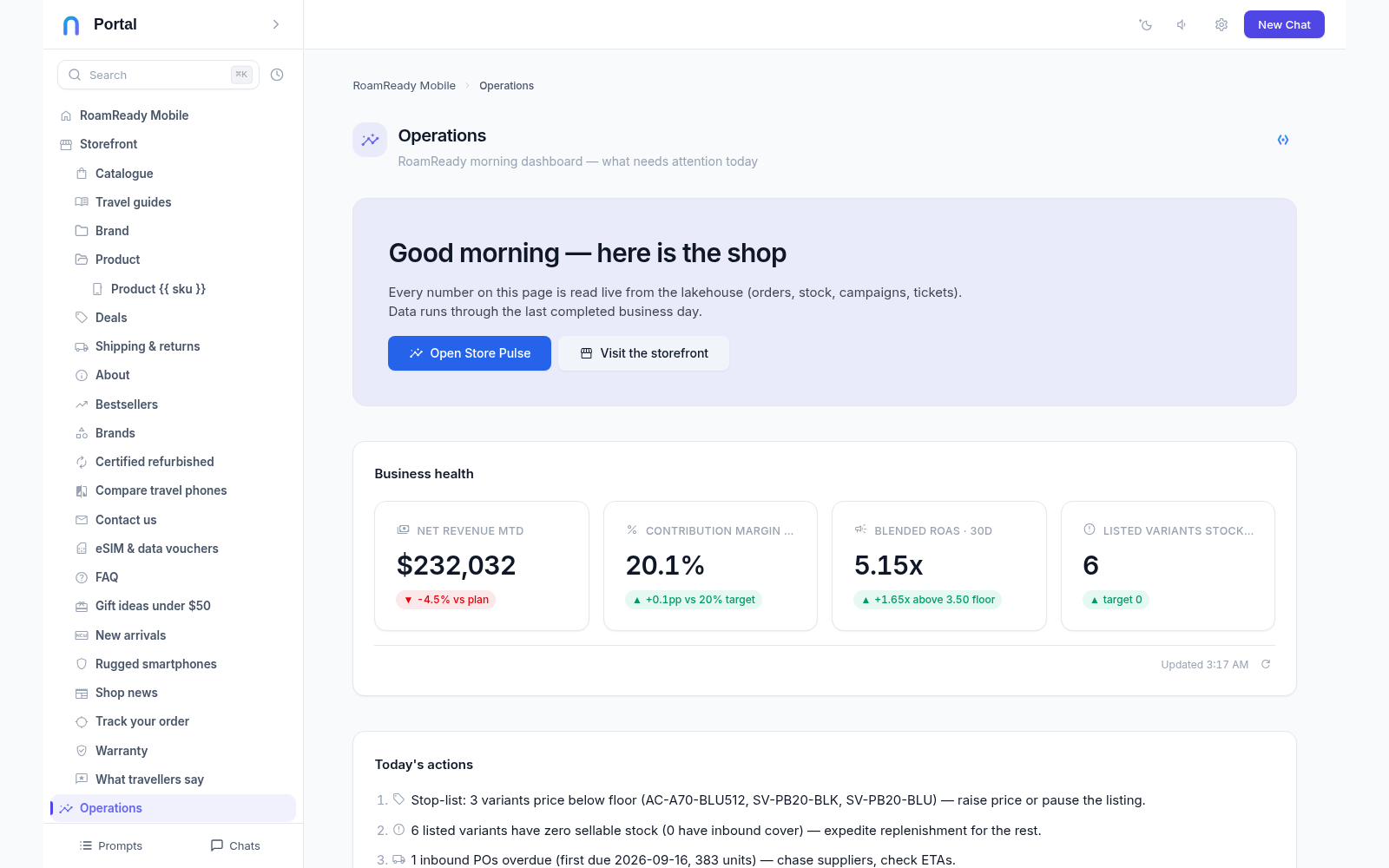
One recommendation card at the top: what to do next and why
Edits arrive at once: an open page updates without a reload
Unread pages are marked — you can see what the agent changed
Comments on the page: select a fragment and leave a note — the agent fixes it
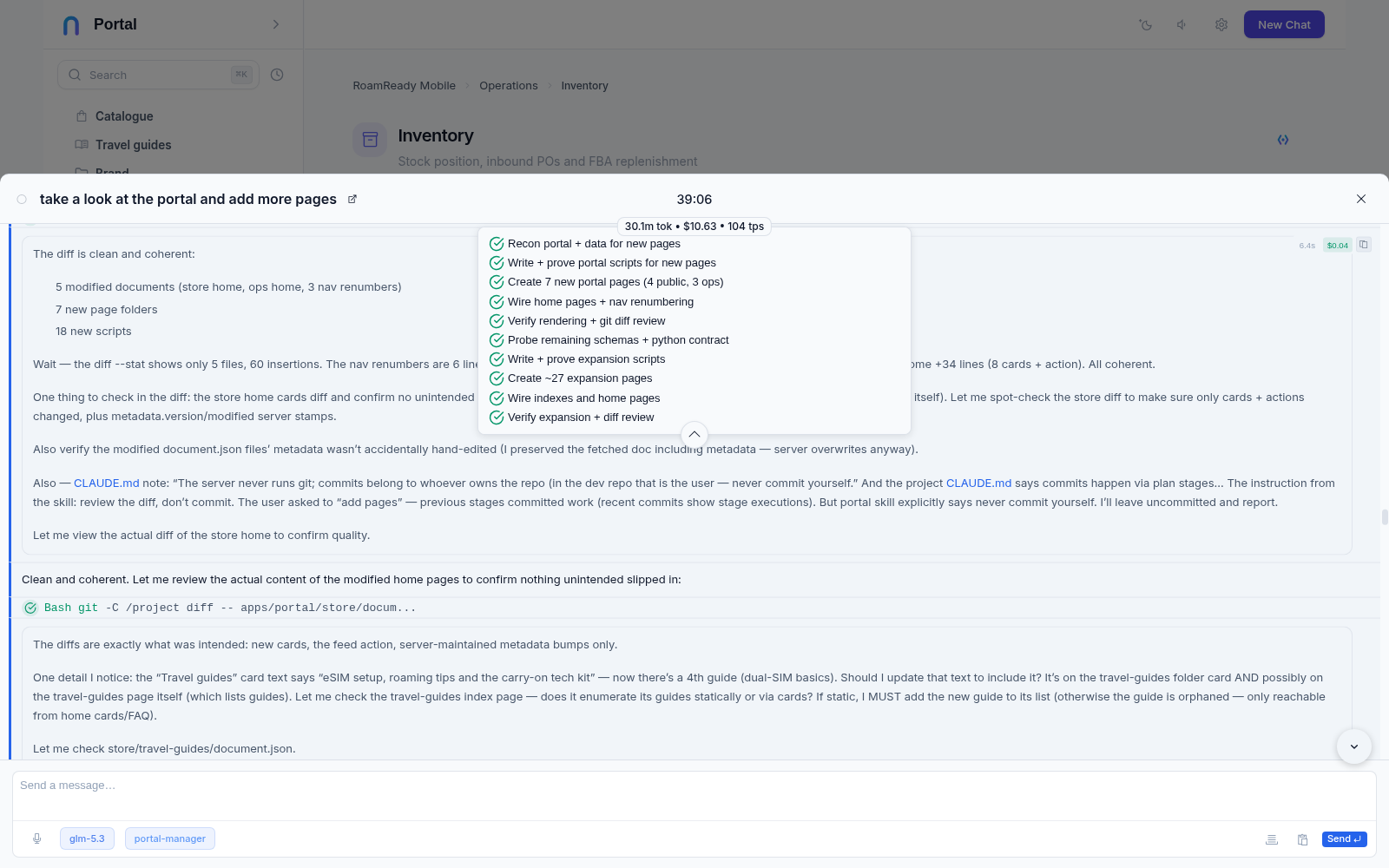
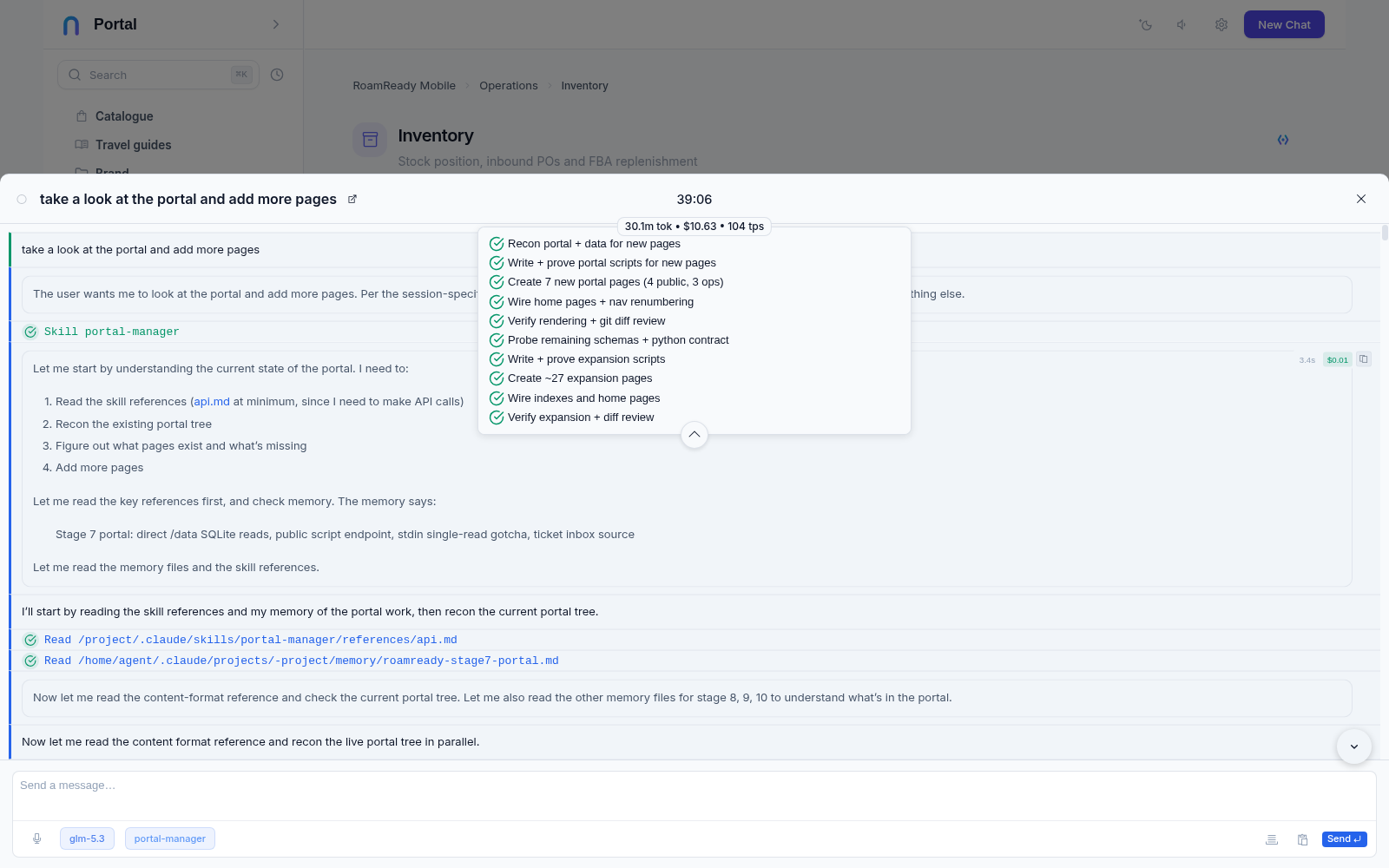
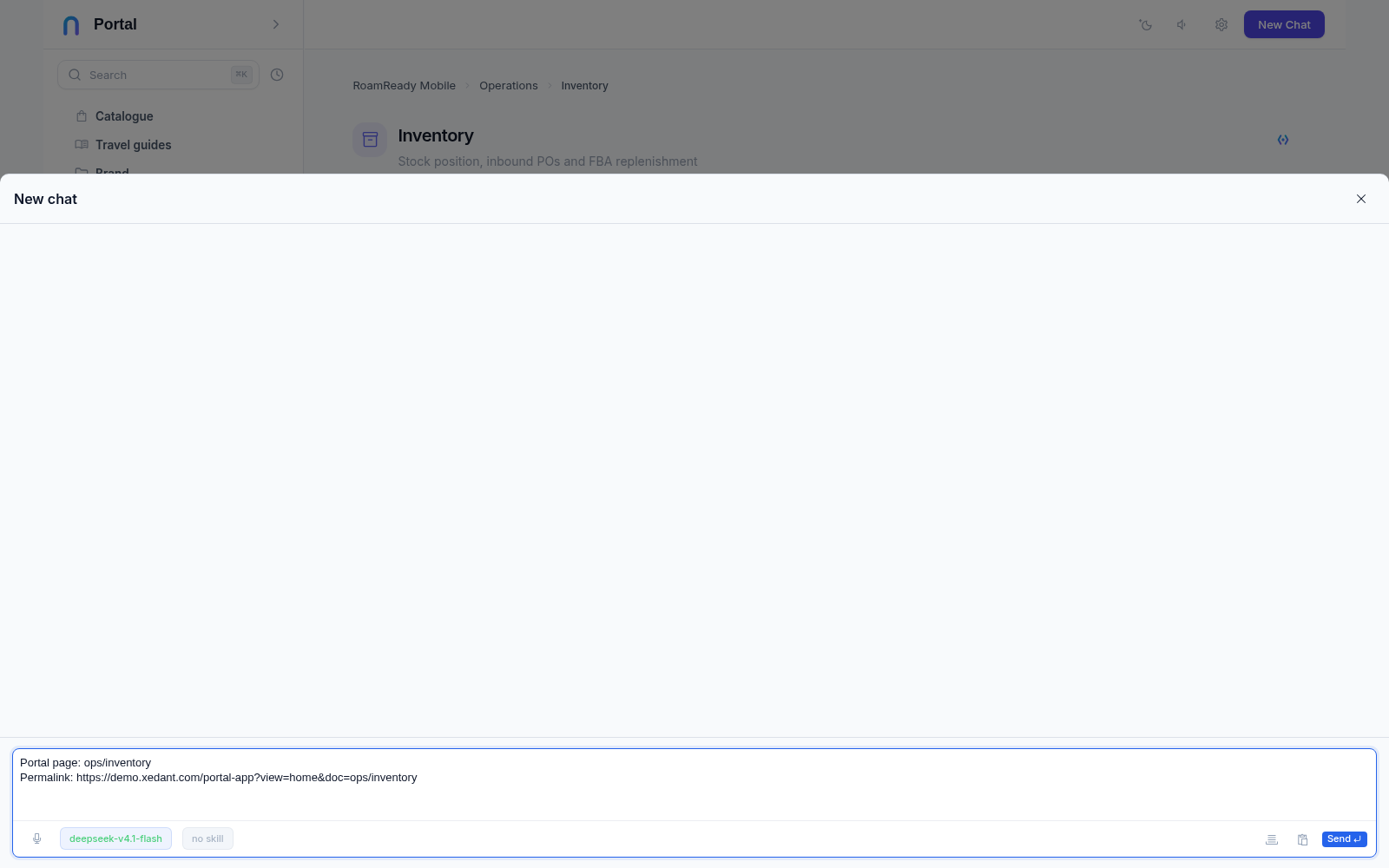
A request goes to the agent as its own chat: it shows up in the chat list, the chat drawer never gets in the way
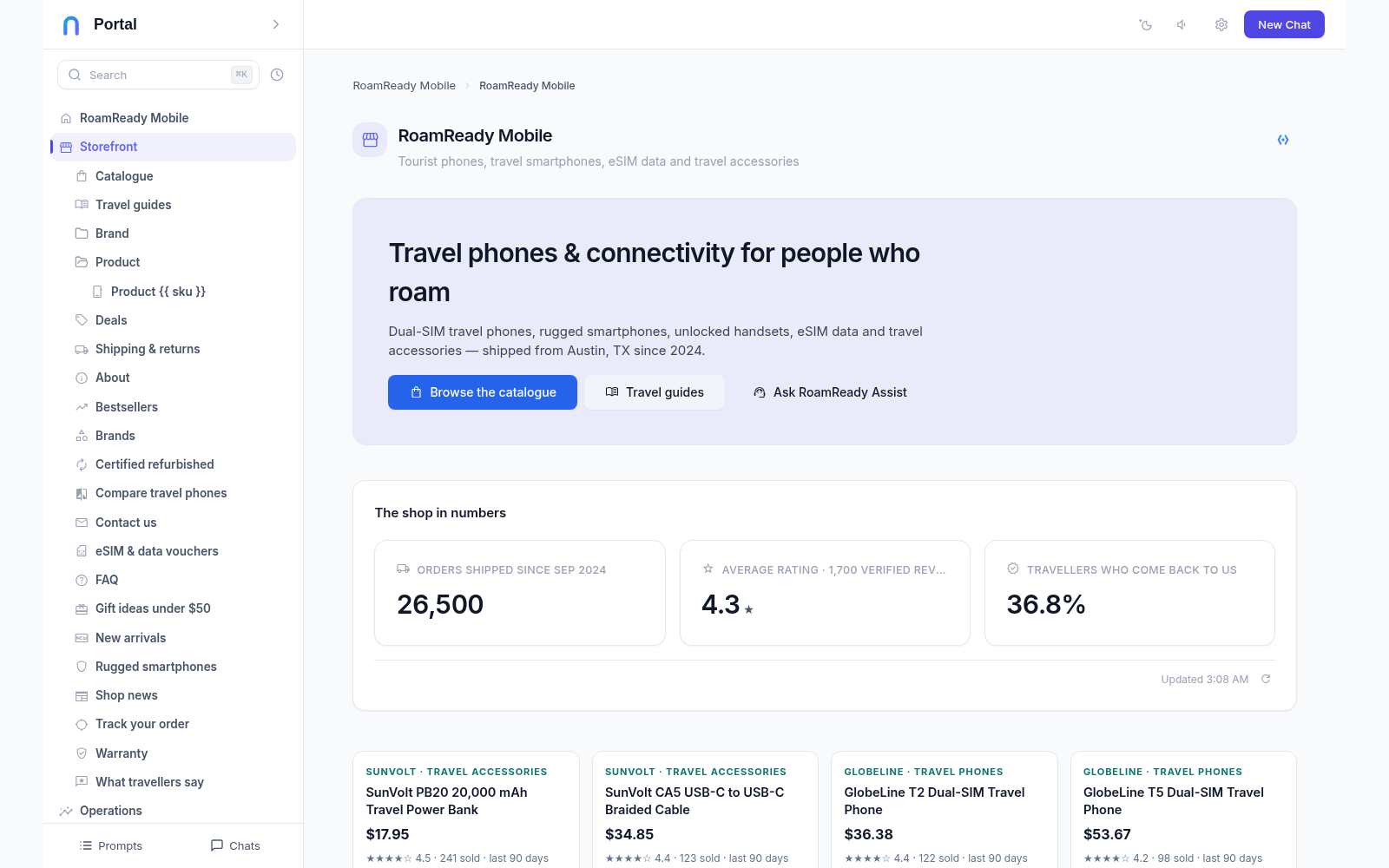
Dynamic blocks on Python: figures, charts, tables and lists come from your systems
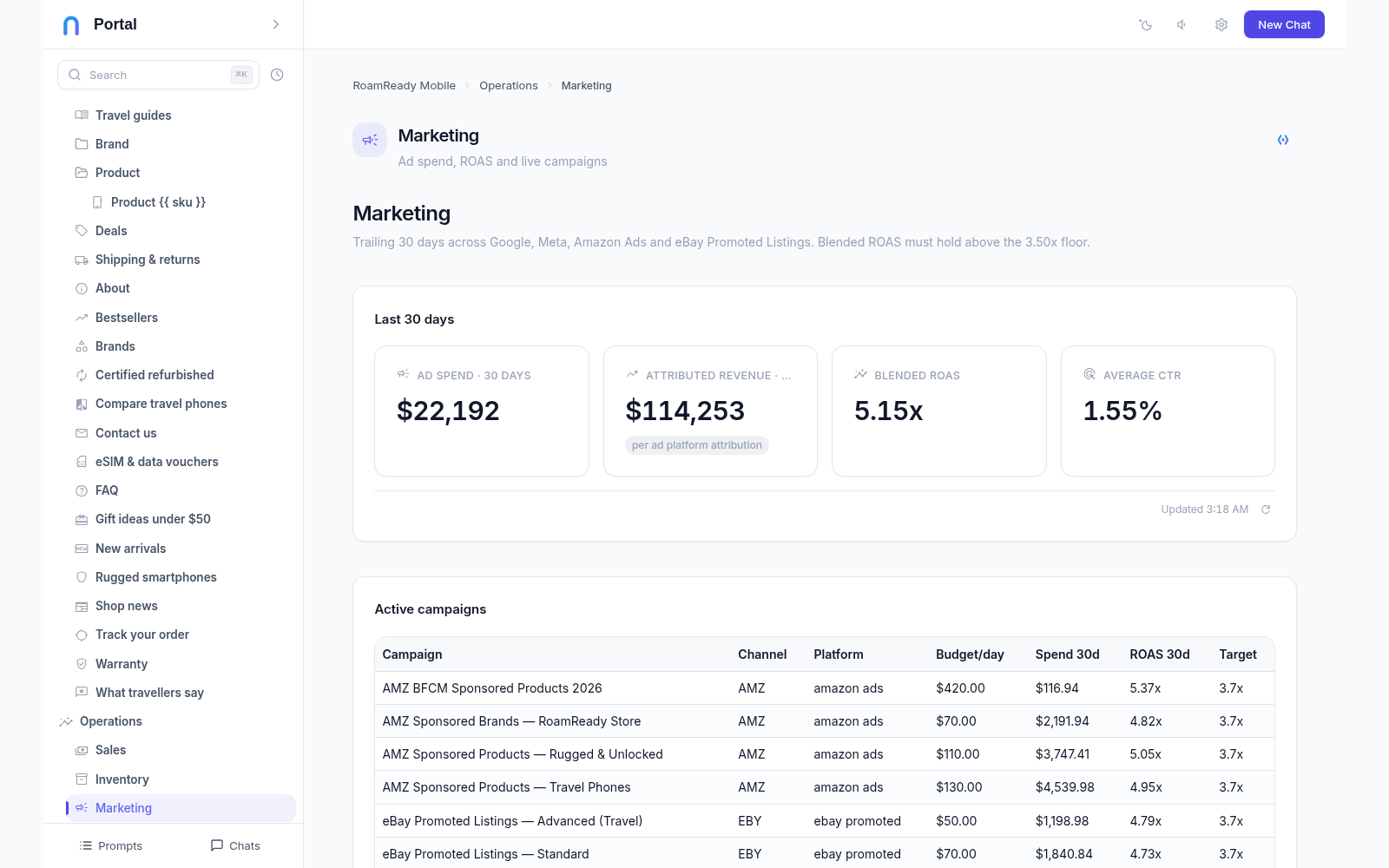
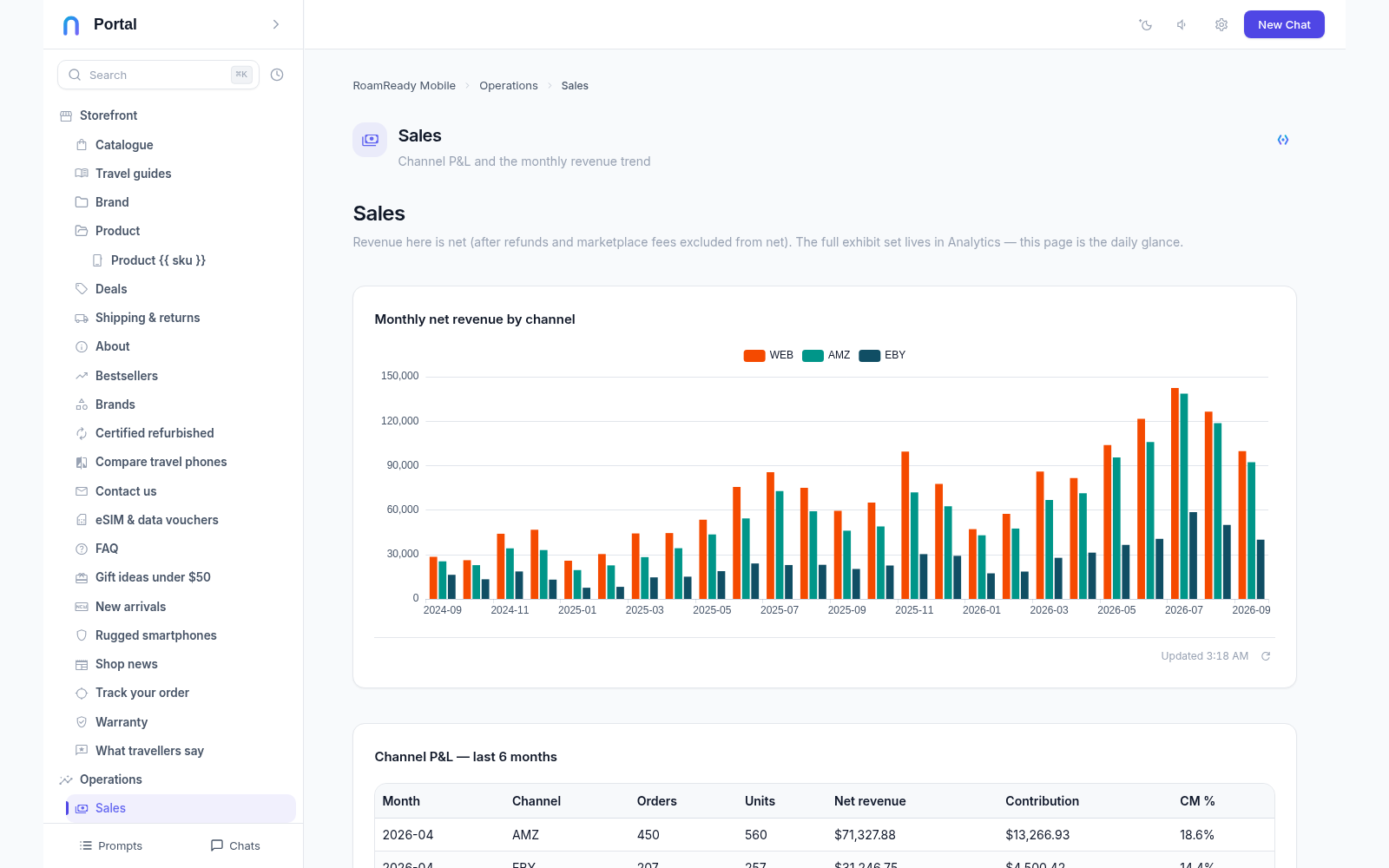
Charts on live data: lines, columns and pies in light and dark theme
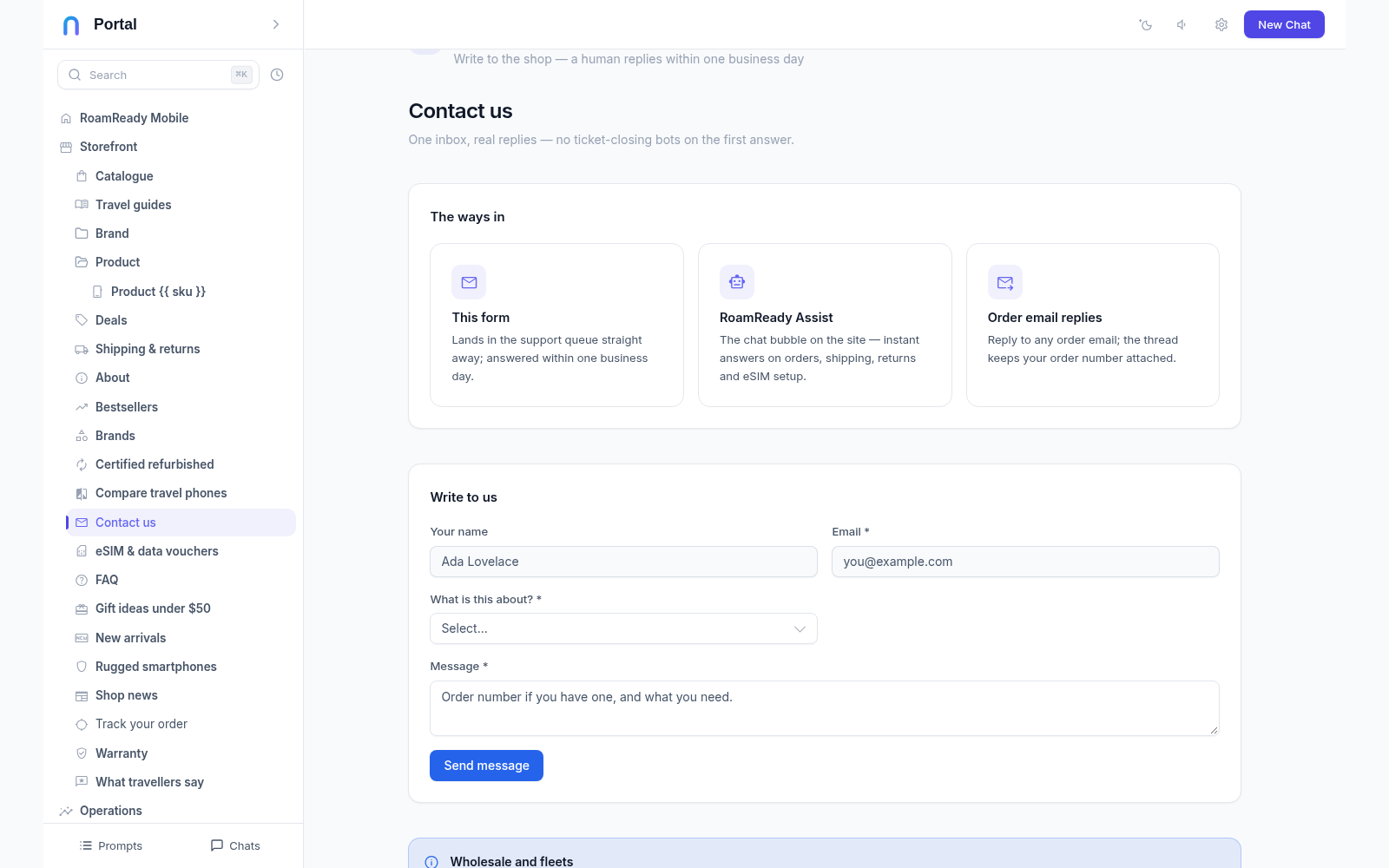
Forms on a page: requests and subscriptions by your own scripts, with field checks
Freshness under the block: “Updated at 14:02” and a refresh button
Public site: marked pages open at /p/ with no sign-in
Page access: draft, for staff, or public
Everything on your own server: one container, the data stays with you
Quiet at idle: with nobody working the portal spends no CPU and releases memory after 15 minutes
Buttons open a page in a new tab and refresh blocks once the agent has accepted the task
The portal is files in git
Every page is a folder: description, texts and pictures side by side
Page description and its texts are stored apart, so git edits read clearly
The whole edit history is kept: any version can be seen and restored
Move the whole portal to another server by copying the folder
The agent’s work can be committed into history with one button — or rolled back
Pages are assembled by the agent
People do not edit pages in a browser: there is no editor in the interface
The agent creates, renames, moves and copies pages
A page is checked before saving: mistakes are visible at once
Edits go through a separate management address protected by a key
28 block types
Text and structure blocks: headings, lists, tables, dividers, quotes
Cards, icon tiles, callouts, big hero banners
Media: images, galleries, carousels, video, files
Data and action blocks: charts, forms, tables with live figures, buttons
Diagrams and pictures right inside the text, with no extra block
Tables with icons, colours and action buttons in the cells
Buttons and actions
A link outside: to another site or to a document
A step inside the portal, with variables substituted into the path — in a new tab when needed
Run a script from the page: a calculation, a report, a submission
A request to the agent: the chat opens with the request already in the input field; you can send it immediately
One-click button: one press hands the agent a ready request as its own chat — no dialog and no chat panel
A button with a form: asks the reader for a couple of fields and sends them to the agent
After the agent accepts the task the needed blocks refresh and the page opens — right there or in a new tab
Templates and variables
One sample page serves many addresses: news/python, news/go
Values go into headings, descriptions and buttons
The value can be chosen right on the page
A real page beats the sample: it shows its own content
Dynamic blocks on Python
Instead of hand-typed figures, a script pulls data from your systems
Extra libraries are installed with a single command by the agent
Time limits and a cap on simultaneous runs: a stuck script never blocks the portal
Errors are explained in plain words; the details are shown to the agent
Data and visualisations
Lines, columns and pies built from your own data
The palette follows the portal theme
Switch the theme and the chart redraws itself
The result is kept for a while so the source is not pulled on every view
Data straight from your own databases by a query description — 33 visualisation types
Click a value to filter the blocks linked to it: from the big picture down to the detail
Forms and requests
Fields, required values and a check of what was typed in
What the script answers: a message, a refresh, a step, a file download
A soft error message instead of a frightening wall of text
Protection from impatient clicks and too frequent submissions
A request goes to the agent as its own chat: the answer lives there, and the page refreshes once the task is accepted
Everything changes on the fly
The server watches the portal files and notices every change
An open page updates itself, with no reload
Unread is counted by content: only what really changed is marked, parents included
Every tree row has a menu: mark as read and change the page icon
The update keeps your place: reading is not interrupted
Public site /p/
Mark a page public and it is open to everyone, with no sign-in
The menu is built from published pages: order, labels, depth
The heading and description of the site are there for search engines
From outside, a draft looks exactly like a page that does not exist
Page access
Draft: visible to administrators only
For staff: open after signing in
Public: reachable from outside at /p/
A new page always starts as a draft; publishing is a switch of access
Managing the agent
A separate management address with a key: outsiders cannot use it
Create, rename, move, copy and delete pages
Upload images and text files, run scripts and add libraries
Structure checks before saving, plus a state report on demand
Chat with the AI agent and edits in plain words
Connect Xedant Agent with a single setting
Fix a page or a single block right from the chat
The agent sees which page and which block you are working on
Leave a note on the page itself: select the fragment and comment — the agent works it as a task
Select a fragment and either leave a remark or send the task to the agent straight away, choosing the model and skill on the spot
The license is needed only to send messages to the agent; all else works without it
Checks and recommendations
All 28 block types are checked for mistakes and give hints
Problems and hints are shown on the page itself
One recommendation card: what to do next and why
Service messages are never shown to readers