Fast data analysis and visualization: dashboards you can dig into deeper than Grafana
Xedant Analytics Agent was built by an analyst with more than 25 years of working with data and visualization — it is a tool for real analysis, not just monitoring. Here you don’t only look at dashboards: you dig into the data — filter, cross-check, calculate in Python. You can ask the AI to add reports, charts and tables in plain language, right inside the interface. Ready-made solutions — forecasts, segments, scoring — come from a library of 257 analysis templates, including a free analytics course. And when something goes wrong, the system tells you itself: alert rules check your data on a schedule and send a signal to Telegram, Slack or email. The data for reports is usually prepared by Data Agent — together the products form a pipeline: collect → prepare → present.
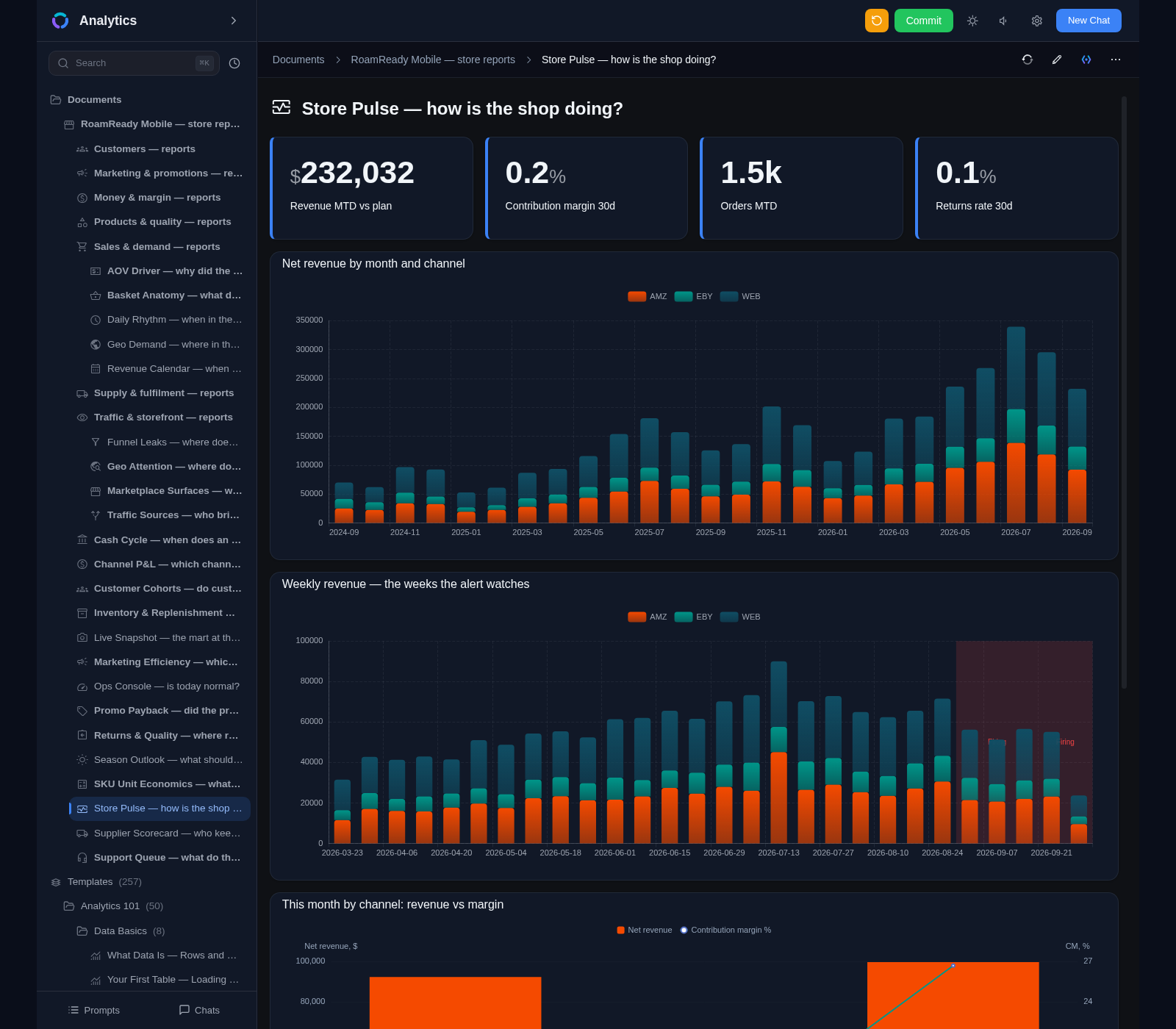
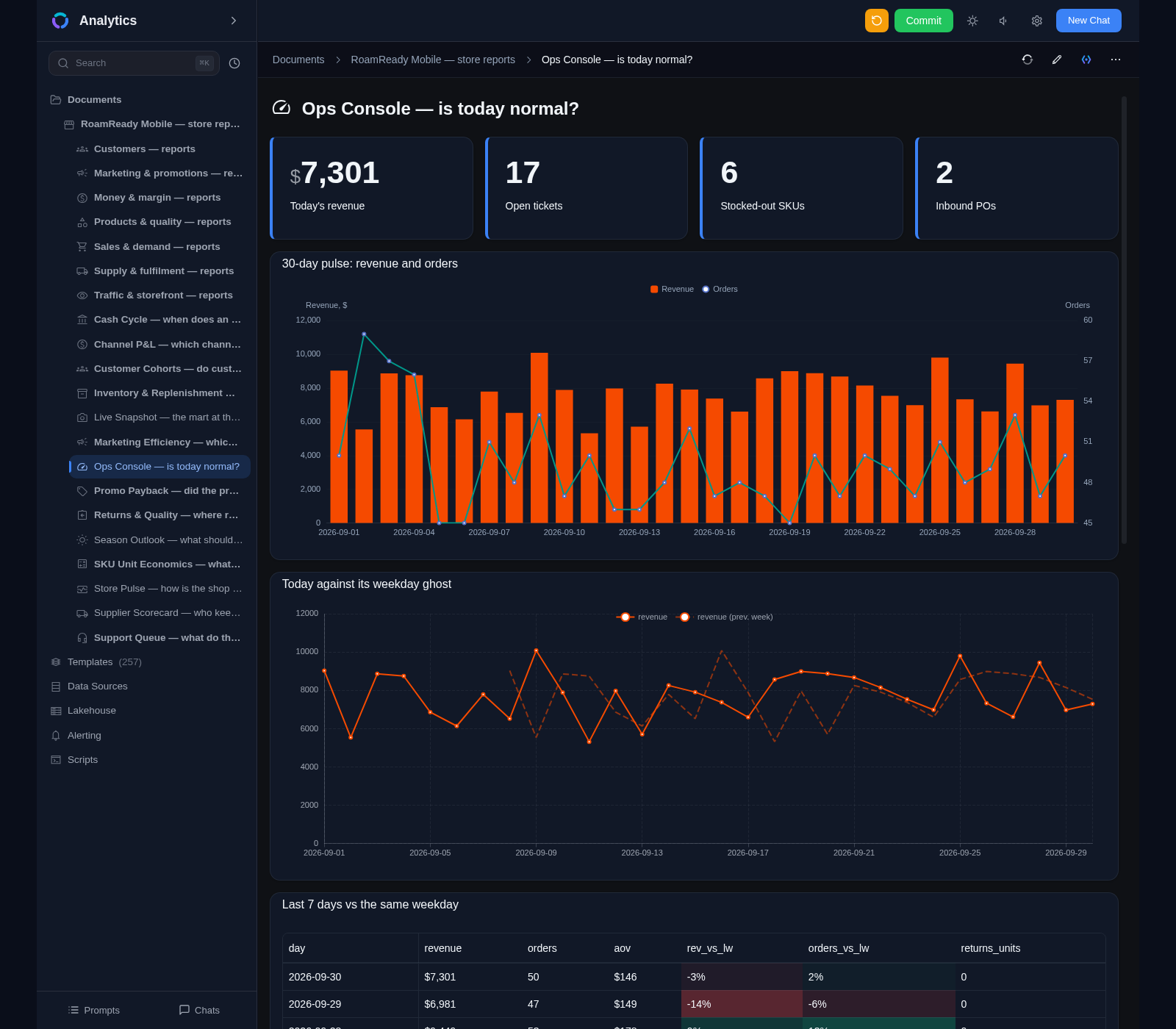
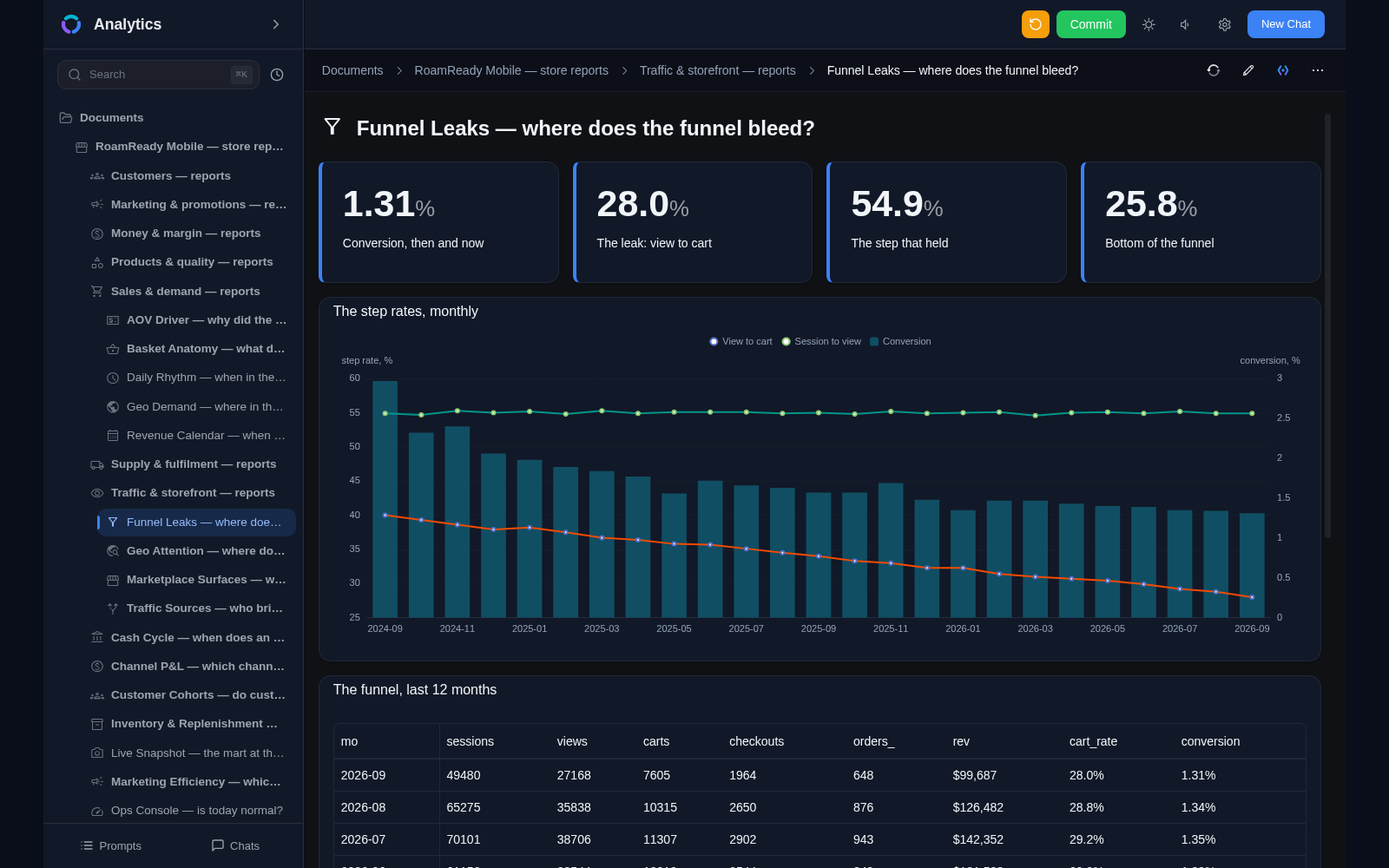
Documents as reports built from blocks: charts, tables, metrics
38 block types — from Markdown to Jupyter Notebook
28 chart types: lines, bars, funnels, region maps, relationship diagrams
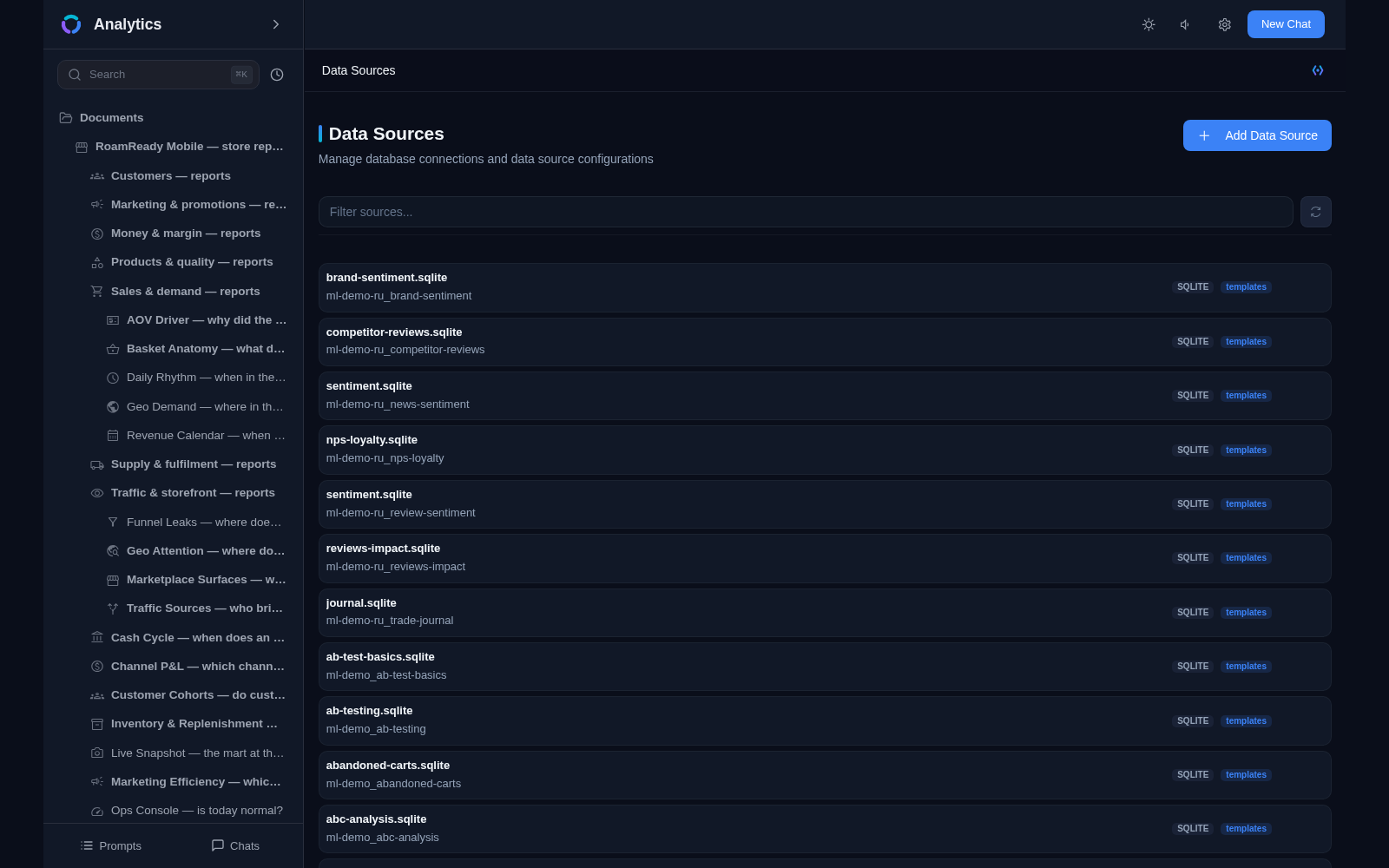
SQLite, PostgreSQL, ClickHouse and your own Python scripts out of the box
Schema auto-detection and caching of tables and queries
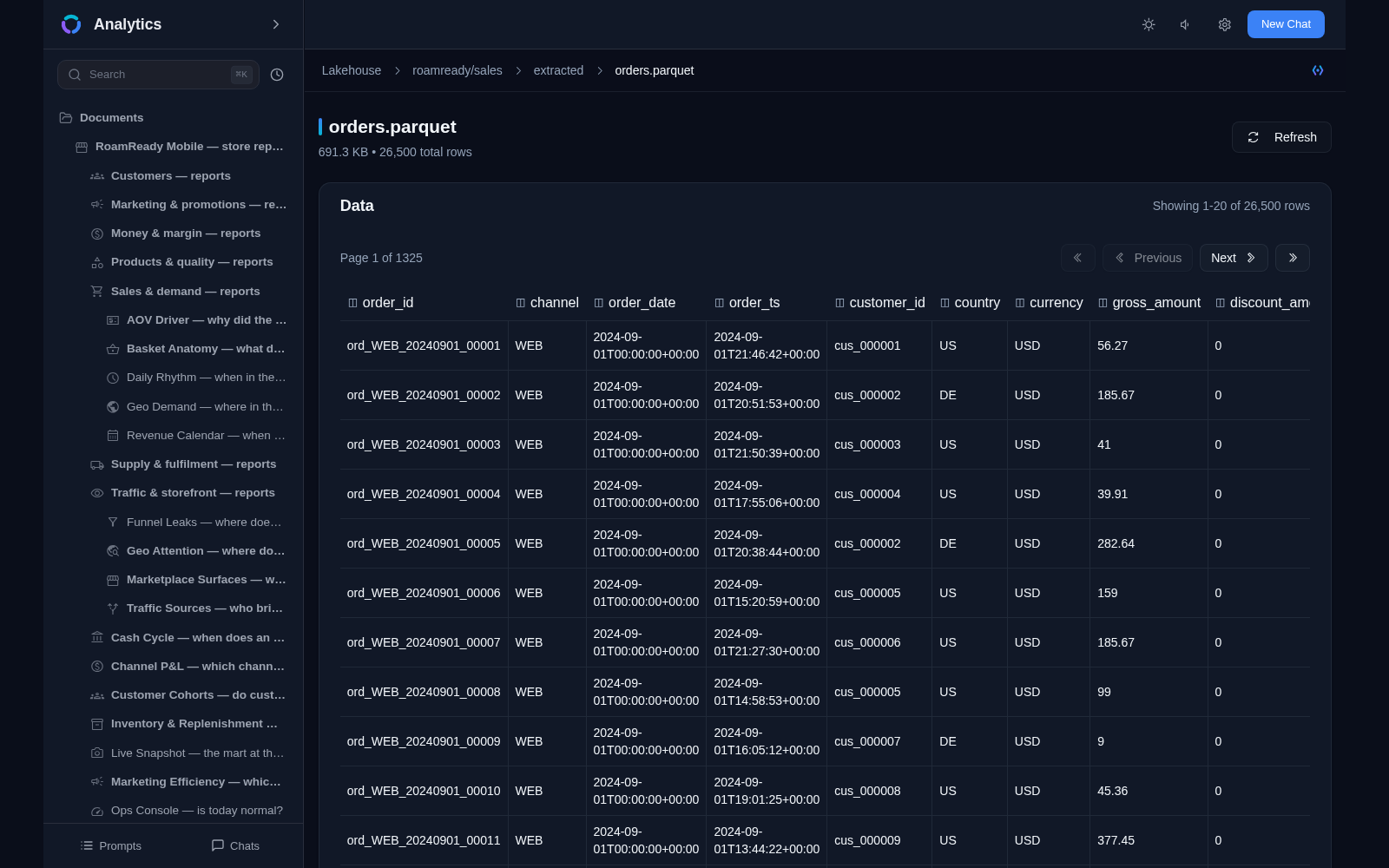
Lakehouse: queries to Parquet files without configuring sources
Interactive tables with pagination and cell links
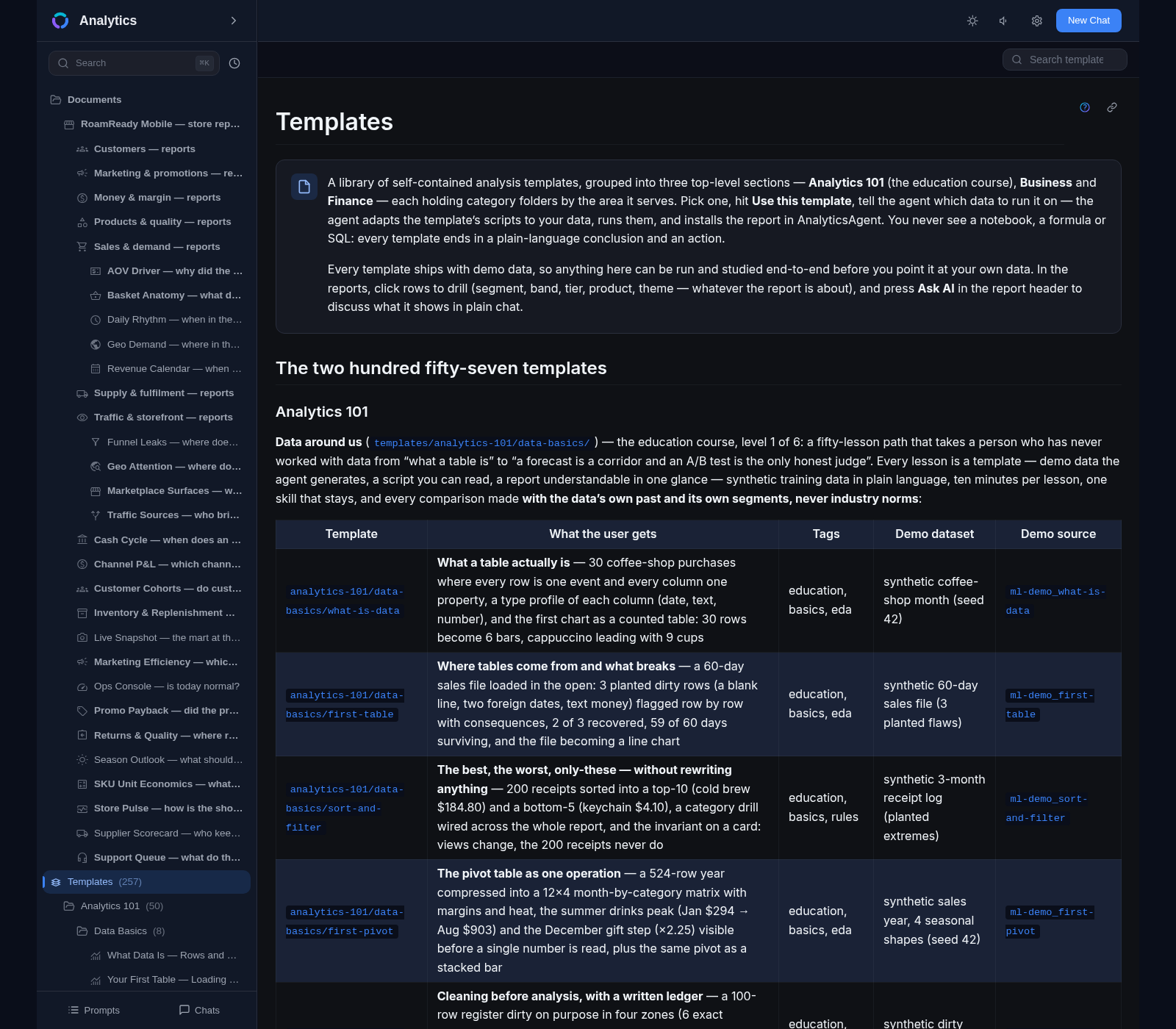
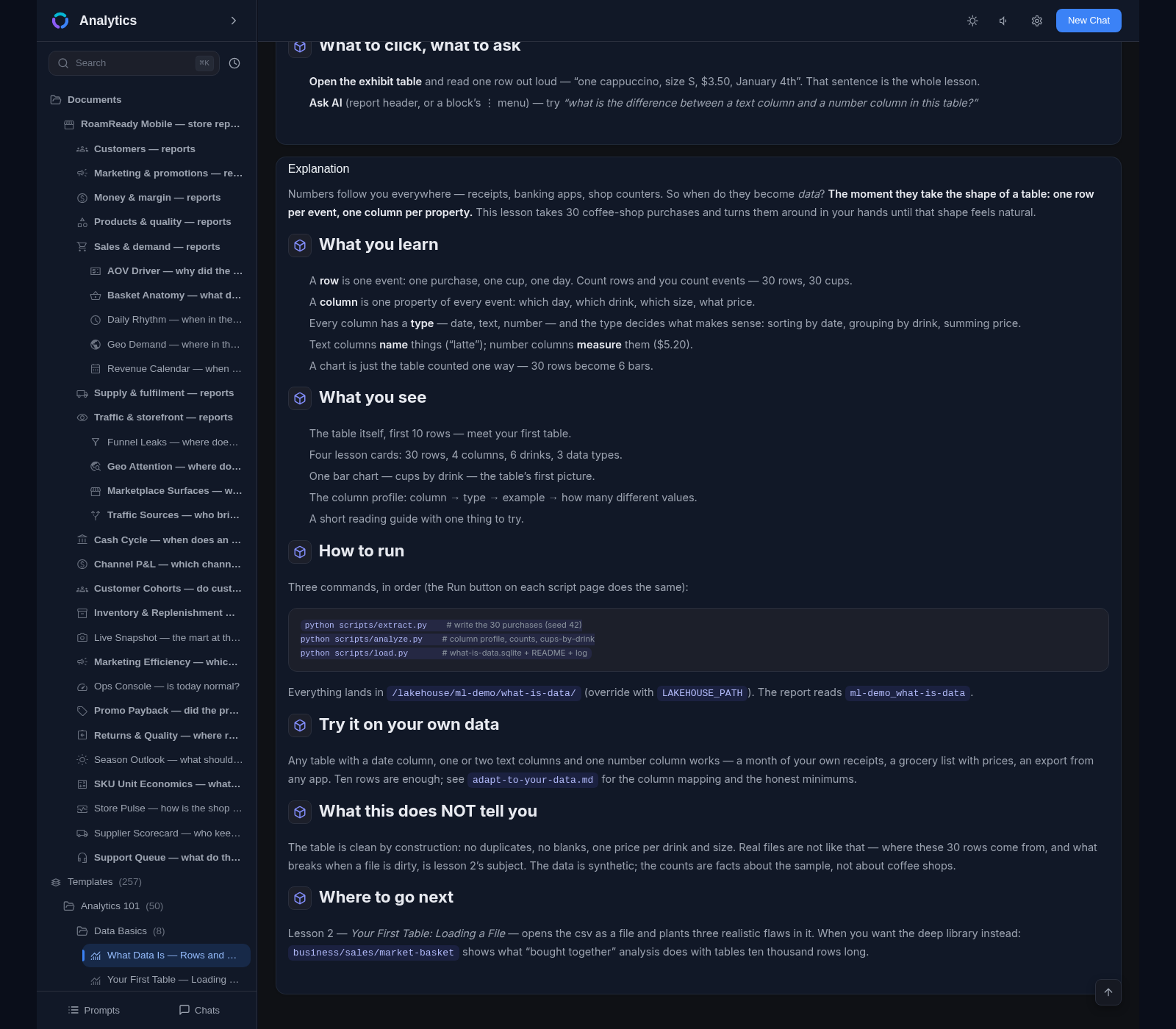
Template library: 257 ready-made analysis solutions with sample data
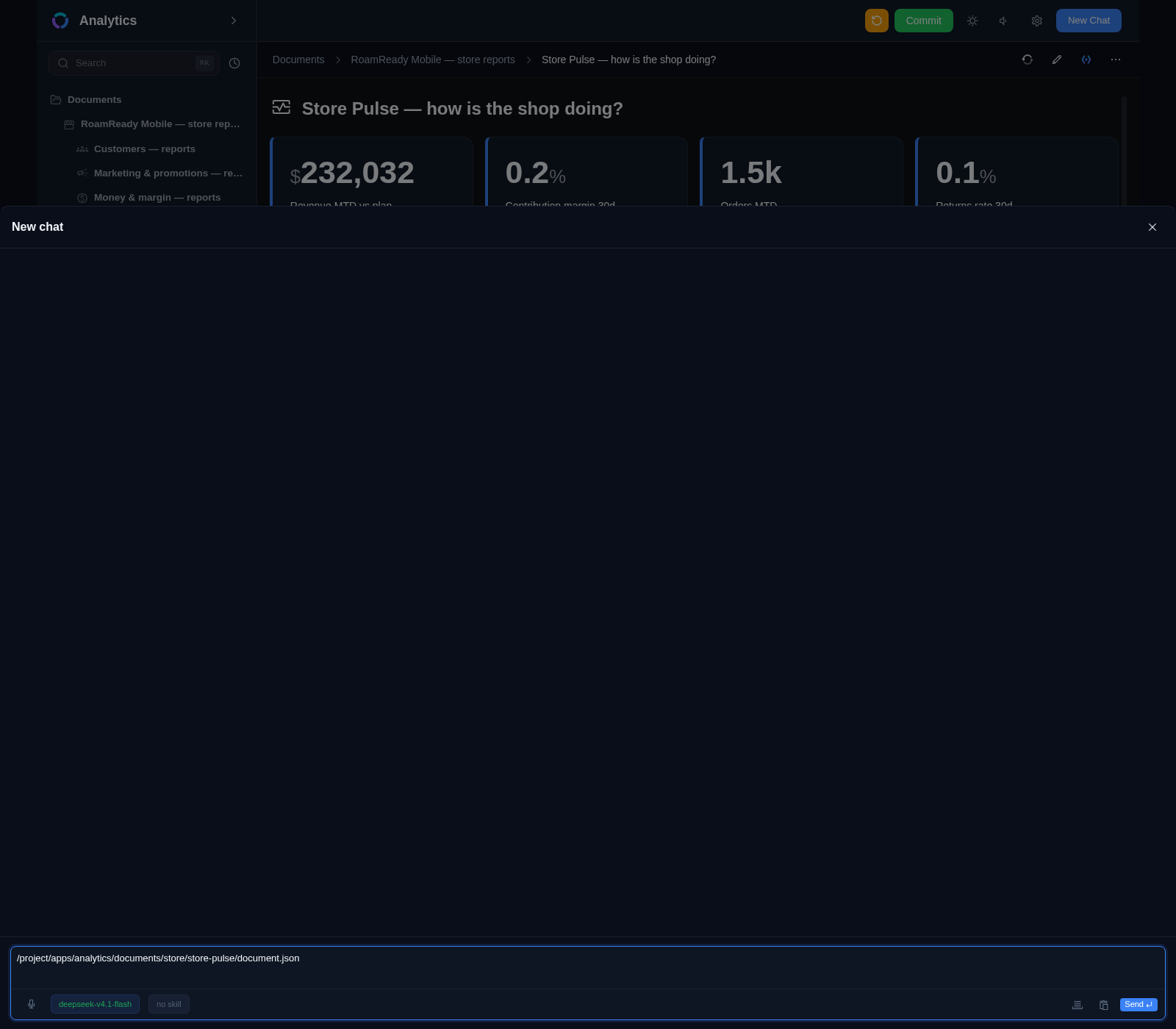
Ask the agent to add a report, chart or table
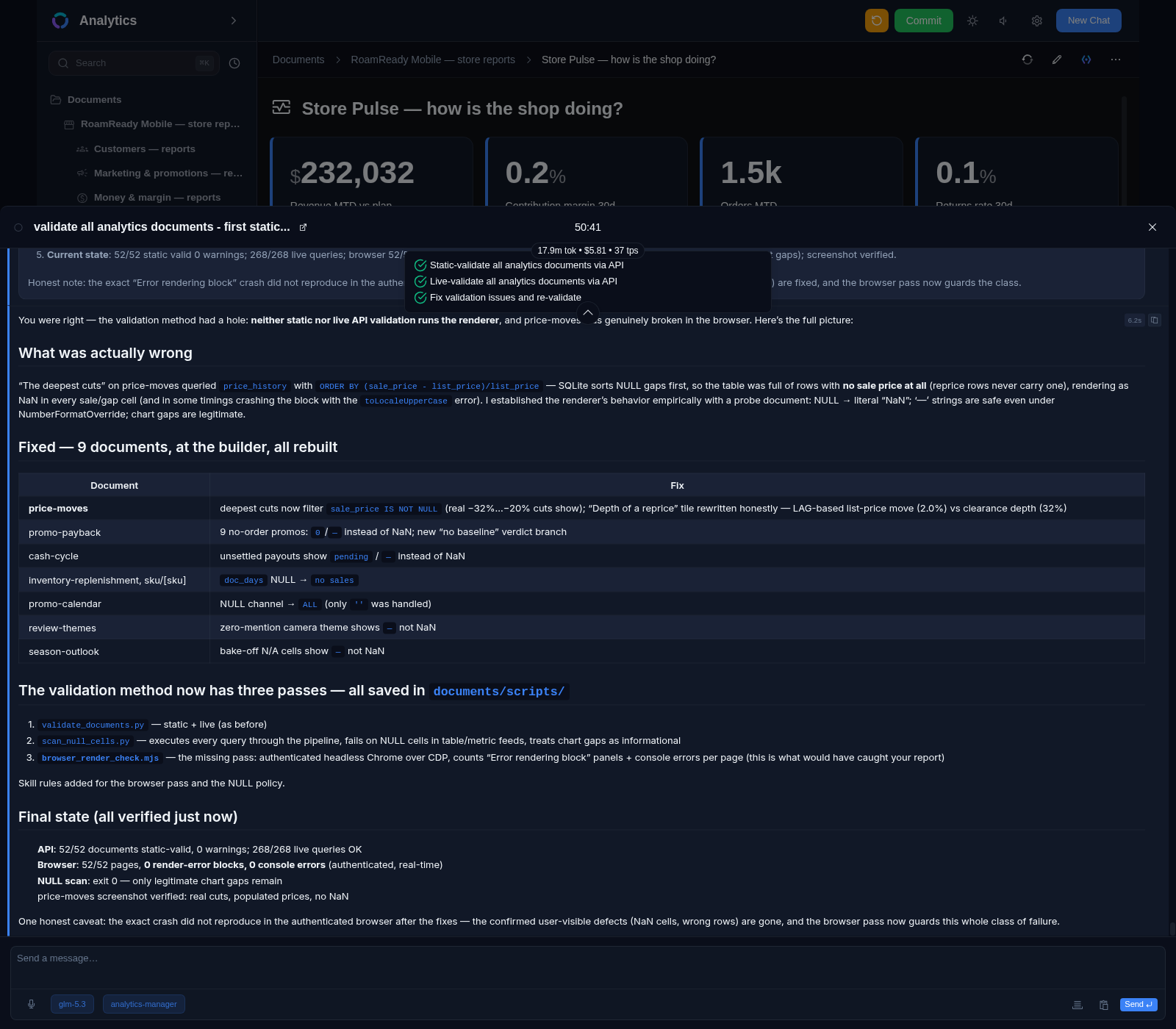
Fix with AI button next to any error
Runs on your central Xedant Agent — no extra keys or subscriptions
Built-in validation of documents, blocks and SQL queries
Auto-fix: errors are visible before a report is published
Jupyter Notebooks: Python inside a report
pandas, NumPy, Matplotlib, Seaborn for data analysis
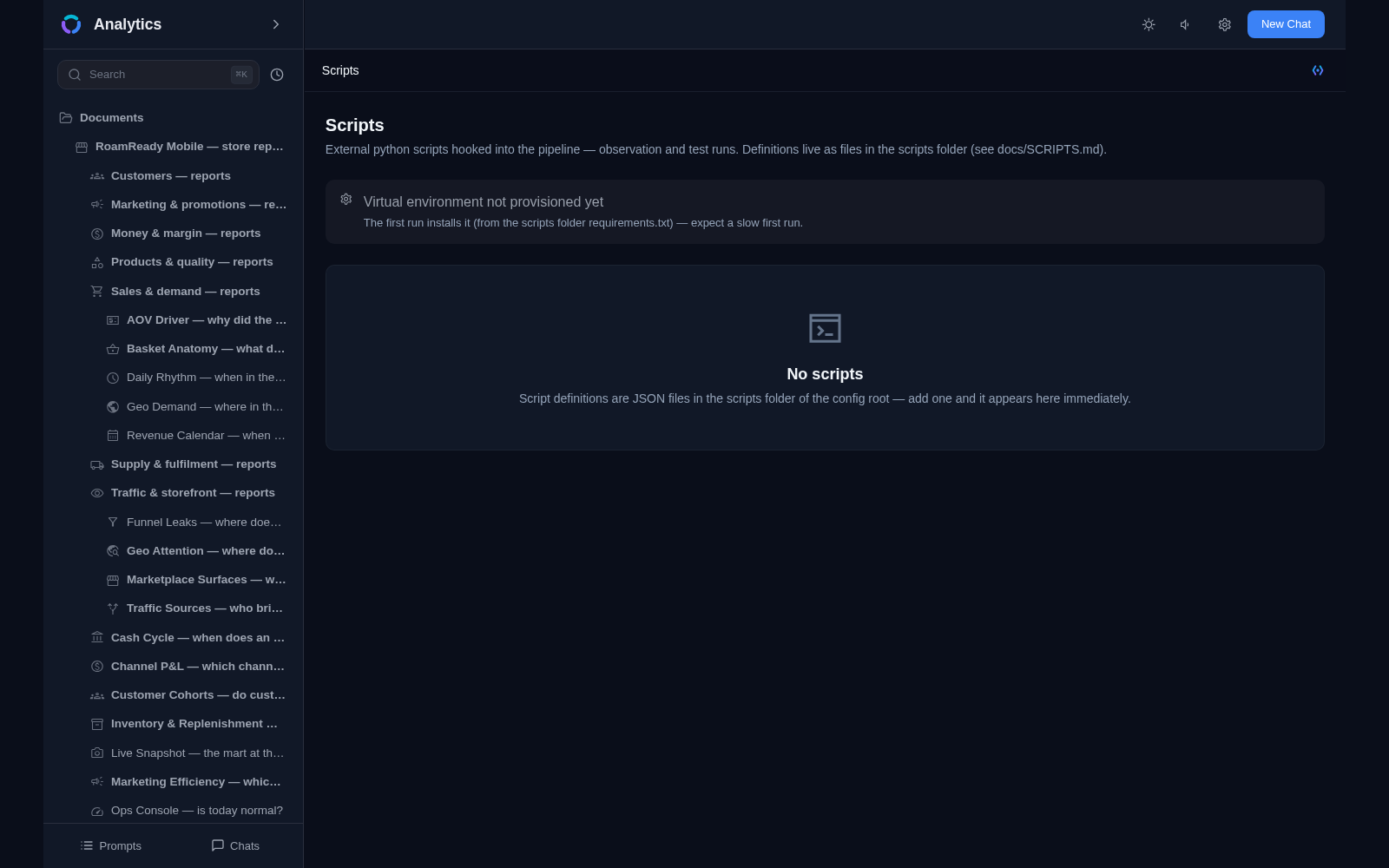
External Python scripts extend the pipeline: source, transform, alert, delivery
Scriban templates and variables in reports
One sidebar and agent chat on every page
Real-time report updates via SignalR
Reports are JSON files: Git, versioning, instant reload
13 types of block styling overrides
Public reports and access control
English and Russian interface, chosen in settings
Self-hosted: one Docker container, data in persistent volumes
Created by an analyst with more than 25 years of experience
Alerts: rule checks and notifications in 24 channels — from Telegram to email
Does not load the server when idle: background checks wake on changes only, and the search index lives on disk without holding memory
Pictures and files inside a report — a picture is shown in place, a file downloads from its link
Reports built from blocks
A document is a grid of blocks from 1 to 24 columns wide
Drag and drop blocks with the mouse
Reports are stored as JSON files — version them in Git
Changes are picked up instantly: real-time via SignalR
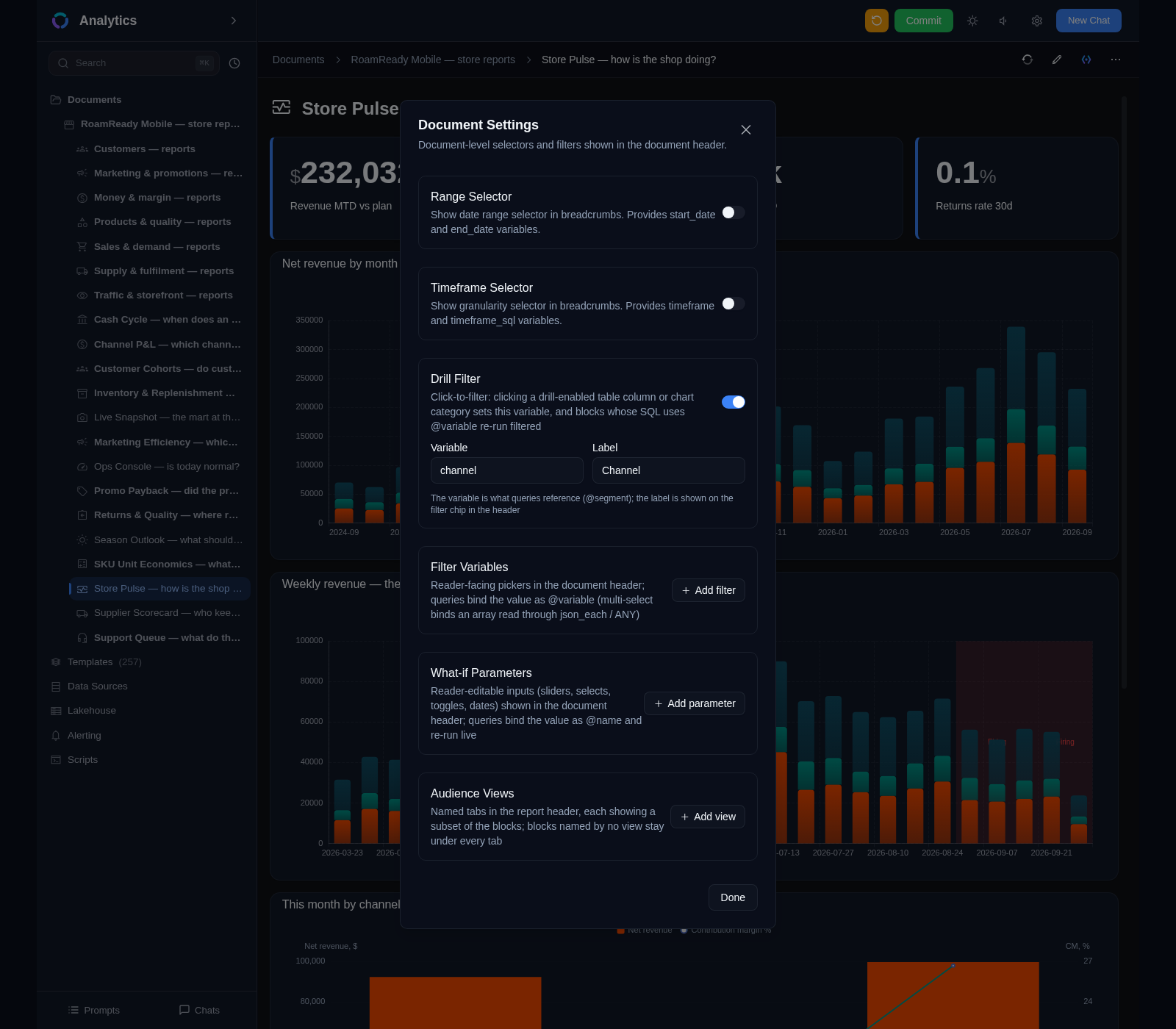
Filters, what-if parameters and click-to-drill right in the report
Export a report as PDF — send it to a colleague or a client
Thirty-eight block types
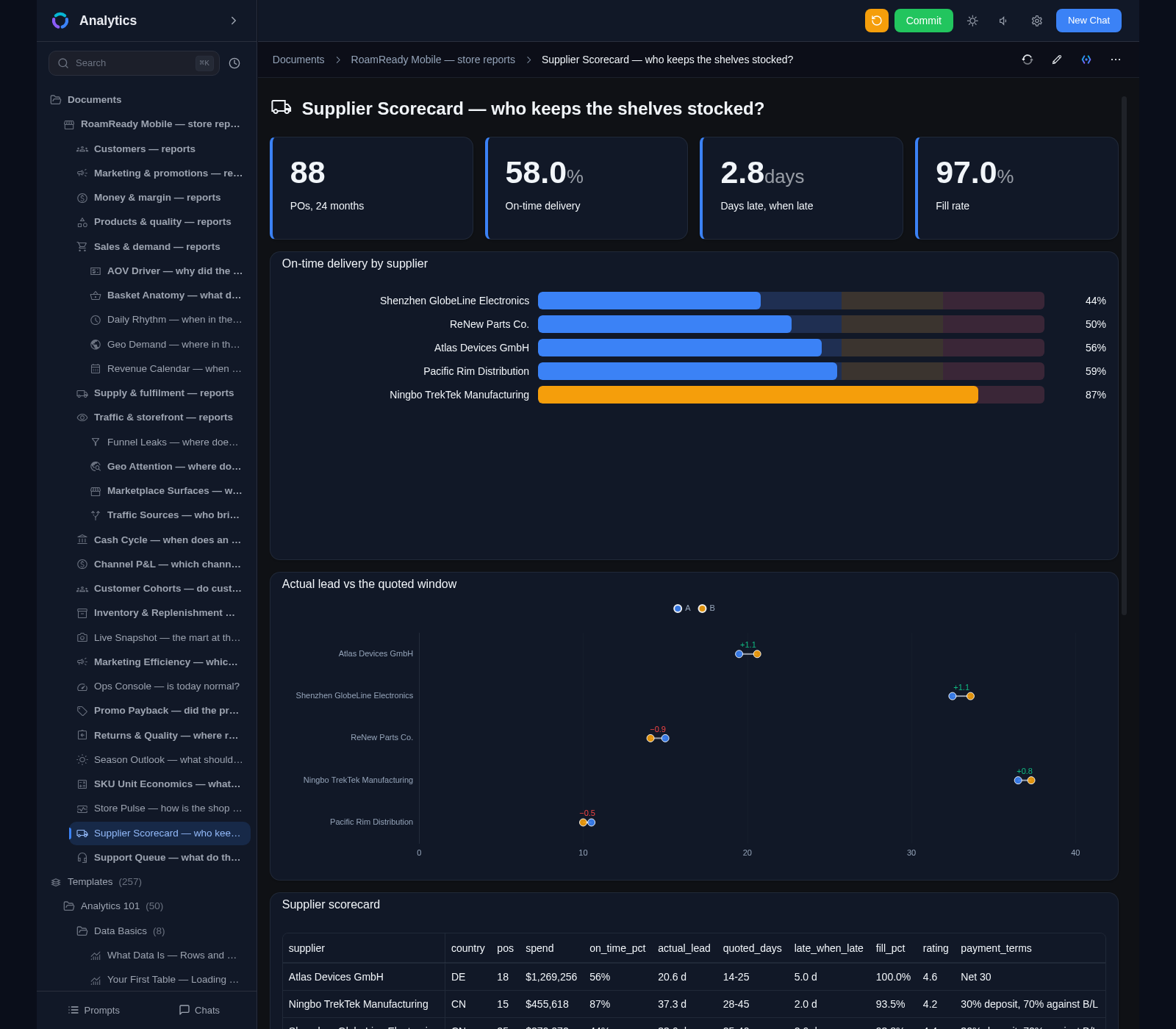
Charts, tables, metrics and gauges
Markdown text and section headings
Bookmark links and entity property lists
Jupyter Notebooks as full-fledged report blocks
Charts for any data
Line, bar, scatter and doughnut charts
Distribution histograms and box plots with quartiles
Financial OHLC candlesticks with trading volume
Series, stacks, smoothing, legends and animations
Funnels, Gantt, flow, relationship diagrams and region maps
Connecting to your databases
SQLite, PostgreSQL, ClickHouse and your own Python scripts
Automatic schema detection for data sources
Caching of tables and query results
Queries are validated before execution — errors surface immediately
AI right inside the report
“Add a weekly sales chart” — and the block appears
New reports, charts and tables in plain language
Fix with AI button next to an error
The agent edits the report directly — updates are instant
Analysis template library
257 ready-made templates in two groups — Business and Finance — plus a course
Forecasts, segments, scores, anomalies and alerts — end to end
Demo data with every template — run and study before adapting
“Use this template” — the agent adapts it to your data
A free 50-lesson course on data analysis is part of the library
Validation and auto-fix
Document validation: blocks, IDs, widths, configurations
SQL query validation before execution
Background validation of all reports with result caching
Errors are visible before publishing — with the AI fix button
Jupyter Notebooks
Python inside a report: execution via papermill
pandas, NumPy, Matplotlib, Seaborn out of the box
Automatic environment and dependency installation
Templates: basic, data analysis, machine learning
Extending with your own scripts
Your own data source out of any service with a Python client
The script re-works the query result: rename, convert, enrich, compute
A custom alert condition and a custom notification channel
Scripts are plain files next to your settings — no rebuild, no restart
Lakehouse
A file browser for all your data
Queries to Parquet files via Apache Arrow
SQLite files and Markdown without configuring sources
Table schemas and samples right from the browser
Variables and templates
Dynamic reports on the Scriban engine
Variables in document paths and content
Date range and timeframe selectors
One template — as many reports as you need
Styling without limits
13 types of block styling overrides
Number colors by thresholds, formats with prefixes and suffixes
Renaming columns and links from table cells
Hiding series, line, bar and point styles
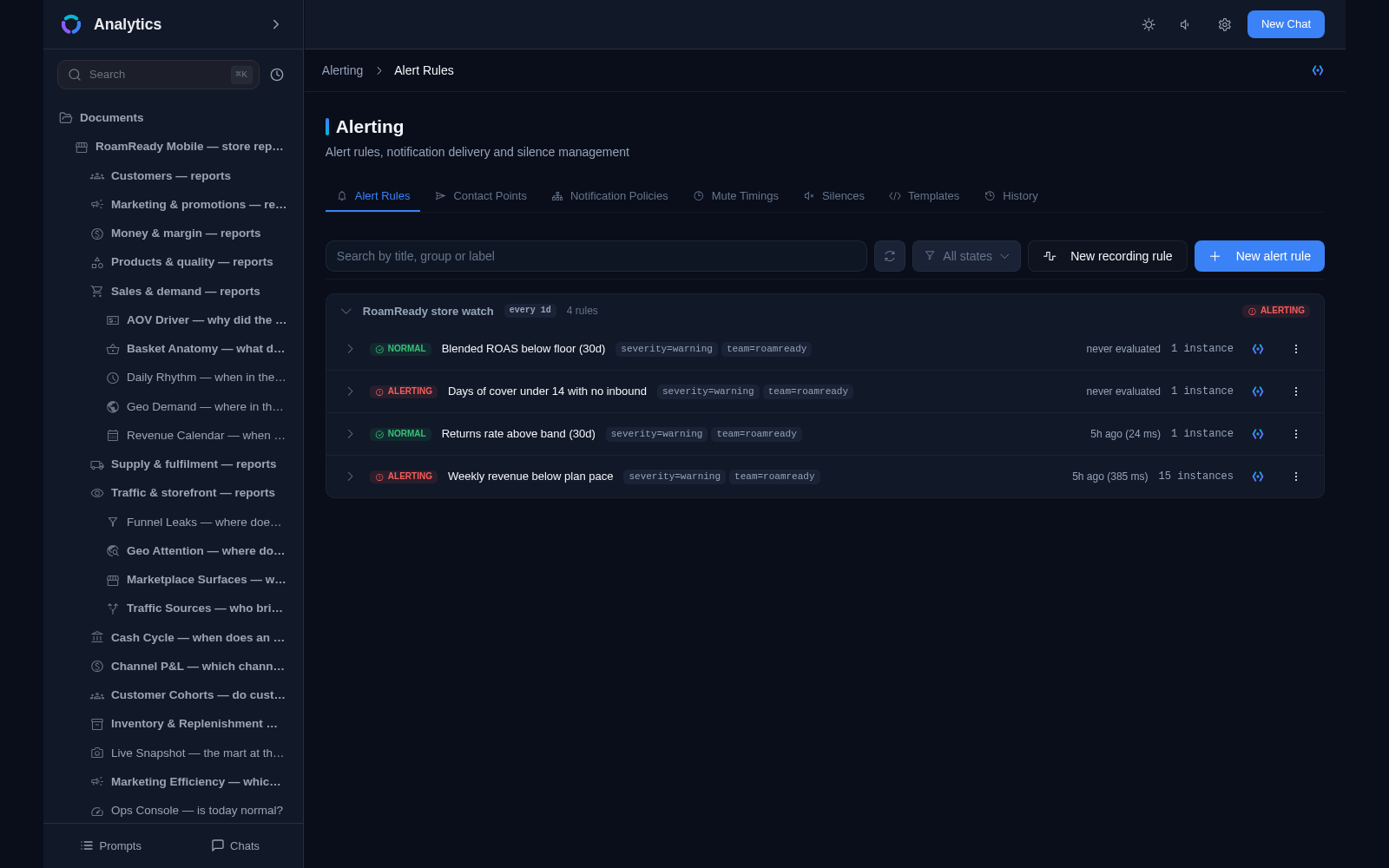
Alerts — the system watches for you
A rule is a query with a condition: sales fell below a threshold — you get a signal
Scheduled checks: from every 10 seconds to once a day
24 notification channels: Telegram, Slack, email, webhook and more
Silences and mute timings: no noise at night, on weekends and holidays
Firing history and a notification log — who got what and when
Recording rules: check results are saved into a database — build your own dashboards on them
The assistant agent and the sidebar
One sidebar on every page: sections, documents and search
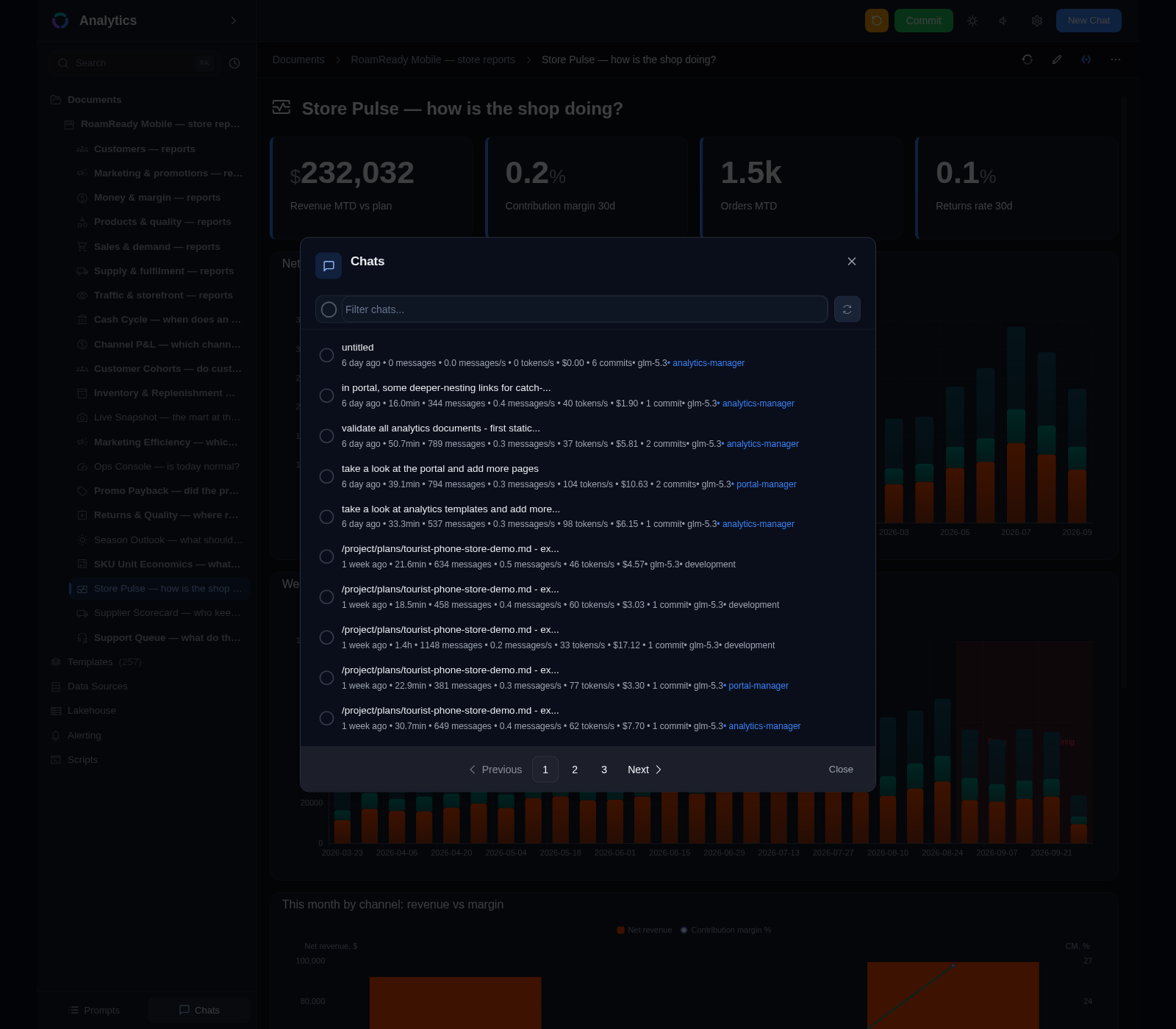
Agent chats open from anywhere — no switching between apps
Give a task in plain language: add a chart, fix an error, prepare a report
A prompts queue with auto-send: the agent works through tasks one by one
Pick a model and a skill for every request — the analytics skill is pre-selected
As-you-type search across documents and templates, and your recent history