Run a fleet of AI workers on any number of servers — all from one place
Server management
Handing the server over to the client
The client becomes the owner of their own MultiAgent
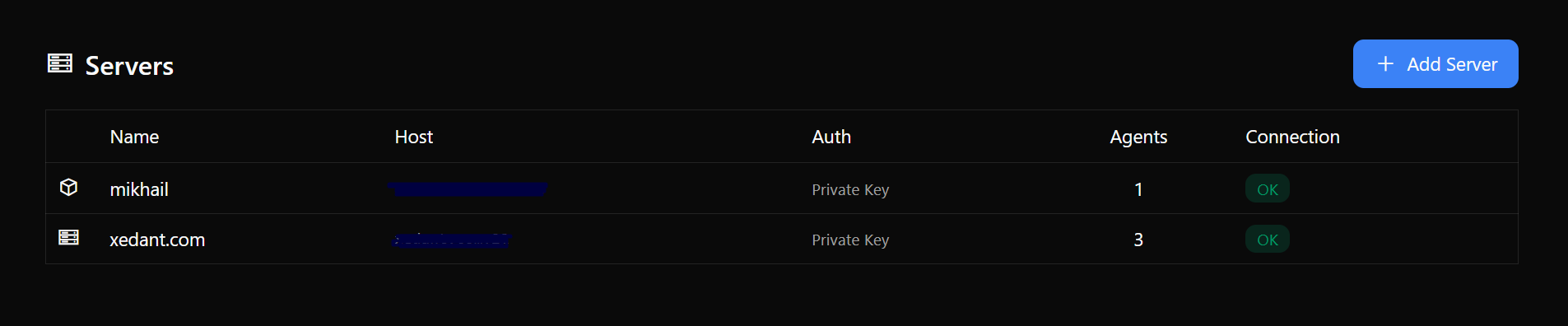
If the server belongs to your client, it makes sense to hand over the controls too. The handover is a one-time operation: it moves the records from your central instance to the client’s own MultiAgent on the same server — agents, apps, tools, routes and access keys. Running apps are untouched: nothing stops and nothing gets reinstalled.
Before you run it, you can see exactly what will move and what stays; if anything fails on your side, nothing changes — you can simply repeat the operation. Secrets travel directly between the two instances over a secure channel and never appear in the interface or the logs. You can look into the client’s instance with the Manage button — it signs you in automatically, no password needed.
Deploying agents
Centralized chats
Workspaces
Your own assistant (Own Agent)
Your own agent, next to your work
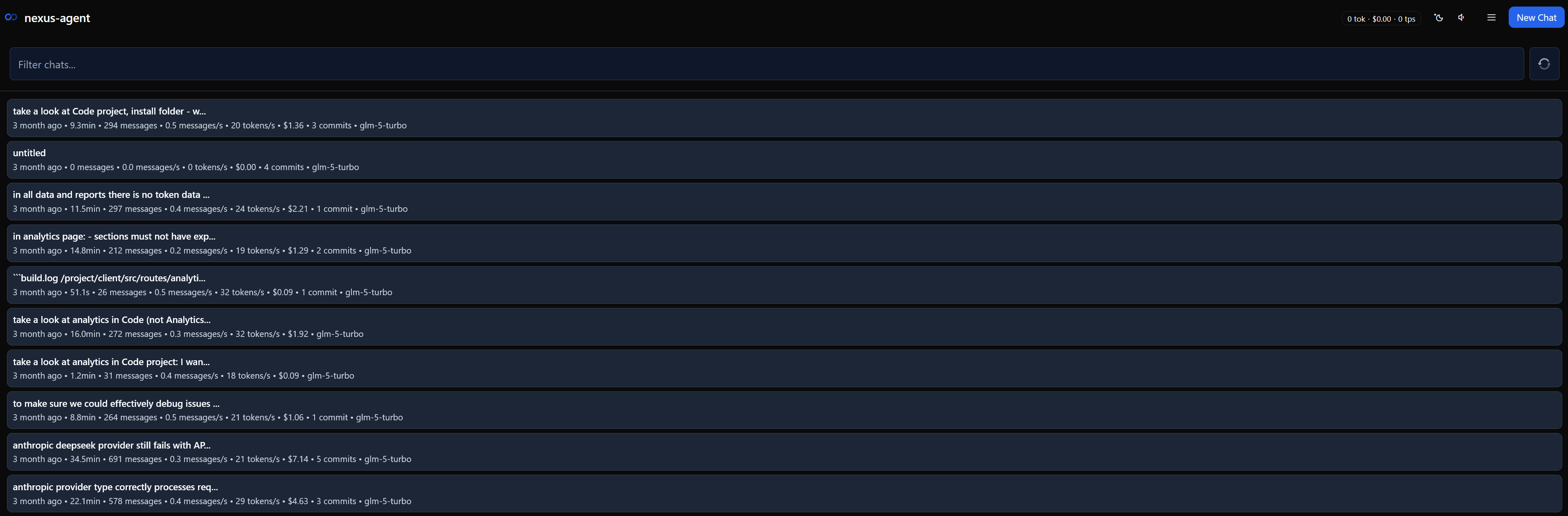
MultiAgent can have its own permanent assistant — a separate agent you talk to through a built-in chat, without switching between programs. The chat panel is available from any page: a message box, model and skill pickers, voice input. The sidebar shows a block with a summary of active chats, your queued prompts, and the Prompts and Chats buttons. You connect the assistant once, at startup: set the address and the key — and it’s there. The key stays on the server and never reaches the browser.
The assistant’s prompt queue works like any agent’s: prepare lines ahead of time (text + model + skill), send them manually or turn on auto-send — the agent drains the queue itself. There is voice input, and sound notifications for background chats.
It works both ways: the assistant doesn’t just answer you — it can also operate MultiAgent itself: create servers, deploy agents and products, and watch their health. All you do is hand it a key once.
Tasks, bots and prompts in chats
Agent features — right from the chat
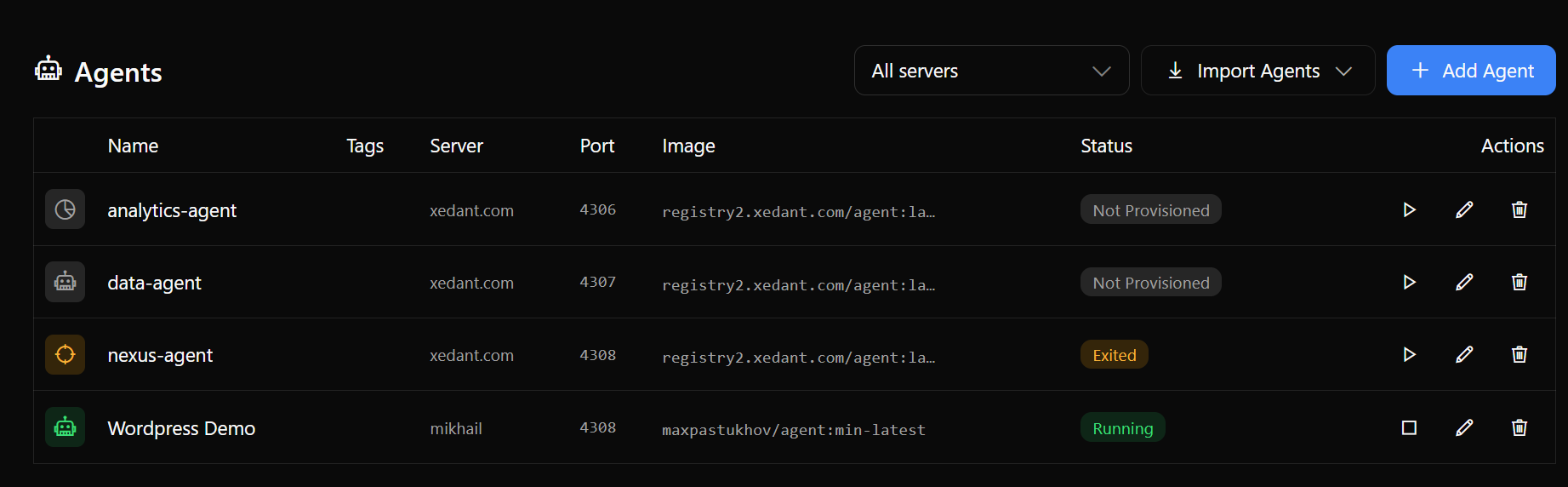
An agent can work on its own, without you: run tasks on a schedule (say, gather the data you need every morning), answer in messengers through bots, and connect external services. All of this opens right from the agent’s page in MultiAgent — the task log, the bots, the skills and the queued prompts — no window switching. The data itself lives on the agent: MultiAgent only displays it and passes commands through.
Whatever happens on the agent shows up instantly, without a page reload: a task started, the prompt queue changed, a new message arrived. Sending new messages checks the license: if it is no longer valid, you’ll get an offer to renew it.
Agent API — automation from other agents
Other agents can operate MultiAgent themselves
The Agent API is a way to give another agent the right to control MultiAgent with a secret X-API-Key: it creates servers, deploys agents and tools, and keeps an eye on their health — by itself. Imagine handing the system setup to a reliable helper: you no longer click buttons in a browser, and the key is granted once.
The helper needs no separate manual: it asks MultiAgent for the list of available commands and sees how to use each one. Long operations are simple — you start one and check now and then whether it has finished.
Everything the helper does shows up in the interface as ordinary operations — you always know what is going on. It cannot run arbitrary programs, only the built-in actions, and strangers get nothing without your key.
Product catalog
Nine products — a few clicks away
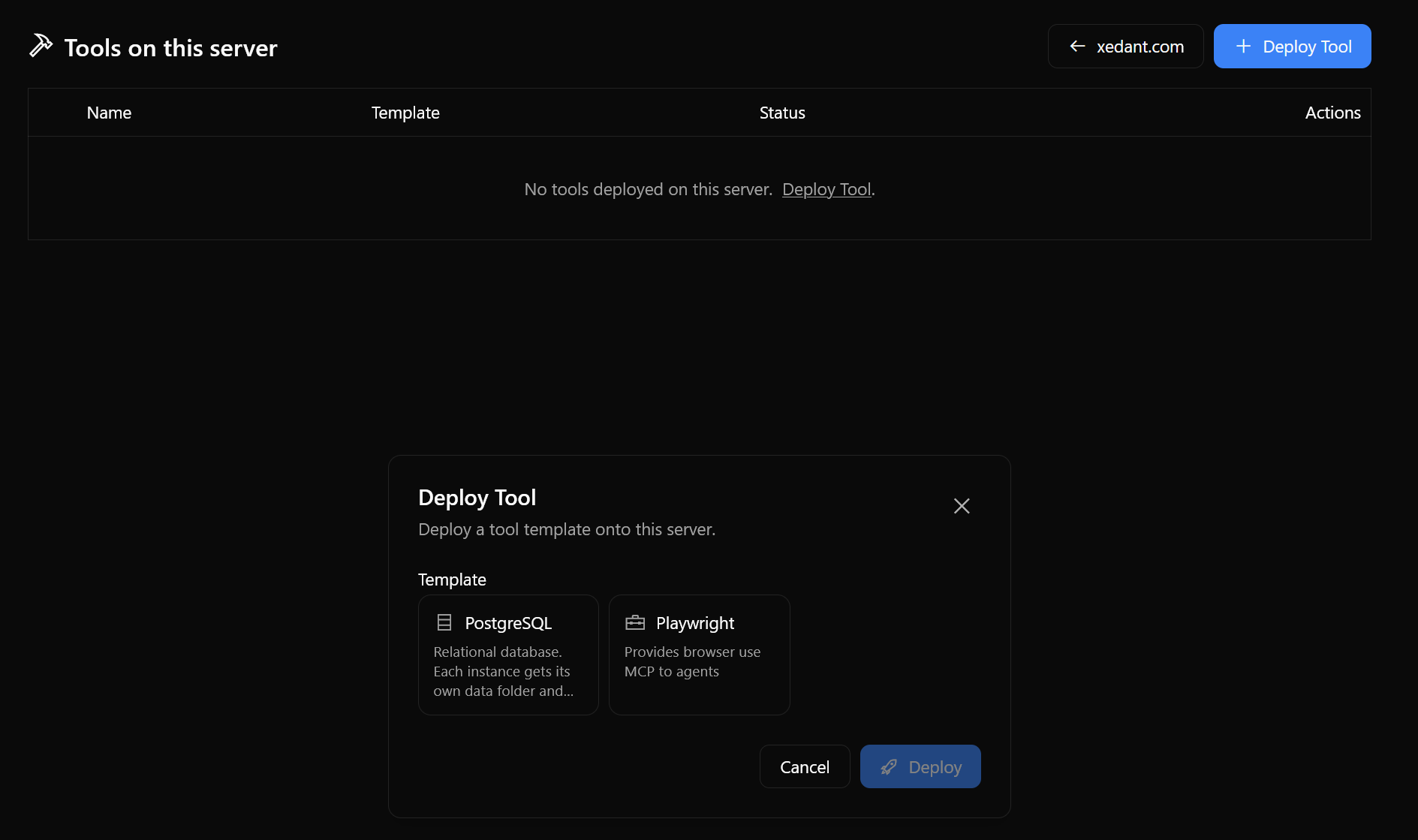
MultiAgent can install other products from the family — ready-to-run apps with all the wiring: the Research Agent, the Analytics Agent, the Data Agent, the Proxy Agent, plus apps for chatbots, CRM, Telegram and UI. You pick a product — MultiAgent creates the app, provisions an agent for it and links the two. No manual forms: passwords and addresses are generated automatically.
Where needed, a shared database and shared folders come up automatically — documents for Research, scripts for Data. Growing the catalog is just as easy: add a folder with a product template and it appears in the interface at once.
Installing on Windows
A setup wizard instead of Docker
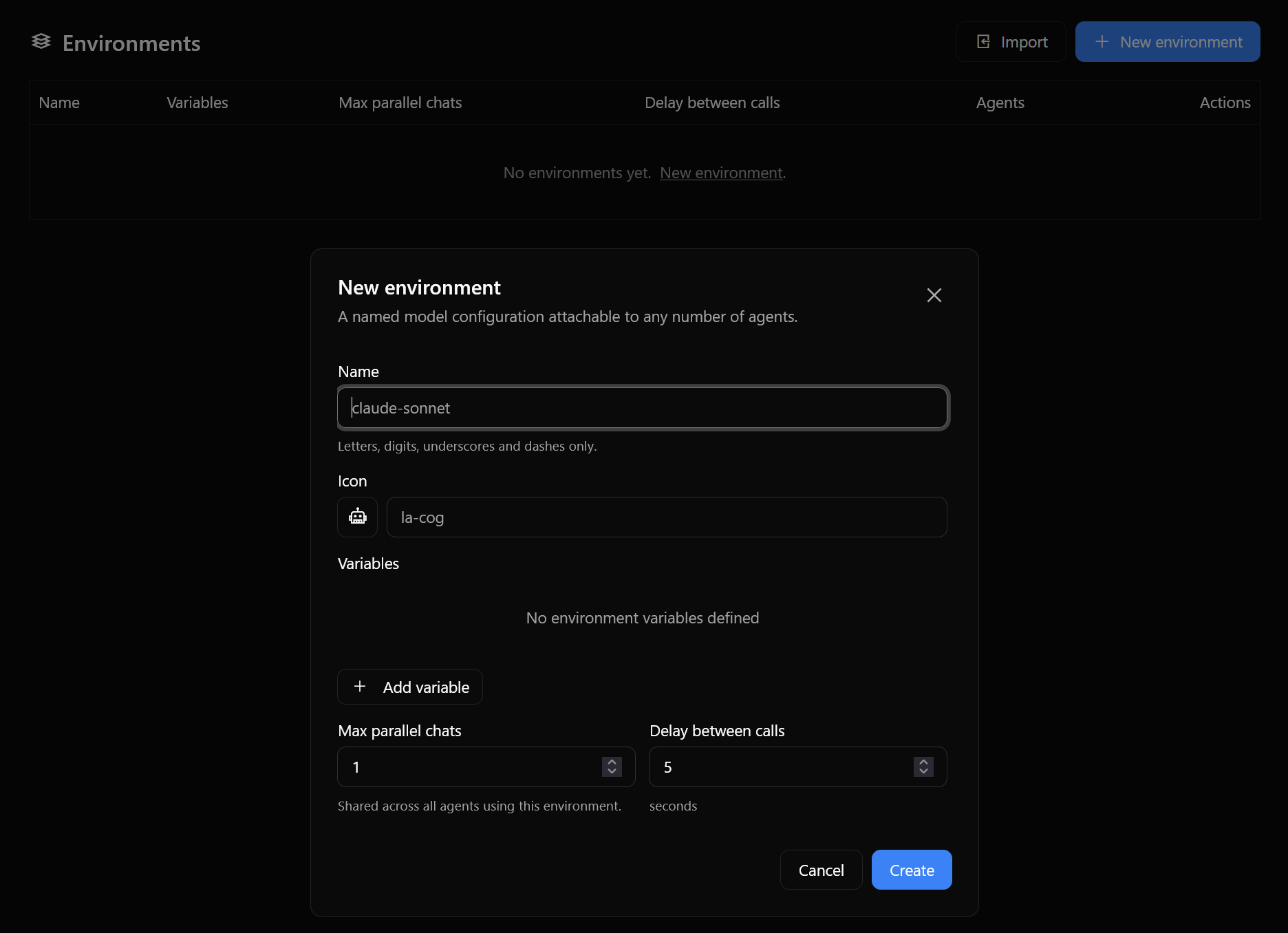
MultiAgent installs on Windows like any regular program — a setup wizard walks you through: the port (3990 by default), the data folder, the login, the license. Docker and extra software are not needed on that computer — just Windows itself. Linux servers connect over SSH, and MultiAgent installs everything they need on its own.
All the data — the database, keys, certificates, license — lives in one folder and survives both reinstalling and uninstalling the program. The same place is where you can enable the PostgreSQL database, the programmatic API and your own assistant.
Centralized analytics
Tracking AI provider accounts
Tools and services
Every app on one domain
One address for everything
Instead of giving every agent and service its own address and certificate, you give the server one domain — and all the apps live on it in their own subfolders: https://yourserver/agent/, https://yourserver/research/. One address to remember instead of a dozen. MultiAgent creates and updates the web server that hands out the apps on its own — deploy a new agent or service and its subfolder appears automatically.
Here is what that means in practice: agents and products get their subfolders on their own, tools with a web interface do too, and you add your own custom routes by hand when you need them (say, to point a subfolder at any external address). It all lives on one domain, and MultiAgent’s own service addresses are protected from accidental collisions.
The secure connection is set up in the same place: use a self-signed certificate, your own certificate files, or a Let’s Encrypt certificate — it is issued automatically if you have a domain, and requesting it enables the secure port, so the certificate starts serving right away. With HTTPS on, all traffic moves to the secure connection — including every route subfolder. Apps talk to each other over the servers’ internal network, and if one of them falls over, only its own subfolder suffers — the rest keep working.
Every server has a central login (the Authelia tab): while it is on, a visitor signs in once at the login page and gets access to any protected app — agents and products sit behind the central login by default, and web tools and custom routes only if you choose so. The login works only over a secure connection (your own certificate, or an address template through an upper reverse proxy), and reaching an app directly at host:port, bypassing the web server, keeps the app’s own login.
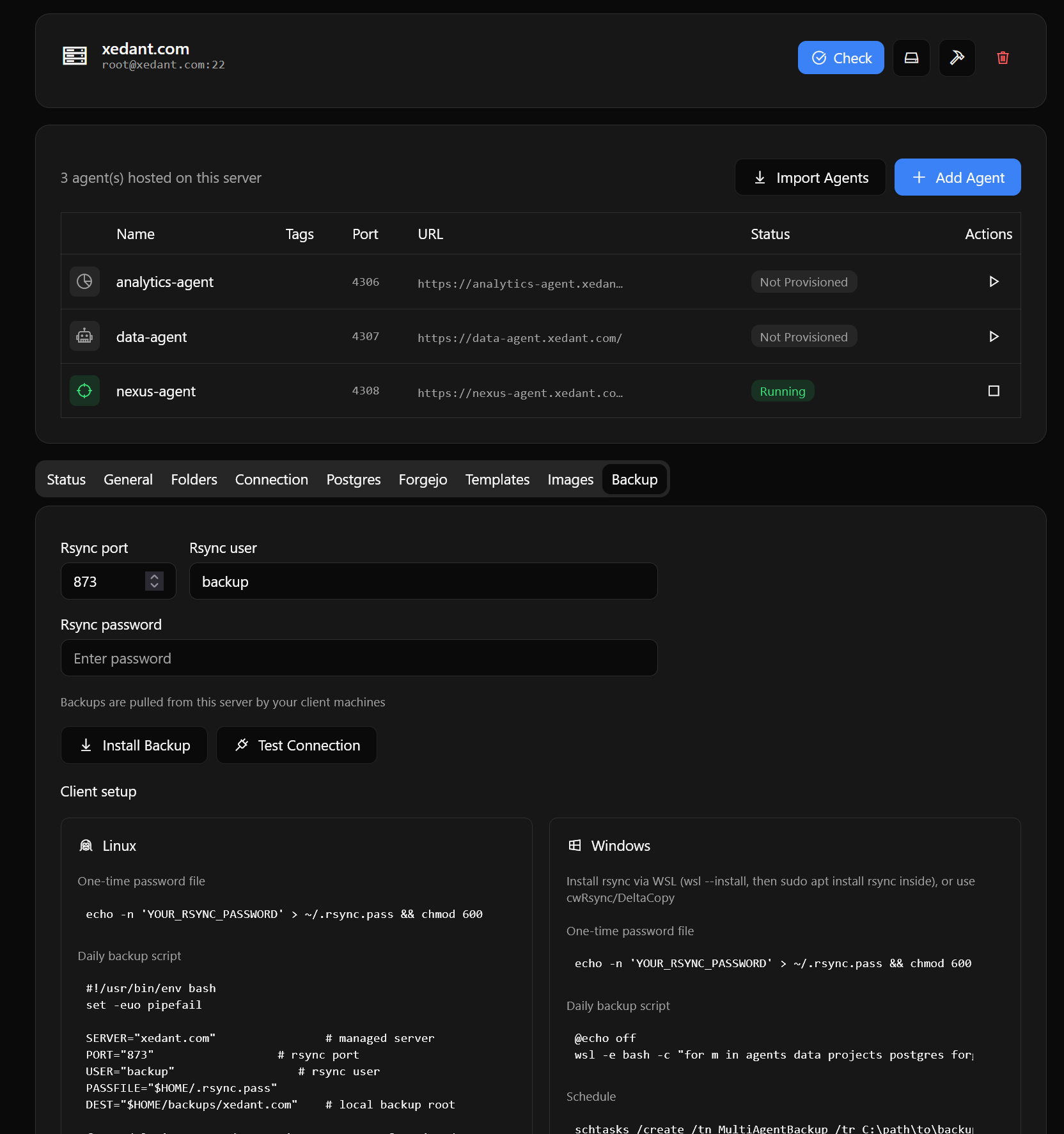
Security and backups
Free use for 30 days — the trial license is already built into the program. Even after the free license expires, the app stays fully functional: only creating new servers and agents, and sending new messages, are blocked. No lock-in — you can move your data out to any database.
Any number of servers and agents for one person.
Any number of servers and agents for everyone in your company or team, including outside contractors.
Any number of installs under your domain, plus the full source code with the right to change it however you like, restyle or rebrand it for your company, and integrate it into your infrastructure. Any visitor of your domain can use the product as part of your services.
In some cases we are happy to gift a free license:
- if you found a bug or a security vulnerability in any of our products (we honestly have no budget for a paid bug bounty);
- if you suggested a useful improvement to our products (no coding needed — a good idea is enough; you get a license if we put it on the roadmap);
- if you are an active open-source contributor (we love open-source; we just do not have the time to maintain our own products as open-source);
- if you run a popular blog, Telegram channel or YouTube channel about programming, AI, analytics, marketing, business, finance or IT in general (no mention or promotion required — entirely up to you);
- if you are an active affiliate partner (sales are not required, but you should have at least some content about our products).
If any of that sounds like you, just message us on Telegram. Tell us your name and email, and we will generate your personal lifetime license key.