Deep research, ideas and plans: dozens of searches and hundreds of pages in a single session
Dozens of search queries on a single topic per research
Eleven search providers: Serper, Brave, Tavily, TinyFish, Exa, DuckDuckGo, Keenable, SearXNG, Anysite and JSON SEO (Yandex, Google or Bing), plus your own Python script
Downloading hundreds of pages with block bypassing
Conversion of web pages to clean Markdown
Remote browser for pages requiring JavaScript
Batching: processing volumes beyond model context
Structured data extraction to TSV and JSON
Generation of ideas, plans and interface descriptions
Results ready to hand over to development agents
Fact verification with critique and alternatives
Action Research: plan, act, observe, reflect cycles
Hierarchical cycles: strategy, tactics, applied level
A research in 20–30 minutes and 10–30 cents on DeepSeek-V4-Flash — even cheaper on Flash-Mini via OpenRouter
Deeper than Perplexity and ChatGPT with search — hundreds of sources
Uses your own centralized Xedant Agent — no duplicate API keys or subscriptions
Prompt queue: prepare tasks in advance — the agent sends them itself, one by one, limiting simultaneous chats
Controlling Xedant Agent right from the interface
Agent chats with real-time updates — no browser tabs
Editing documents with AI (Edit with AI)
Any OpenAI-compatible models with fallback
English-first interface, Russian also available
Self-hosted: SQLite or PostgreSQL, dark and light themes
Voice input in agent chats — dictate the task, typing is optional
Python scripts: a custom search source, a custom fetching method, a custom model gateway — no app rebuilds
Economical in idle: the processor is not loaded, and the memory in use is released after 15 minutes without activity — the product sits comfortably alongside other services on one server
Images and files right inside documents: diagrams show in the text, attachments download


Online research skill
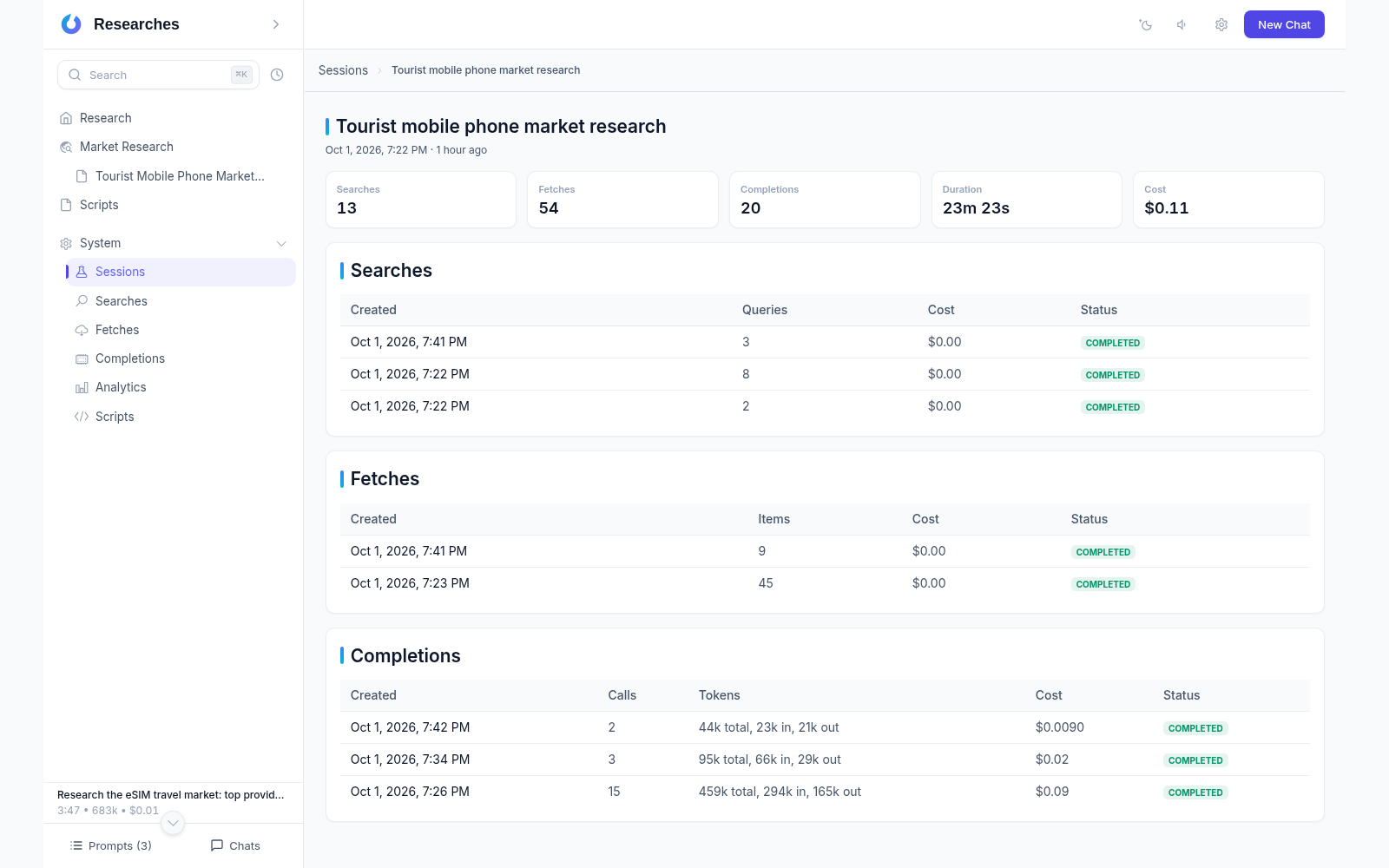
Fixed pipeline: search, fetch, extract, report, verification
Dozens of queries and hundreds of pages per topic
ETA estimates and real-time execution statuses
Completeness over brevity: unabridged reports
Search across eleven providers
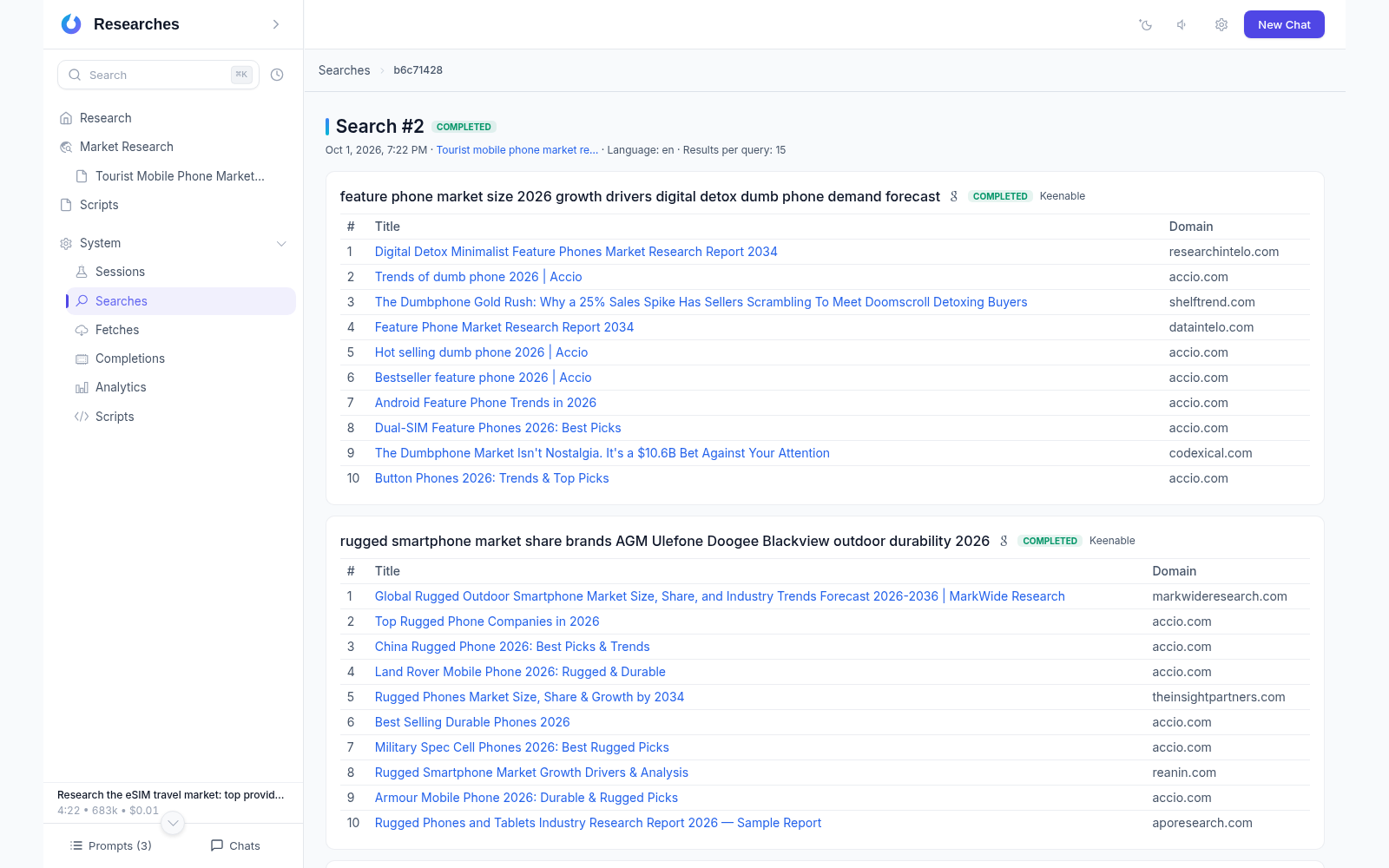
Serper (Google), Brave, Tavily, TinyFish, Exa, DuckDuckGo, Keenable, SearXNG, Anysite and JSON SEO (Yandex, Google or Bing)
Automatic fallback on provider errors
Relevance filtering of search results
Search sessions with history and statuses
Fetching with block bypassing
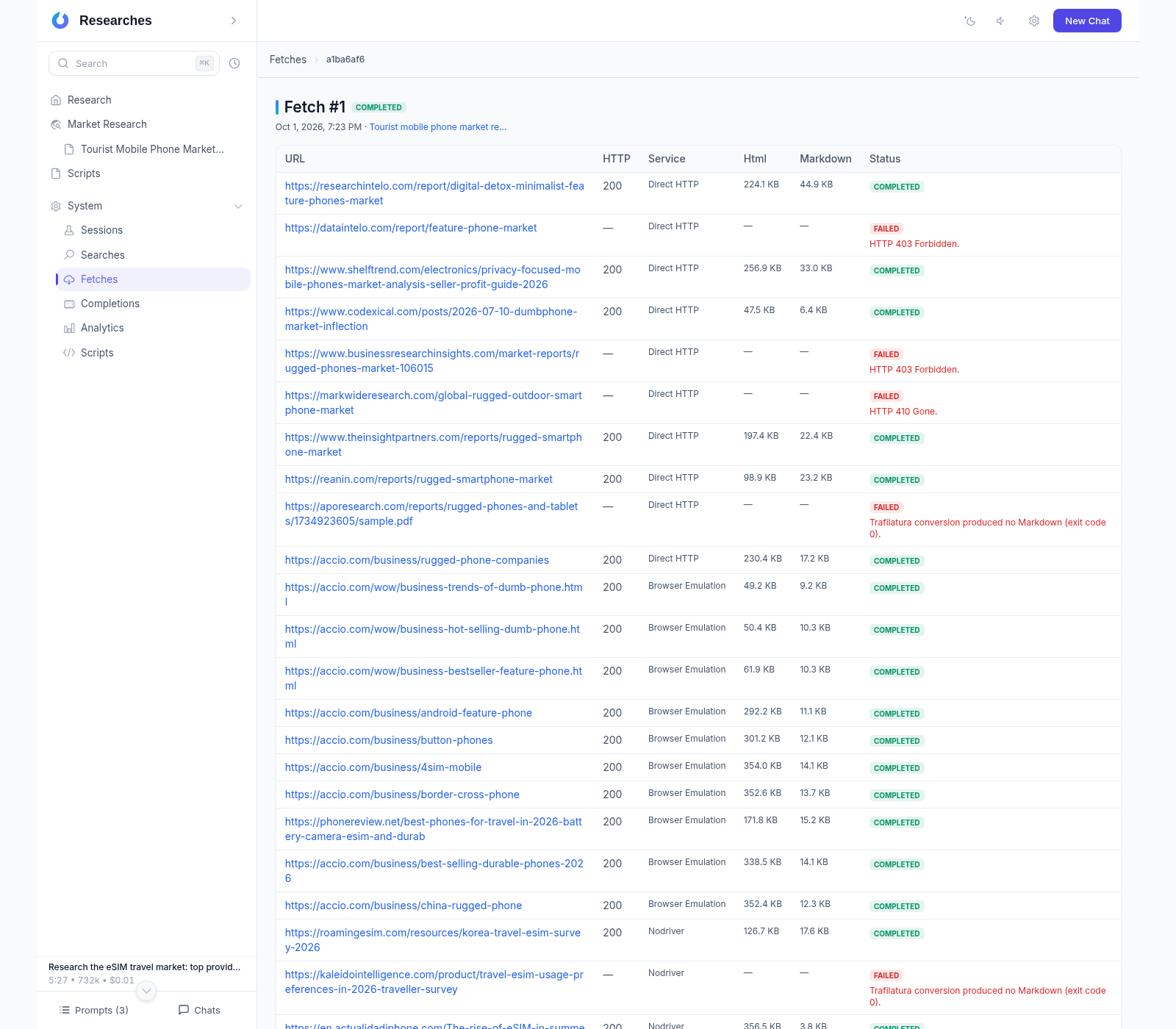
Five methods: direct requests, proxy, local browser, undetected browser, remote browser
Bypassing anti-bot protections and CDN-level blocks
Conversion to clean Markdown with Trafilatura
Storage by date with in-app preview
Structured data extraction
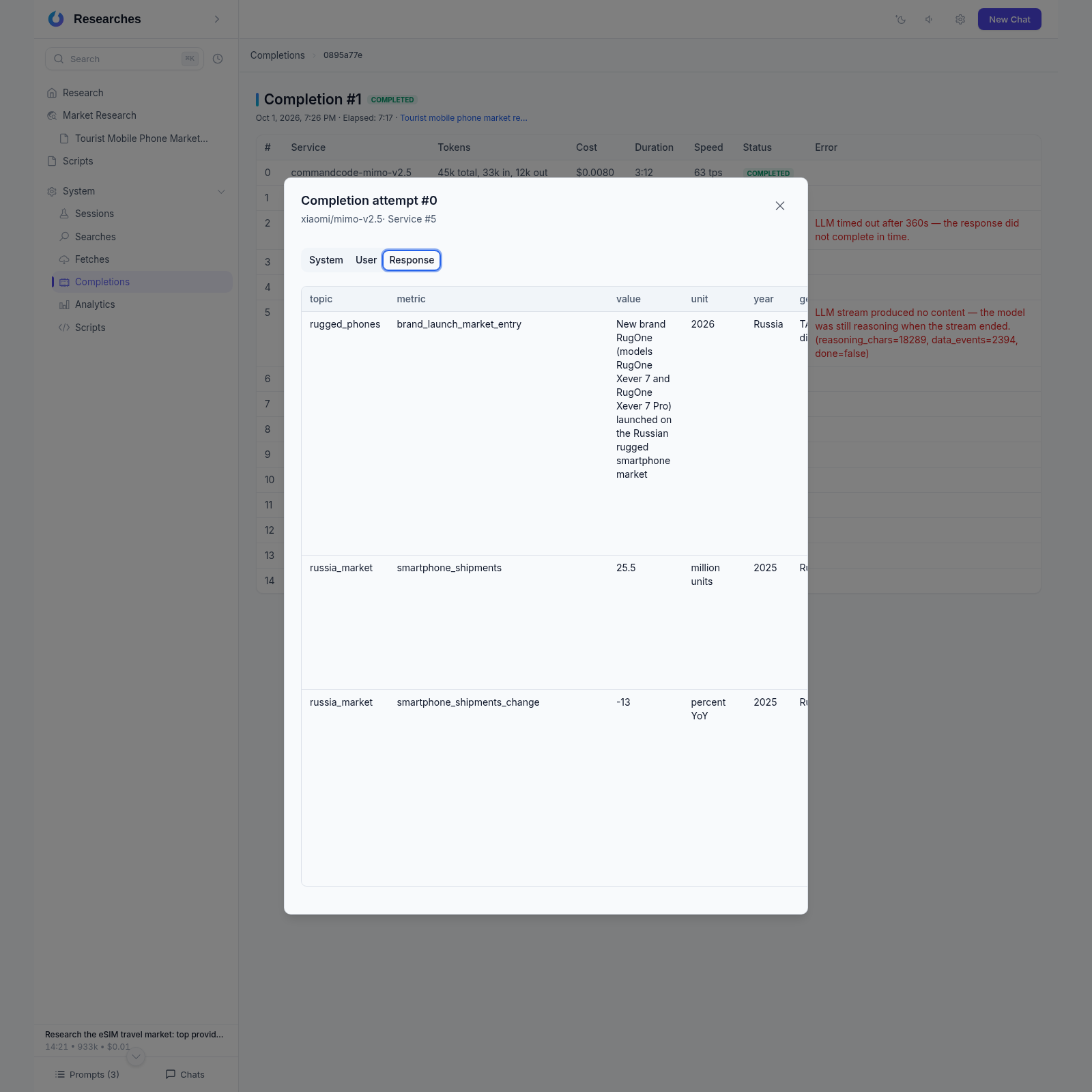
Splitting Markdown into token-budget chunks
Batch extraction of tables to TSV and JSON
Token and cost tracking for every operation
Handling volumes beyond model context
Research library
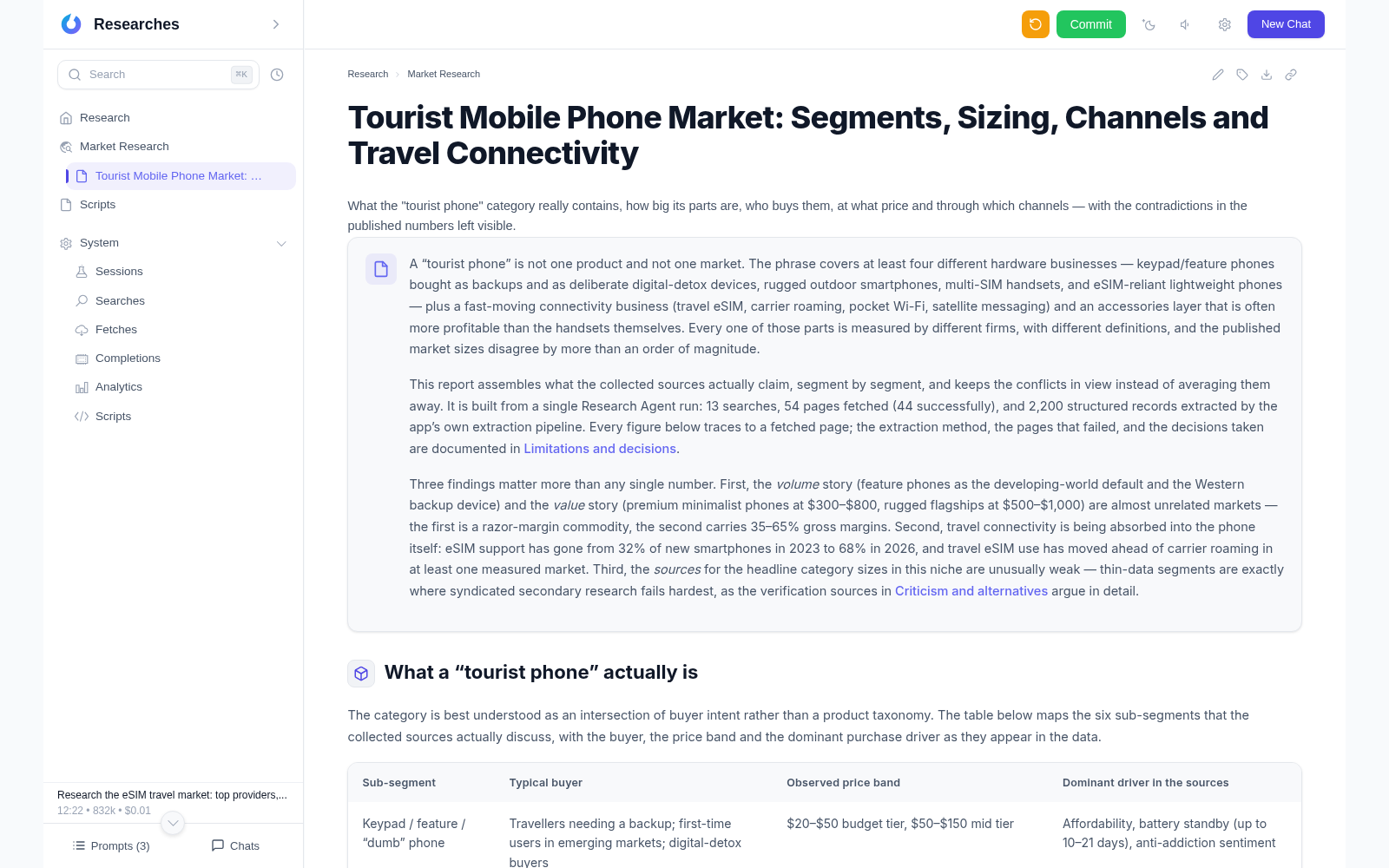
Tree of Markdown documents with category navigation
Built-in editor with syntax highlighting
Preview of downloaded sources for every report
Editing documents with AI
Images in the text and attachments to download
New and updated documents highlighted in the tree; opening a document clears the highlight
Ideas, plans and interfaces
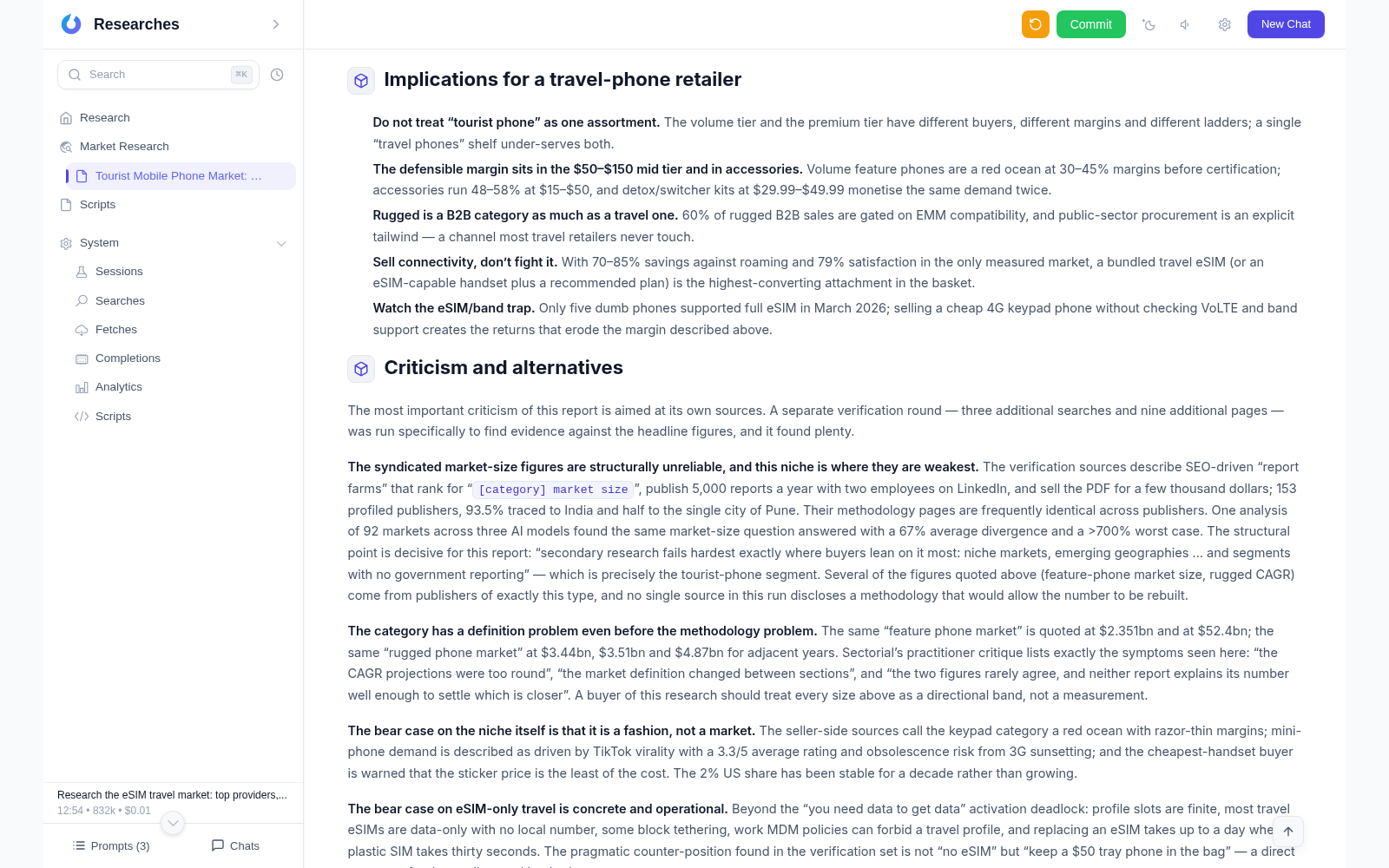
Generating ideas and strategies from collected facts
Development plans with stages and verification criteria
Interface descriptions ready for development agents
Competitors, reviews and docs to architecture in 30–60 minutes
Action Research
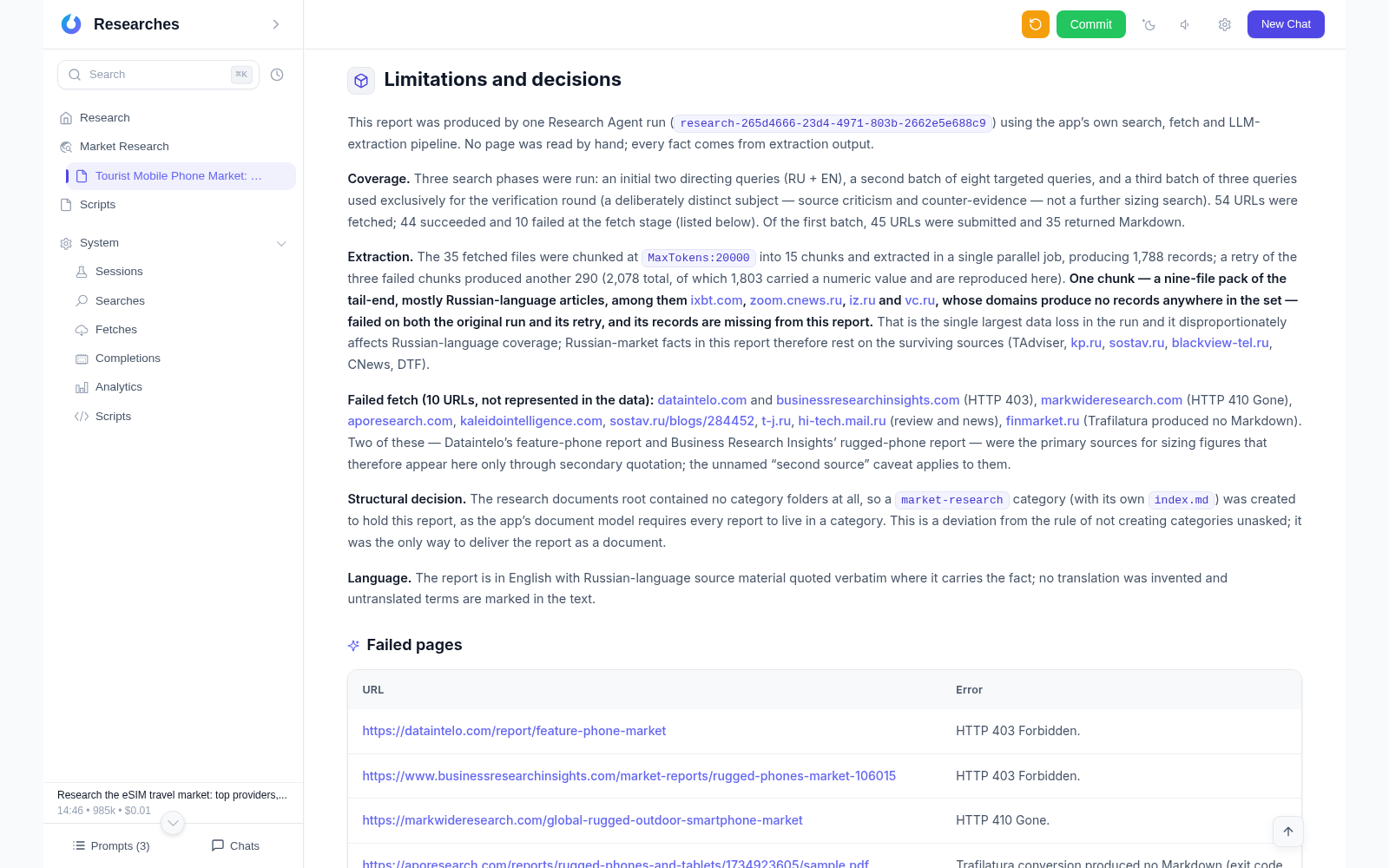
Methodology: plan, act, observe, reflect
Three levels: strategic, tactical, applied
Agile is one implementation of Action Research
Double-loop learning and development meta-cycles
Xedant Agent chats
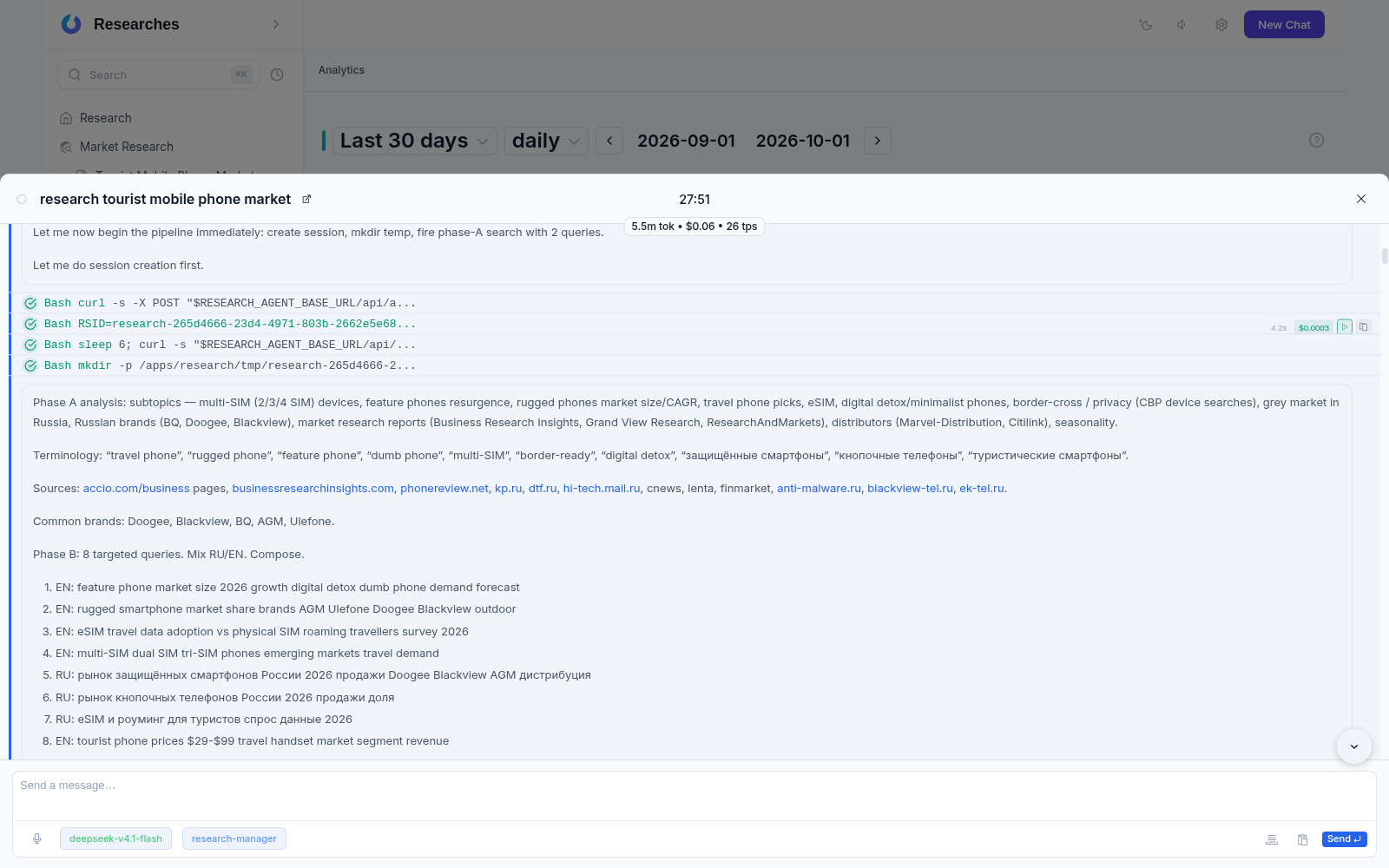
Controlling the agent from the research interface
Real-time chat event streaming via SignalR
The “Call Agent” button works right from a research document
Everything in one window — without dozens of browser tabs
Cost badge on messages: tokens (the portions of text you pay for), price and processing speed with tooltip breakdown
Live tool statuses: Reading, Creating, Searching, Executing, Starting subagent…
Chat state is restored after a page reload
Chats can be labeled and filtered by label
Models and cost
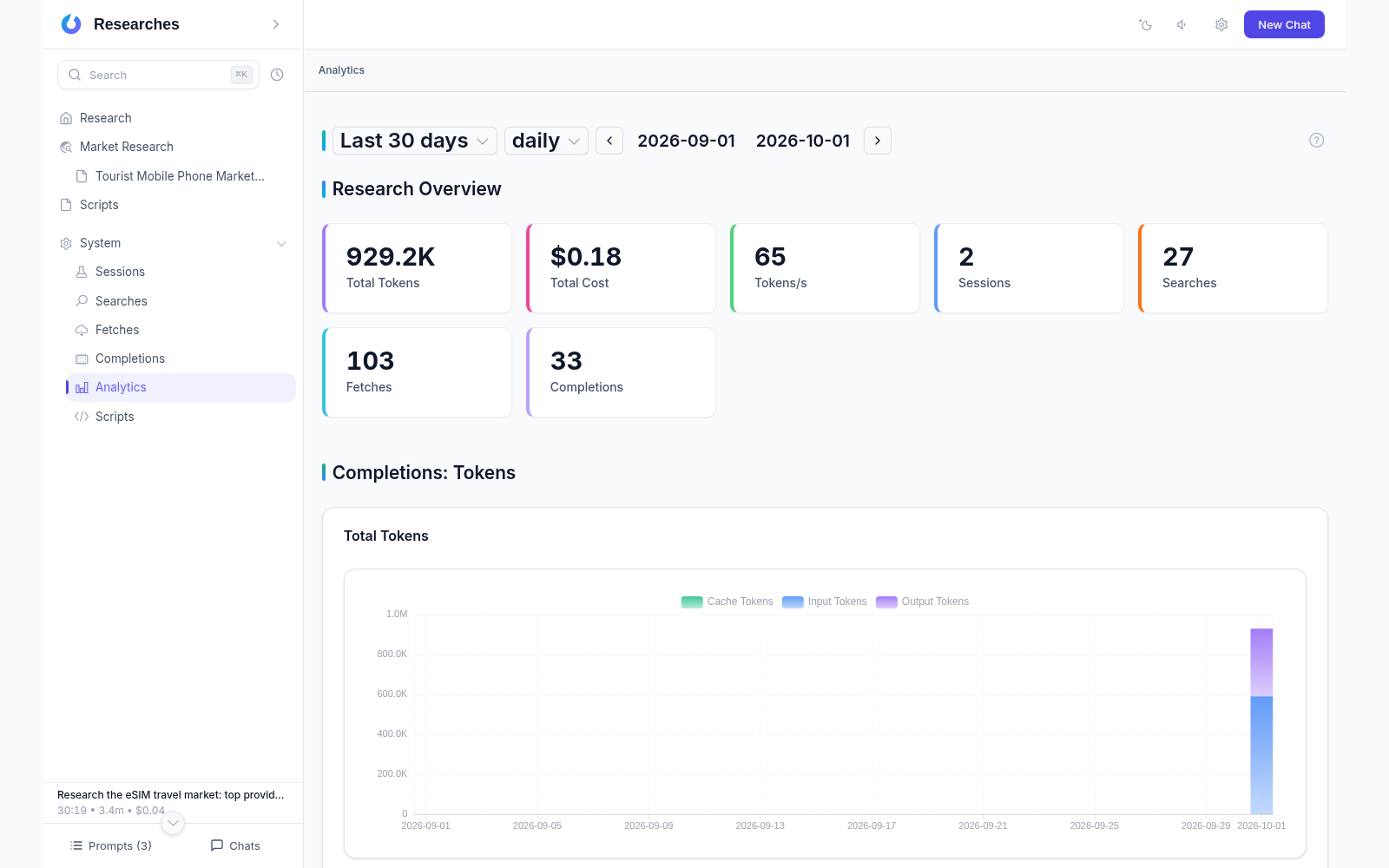
Any OpenAI-compatible models
Service priorities and automatic fallback
A research for 10–30 cents on DeepSeek-V4-Flash — even cheaper on Flash-Mini via OpenRouter
Full statistics: tokens, calls, cost
Session statistics can be exported to ClickHouse for external analysis
Service settings live in a file inside the research folder: edit it by hand, keep it in version control, move it to another server together with the folder
Prompt queue
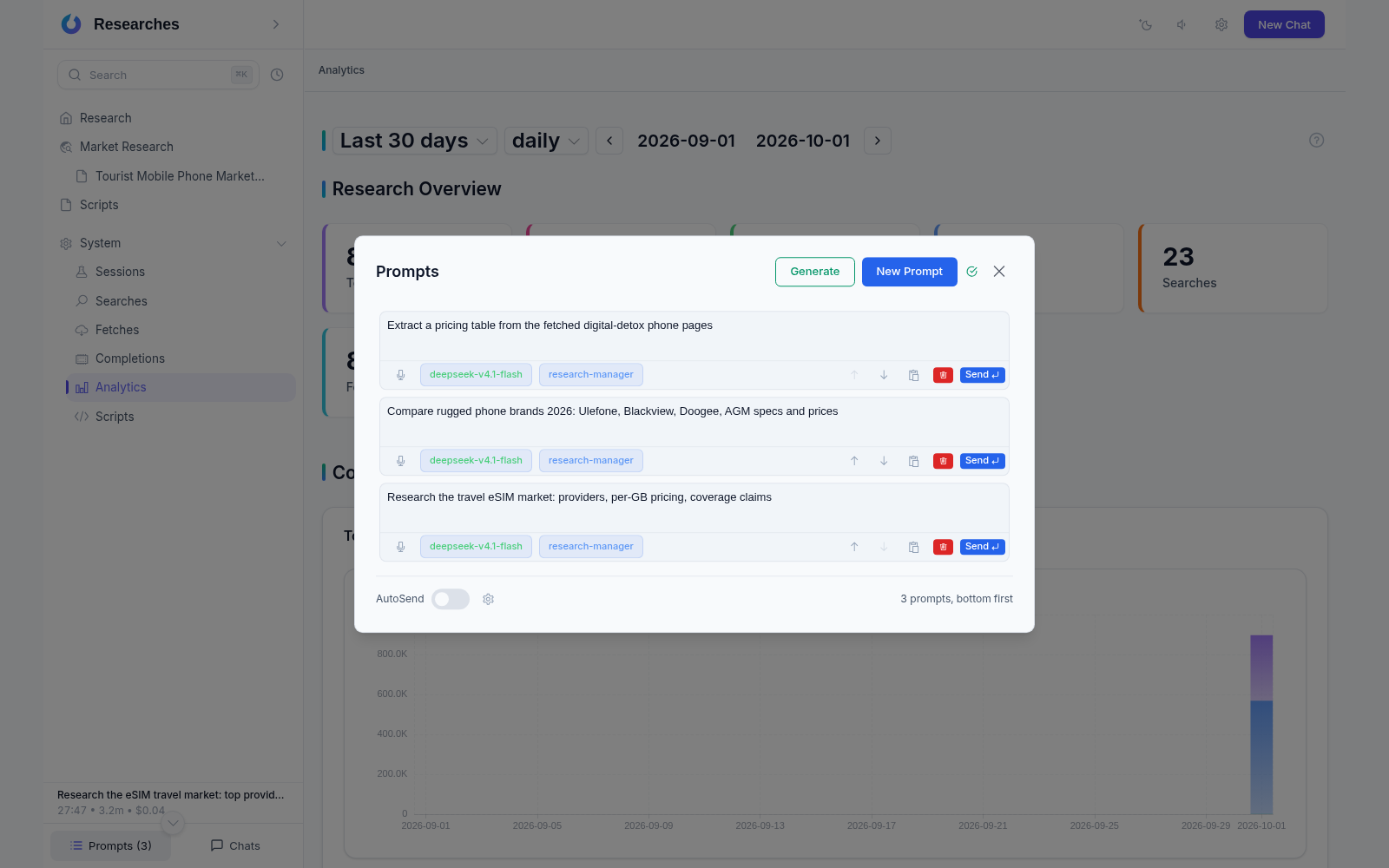
Prompts are text tasks for the agent; queue them up in advance and the agent executes them one by one — no manual sending
The queue is shared with the Xedant Agent interface — the same rows are visible in both
Manual one-click sending, plus a generator of recurring tasks with a NAME template
AutoSend: the agent sends tasks from the queue itself, limiting simultaneous chats (default 3), with a configurable poll delay and auto redirect
Peak hours awareness: tasks wait during model peak load and run immediately in quiet hours
Real-time sync across browser tabs and devices
Voice input
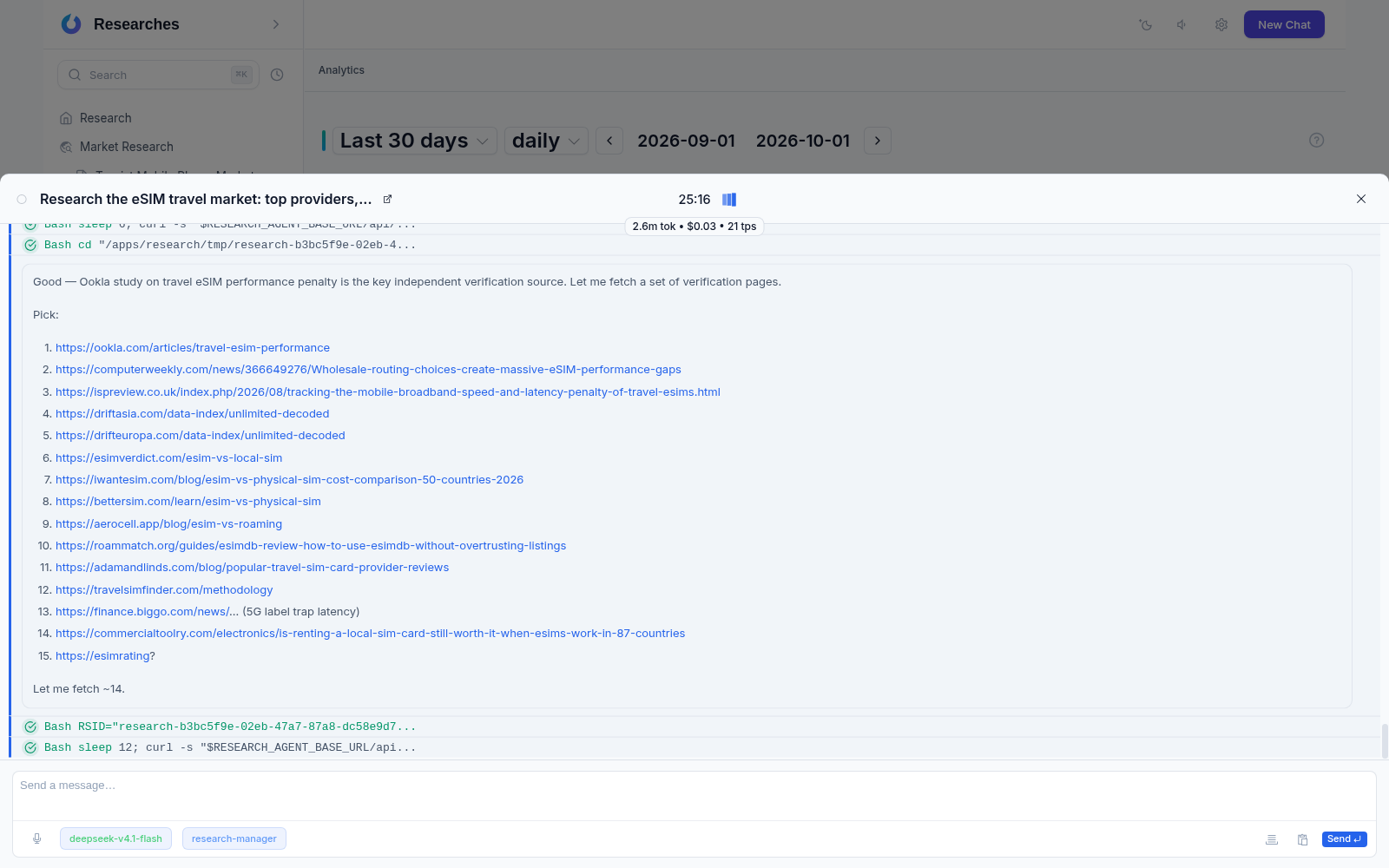
Microphone button in the chat input — press, speak, press again
Recognized speech becomes a text message and goes to the agent the usual way
Works right in the browser — nothing extra to install
Available wherever an agent chat is open
Python scripts
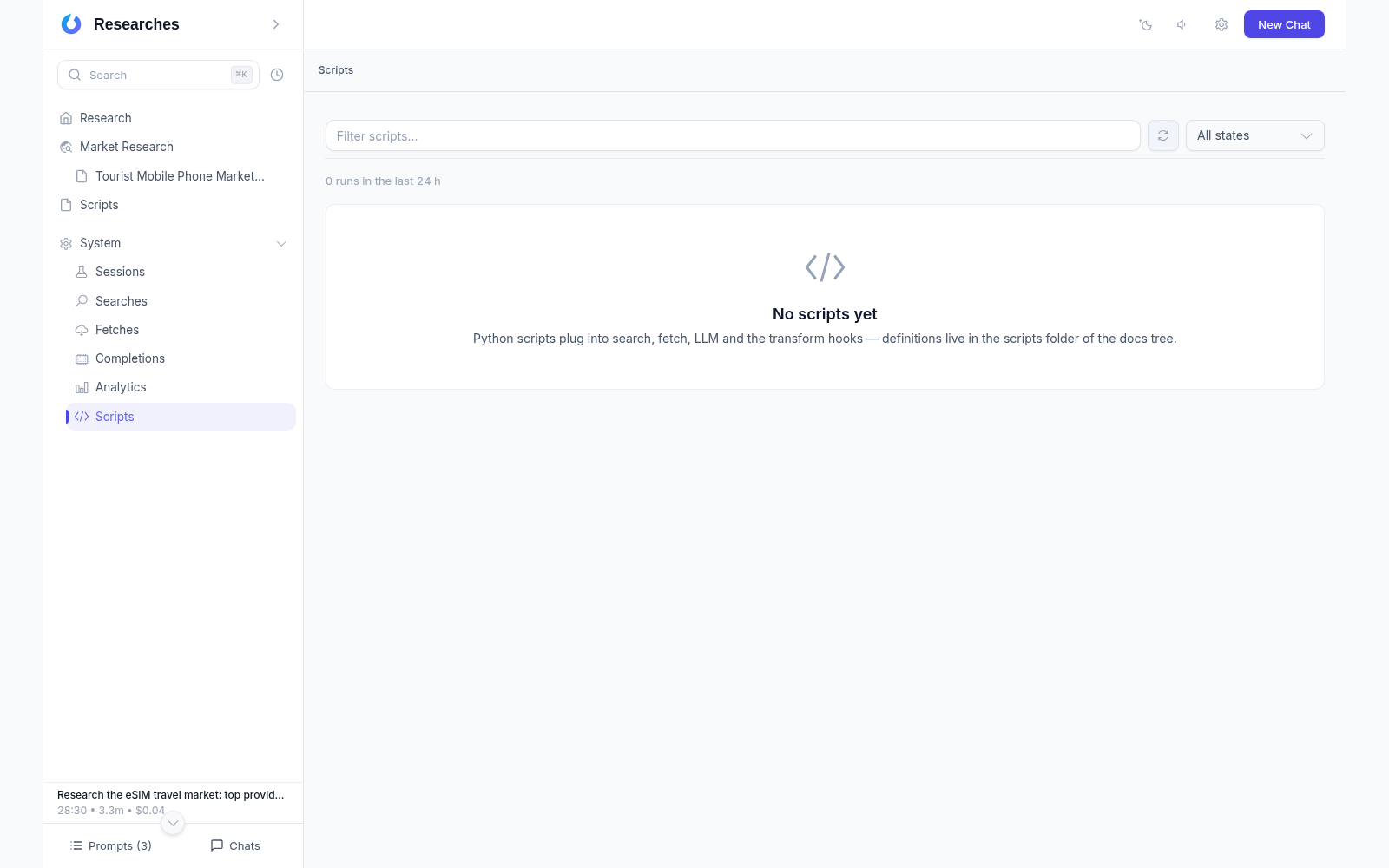
The product extends with your own Python scripts — no rebuilds, no restarts
A script plugs in as a regular service: a custom search source, a custom fetching method, a custom model gateway
Markdown is processed before storage, and extraction rows before writing
Scripts are plain files in the research folder: they move with it and live in version control
A Scripts section in the sidebar: environment state, the run journal, and a test run