Docker isolation is what makes the skip-permissions mode safe. Docker is a tool that runs software inside sealed containers; without it, every tool call from the AI can affect your system directly, and approving each action through permission prompts slows the work down badly. With Docker isolation, the model works freely inside a disposable container, and you review the final result instead of every action.
The Permission System
By default, Xedant Agent runs in YOLO mode — every permission request is approved automatically. The permission service records approved commands to the database for audit:
- Command patterns — approved commands are generalized into wildcard templates (
npm install reactbecomesnpm install *,git add .becomesgit add *) and saved to the database. More than 40 built-in patterns cover package managers (npm, yarn, pip), build tools (cargo, mvn, gradle), git operations, docker commands, and system utilities — in YOLO mode all of them are approved automatically; - Tool-level tracking — for tools other than Bash (Edit, Read, Write), permissions are stored as a simple on/off flag per tool;
- Audit trail — every approved command is saved with its pattern, leaving a record of what the AI did in the session.
Even in YOLO mode hooks can still intercept and block specific actions — they work at a different level of the checking system.
The Docker Isolation Model
Docker containers isolate the file system and processes. Inside the container, the Xedant Agent model sees only the container’s own files — it cannot change your system, peek into other projects, or run commands outside the isolation.
How it works
- Project mount — your project folder is mounted into the container at the configured path. The AI sees and changes only the mounted files;
- Process isolation — shell commands, builds, and deployments run inside the container. A crashing process or a runaway command cannot touch the host;
- Disposable environments — when something goes wrong, the container is recreated. All changes since the last commit stay inside it;
- Credential isolation — the AI can install additional tools, but the container starts without access to your production systems. No connection strings, API keys, or tokens — no path to your production data.
Important: never give the AI model access to production systems. Even when you need automation, let the model develop and debug scripts on test data, then apply them to production yourself — never let the model call tools that touch production directly. Roughly once in every 100 chats, models can unexpectedly deviate from instructions, often without a clear reason: misread the task, decide to do something you never asked for, or simply “forget” strict rules as the context grows. Past success does not guarantee obedience in the future — treat every session as one that can go off track.
Skip-Permissions Mode
Skip-permissions mode bypasses every confirmation prompt. In the plain console version of Claude Code, each tool call requires explicit approval from the user. Here the approval happens automatically — the model works freely, without waiting for you to confirm every action.
Without Docker isolation, skipping permissions is risky: the AI can delete files, install packages, or run arbitrary commands on your host. With Docker, the worst case is recreating the container. This changes how you review the work:
- Without isolation — review every action and approve every tool call. Slow, but safe for your system;
- With isolation — review the result, not the actions. Let the model work freely, then look at the git diff and the build output. Fast, and just as safe.
The Fully Automated Review Pipeline
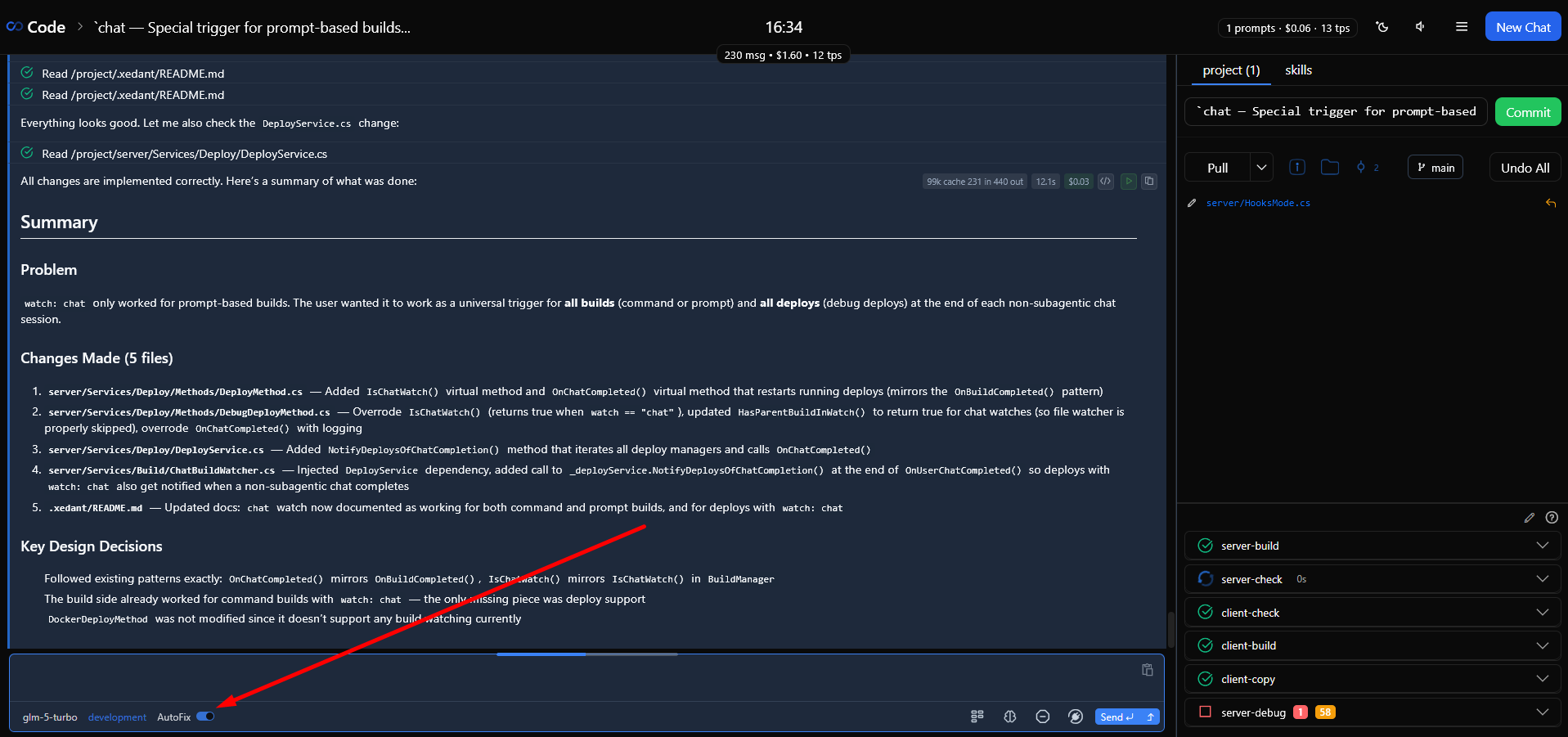
Docker isolation, skip permissions, automatic builds, and AutoFix add up to a fully automated review pipeline. The model works freely in the container, builds check every change, AutoFix feeds errors back to the model, and deployments restart on their own when everything passes:
- You send the model a task description;
- The model reads files, writes code, and runs commands freely inside the Docker container;
- File changes trigger automatic builds (compiler, linter, type check, tests);
- The build parser extracts errors and warnings from the output;
- AutoFix delivers the errors as chat messages — the model sees exactly what broke;
- The model fixes the errors, which triggers the builds again (the cycle repeats);
- When all builds pass, the deployment restarts on its own;
- Deployment output is parsed for runtime errors;
- You review the final result: the git diff for code, the build panel for checks, the deployment dialog for whether it runs.
The key idea: you move from reviewing actions (approving every tool call) to reviewing results (looking at the outcome). It is faster, less tiring, and just as safe when Docker isolation is in place.
Effective Review Practices
- Always use Docker for AI development — the combination of Docker + skip permissions + AutoFix is the recommended working setup. Manual approval does not scale;
- Review git changes, not individual actions — when the model finishes, scan the git panel for unexpected changes. This catches what the builds cannot see;
- Use hooks to ban specific actions — even with permissions skipped, hooks can block individual commands, such as manual builds or dangerous operations;
- Never expose production credentials — do not pass connection strings, API keys, or access tokens into the container. The AI can install any tool it needs, so credential isolation is your only protection against access to external systems.
For the automatic error feedback loop, see AutoFix; for blocking specific actions, see Model Control with Hooks.