An AI worker for your project: it understands the task, does the work in a chat, then checks the result and fixes its own mistakes
Works with models from any AI provider — pick whichever suits you
Claude, OpenAI, DeepSeek, Qwen, GLM, Kimi and more
You can switch models mid-conversation and lose nothing
Everything runs on your server — your data stays with you
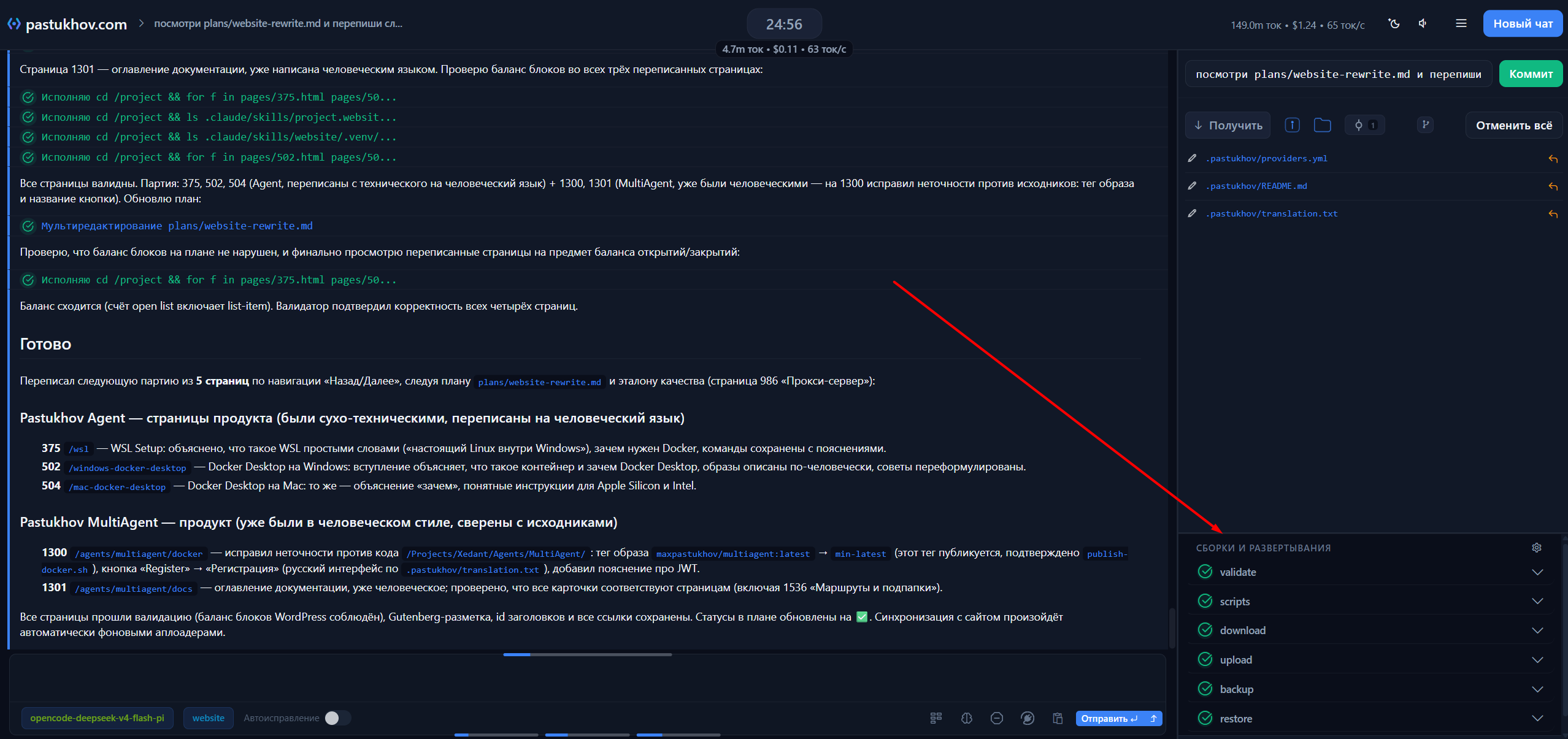
After every edit, the project rebuilds and rechecks itself
Runs fast: no wasted model calls, so costs stay low
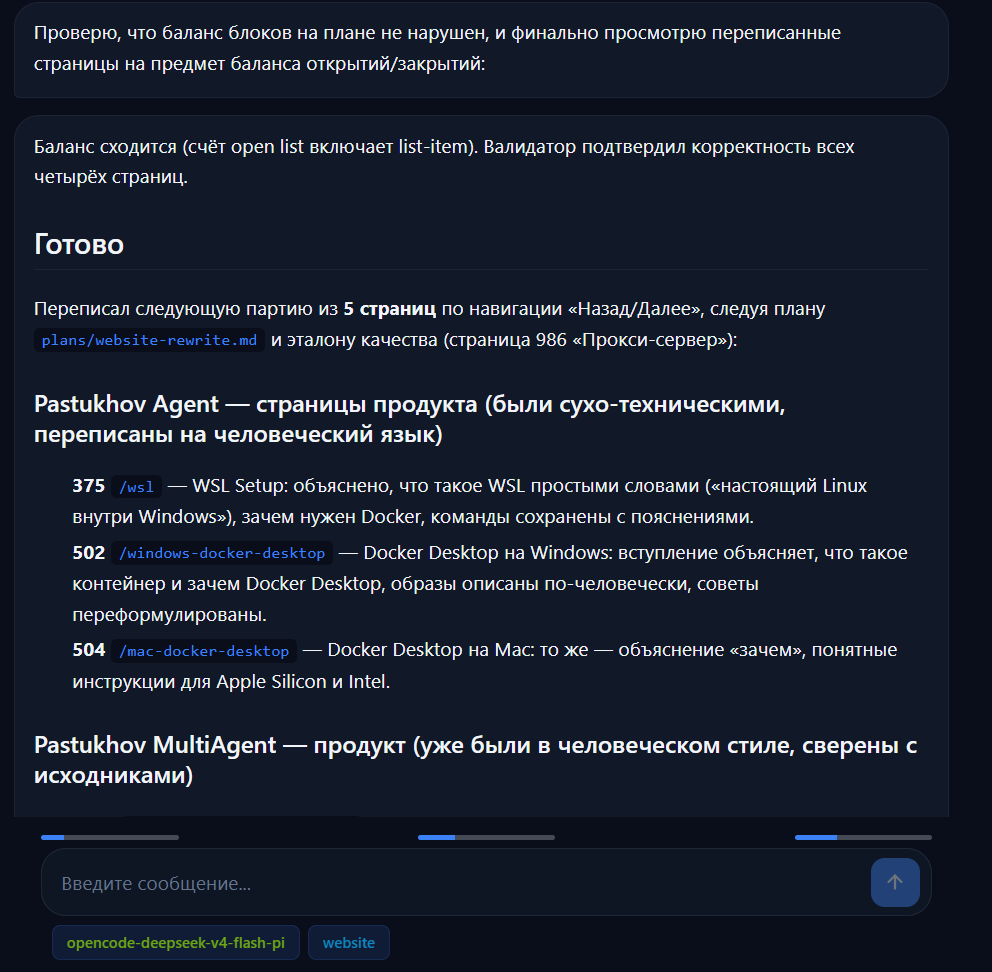
There is a simple mode: you chat like in a messenger, with no technical details
Automatic feedback on errors and warnings
Automatic fixing of errors and warnings in your code
Automatic code review by AI models
Easy to add your own types of checks
Debug builds restart automatically
Daily deep checks and security tests
Your own Telegram bots: a separate bot for each task, with its own model and access
Scheduled and event-driven tasks: the agent does the routine work itself and sends you the results
Runs in the browser: on your computer, phone and tablet, with nothing to install
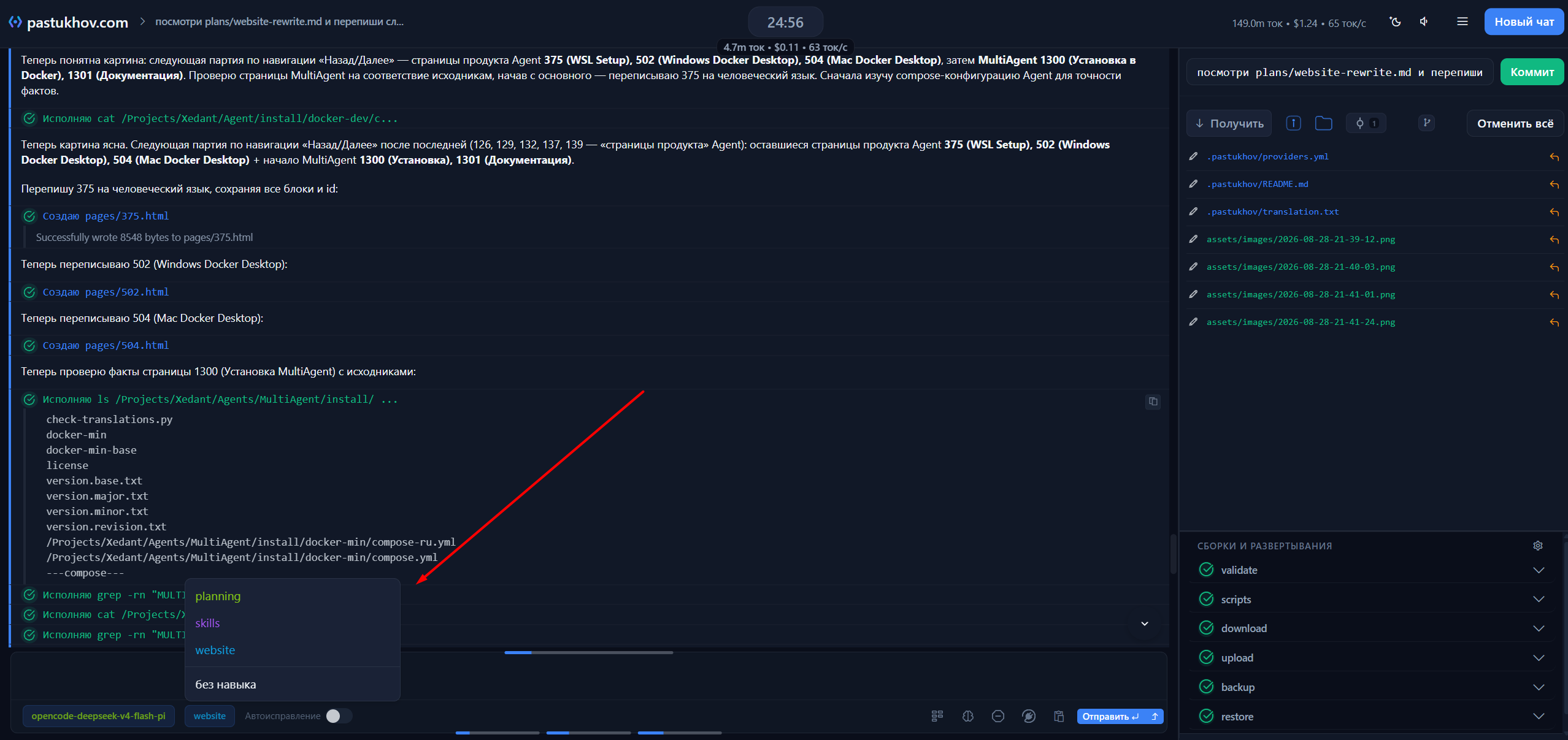
Watch the agent work live and review the results step by step
Connects to your systems through an API — the standard way programs talk to each other
Thorough documentation — clear to humans and to the model itself
It even helps set up its own connections to models and services
No reliance on outside cloud services — it runs on your server
A built-in format translator: connect AI providers without rework
Choice of engines: Claude Code, Codex, OpenCode, Pi, MiniAgent, Command Code and more
Runs in a subfolder of your domain — no separate site needed
Free SSL certificates are issued right from the interface, in one click
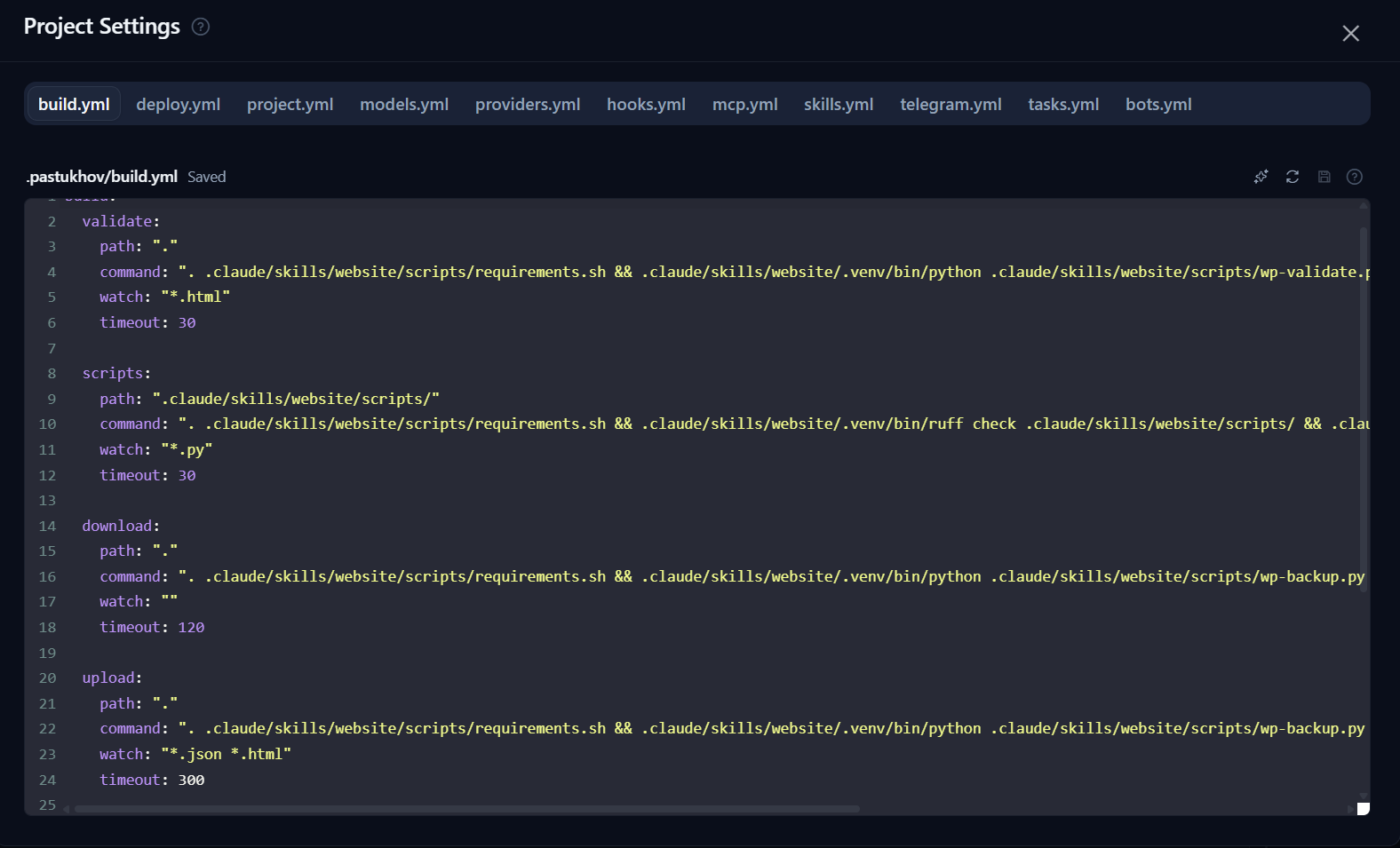
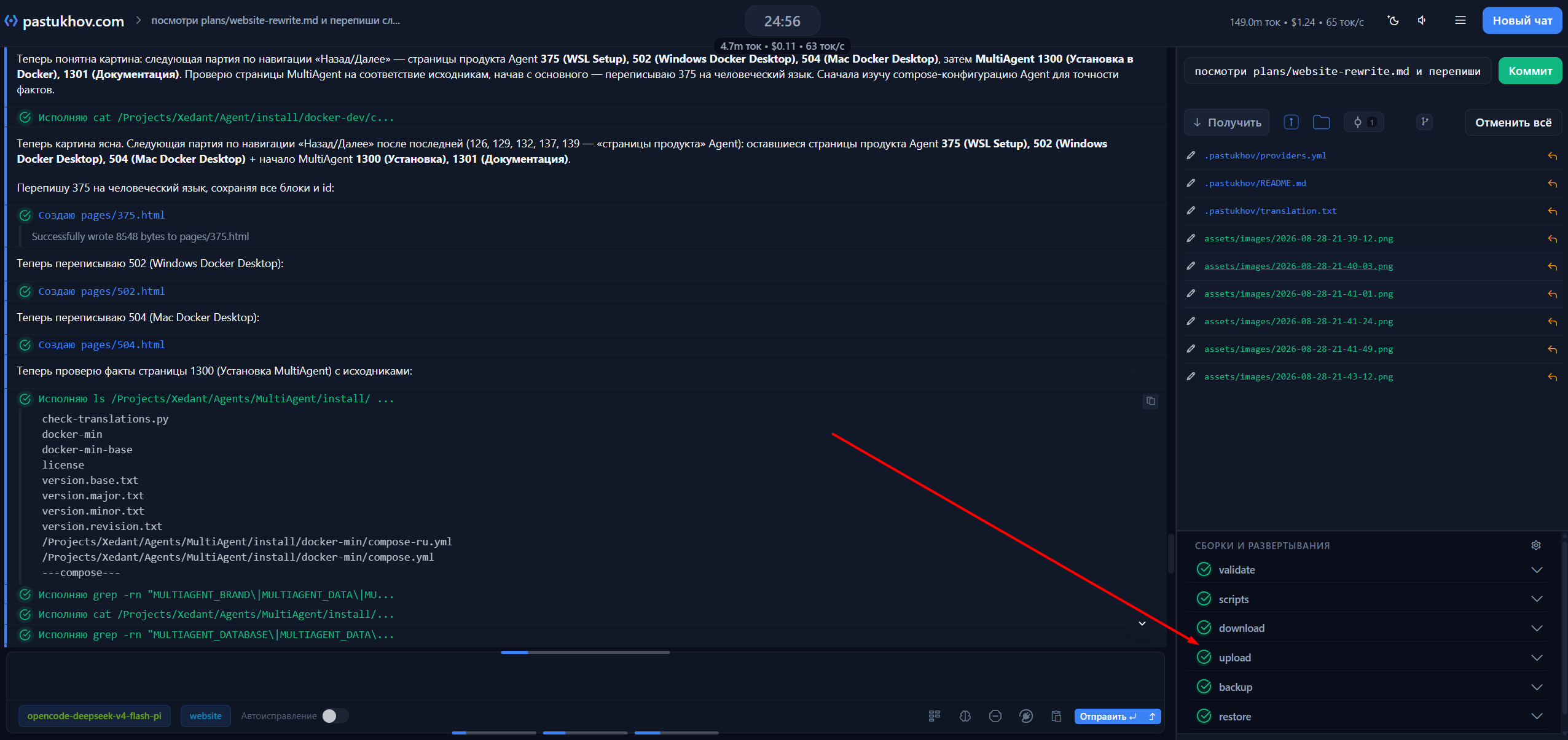
Automatic checks by building the project
After every change the agent rebuilds the project and checks it itself
Builds trigger on file changes, chat messages or other builds
Problems it finds go straight into the chat — nothing gets lost
The agent fixes errors itself and over time learns from them
Checks by dedicated controller agents
Separate controller agents check the result — each with its own model and its own rules
They start on their own — after a chat reply, after file changes, or on your command
Their findings are reviewed and fed back into the main chat for rework
The controllers’ work never clutters the conversation — the main chat only sees the outcome
Model control in the chat
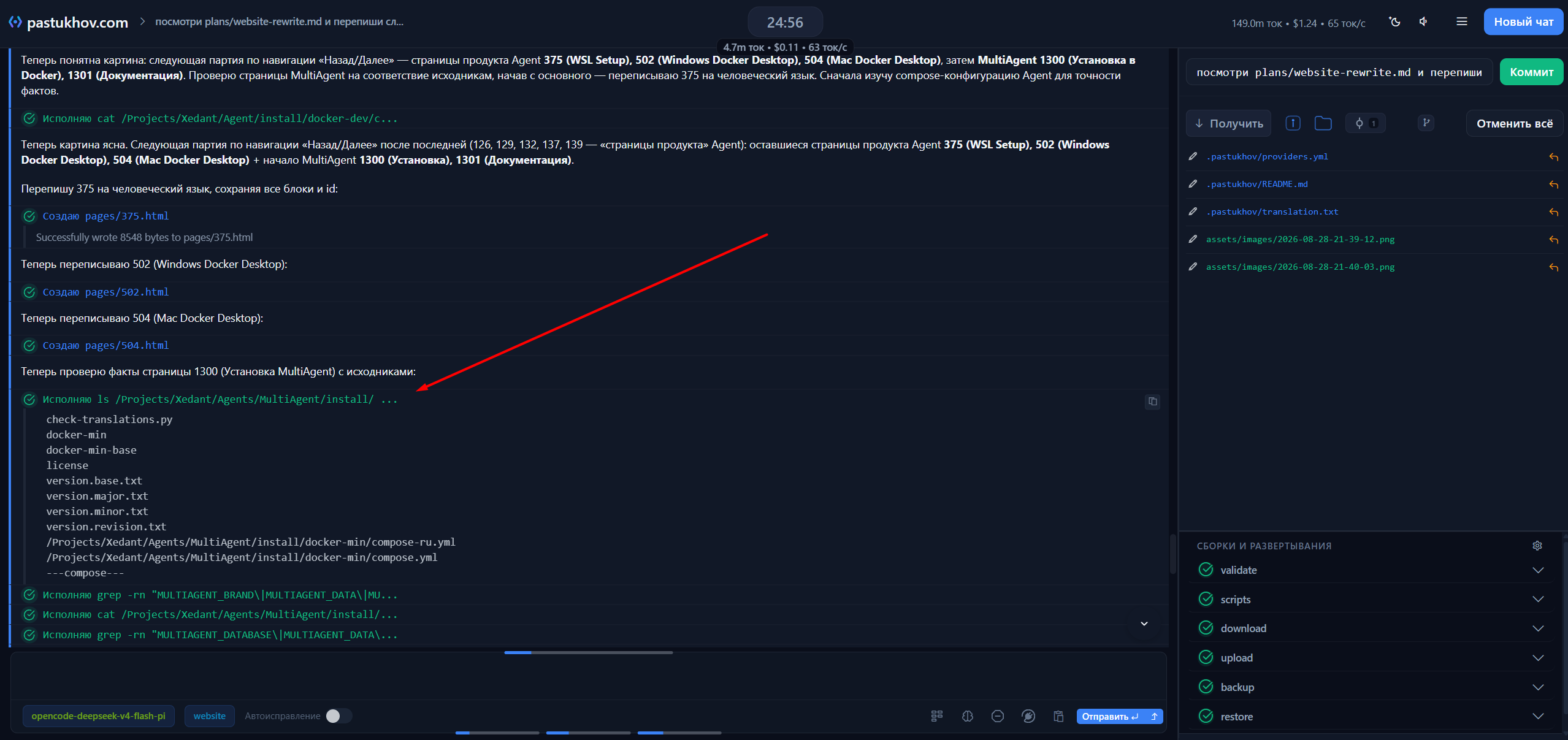
Every agent action is visible: which files it read, what it changed, what it wrote
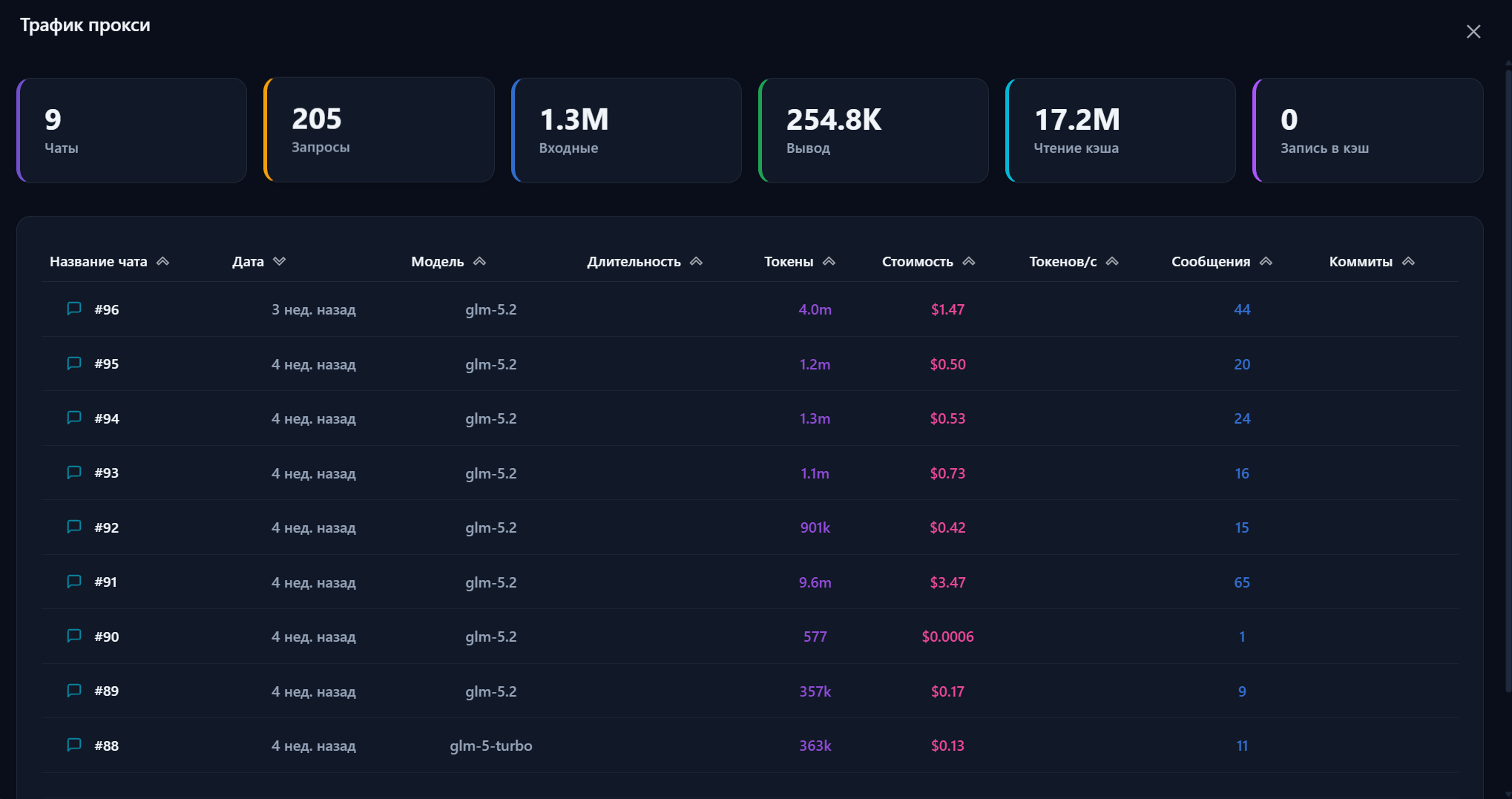
Each message shows token usage, cost and response speed
A model gone wrong can be stopped with one click
Any result can be traced back to the model action that produced it
Git change control
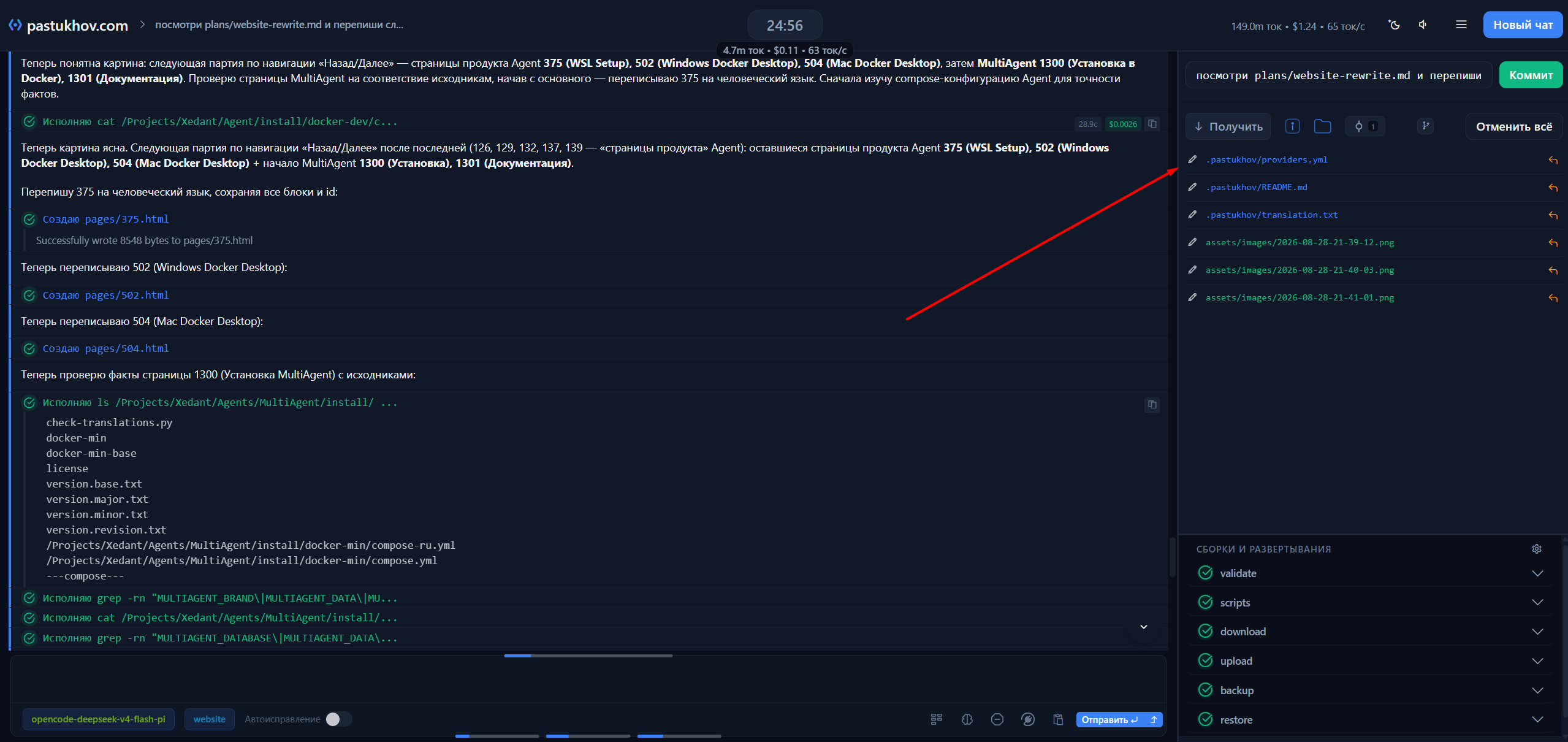
Changes are visible immediately, while the agent is still working
Commit in one click — the message is filled in for you
Undo changes to a single file or all of them at once
Every commit is linked to the conversation that produced it
Managing models and skills
Switch models mid-conversation — the context is kept
Skills are customizable: their own documentation, scripts and rules
Switch between skills on the fly, without stopping
A well-tuned skill raises a model’s success rate from 20% to 95% on any task
Automatic tasks — AutoFix and button chats — run on the model you assign to them, not on the one open in the chat
Work isolation and maximum-speed mode
The end result is what gets checked, not every intermediate action
The agent works in a sandbox: its actions cannot touch the host system
Maximum-speed mode is safe — no manual confirmations needed
The whole build — check — fix — publish pipeline runs automatically
Checks when publishing the project
Runtime and deployment errors are caught automatically
Logs are analyzed on the fly, by your own rules
A dedicated window for raw logs, errors and warnings
Works both in local debugging and when deploying to a remote server
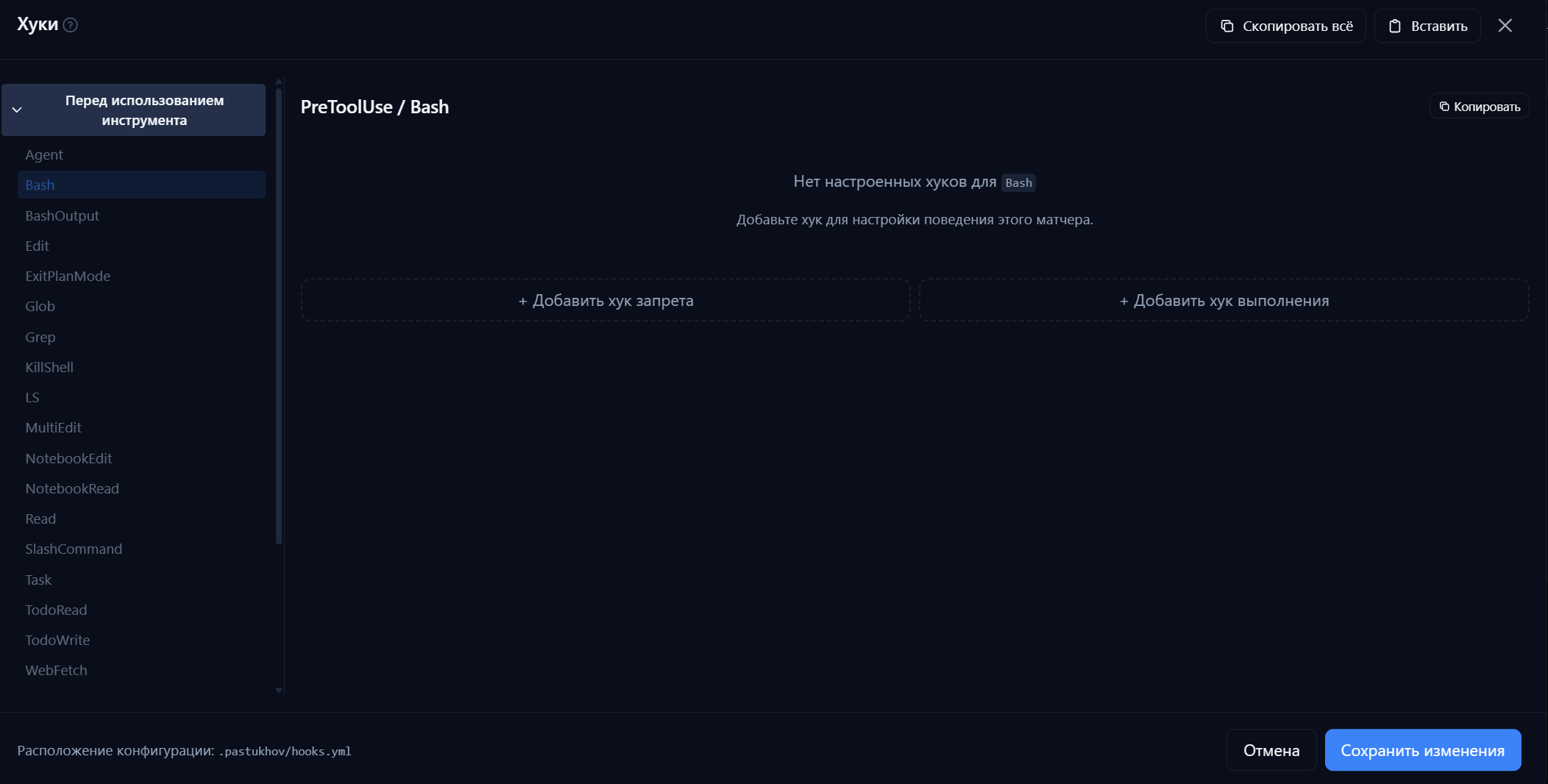
Protection from dangerous actions
Wasteful repeat command runs are blocked automatically
Dangerous commands are denied even at maximum speed
Your own checks run before an action executes
Rules apply to the selected engine automatically — nothing manual
File viewer and script runner
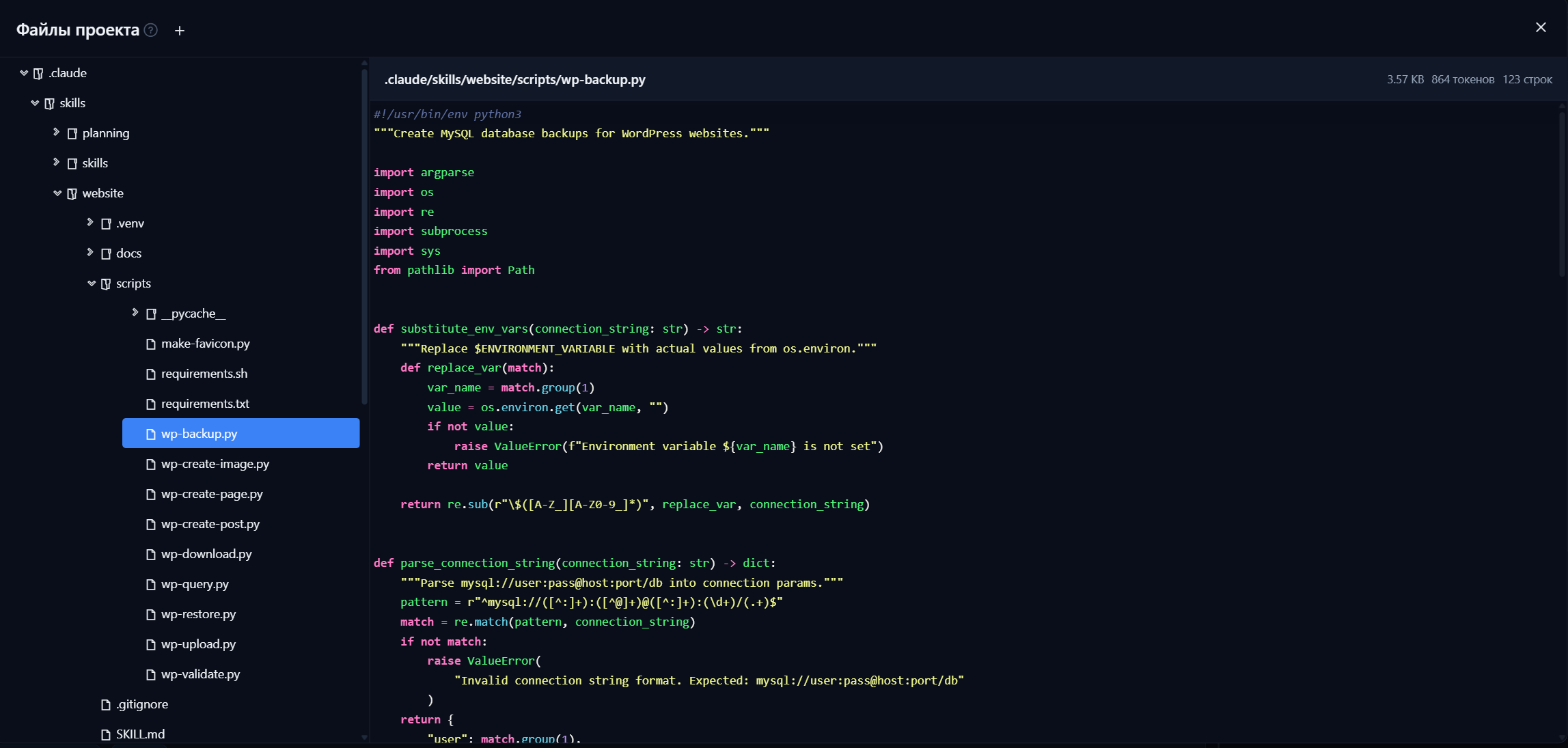
View and edit project files right in the interface
File paths in agent answers are ready links to the editor, and PDFs are previewed right in the window
Scripts run with live output — you see results as they happen
Errors and warnings in the output are highlighted automatically
A script gets checked and fixed right in the conversation
Analytics and control
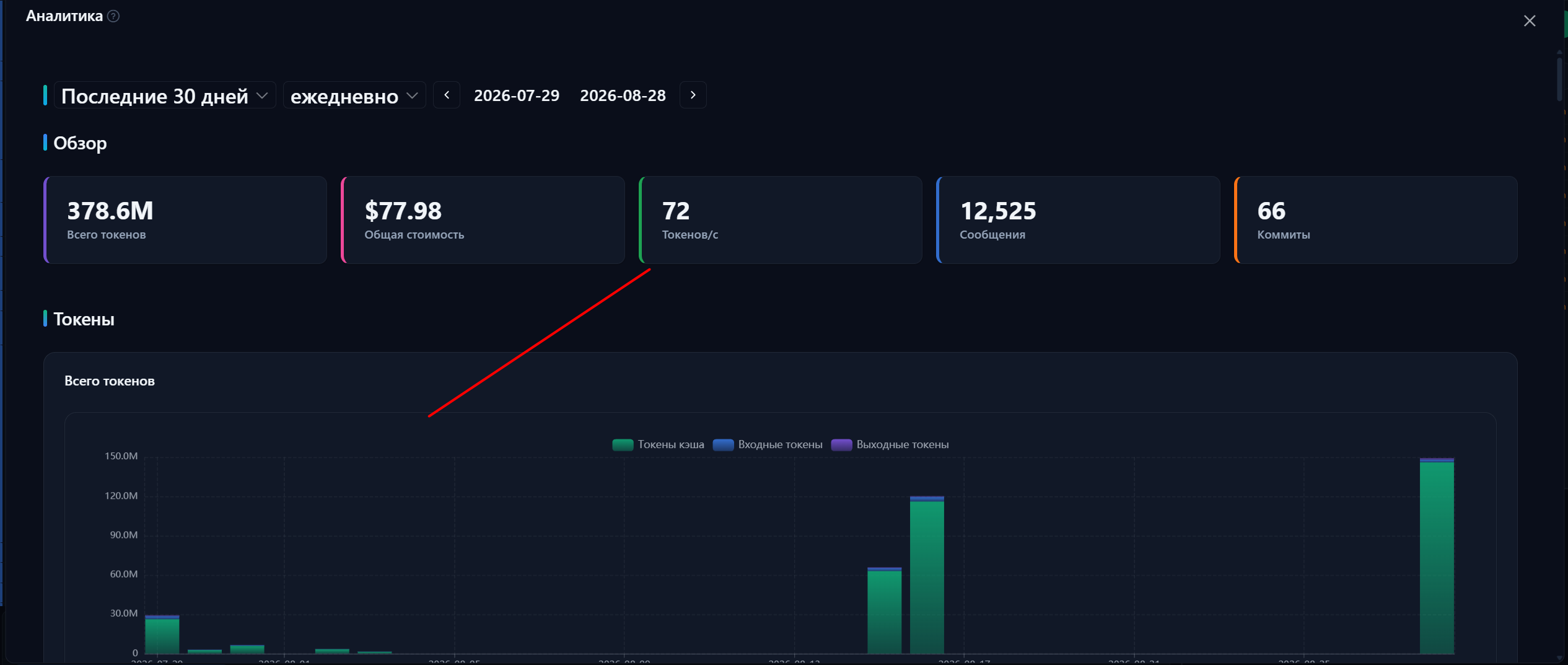
Per message: token usage, time and cost
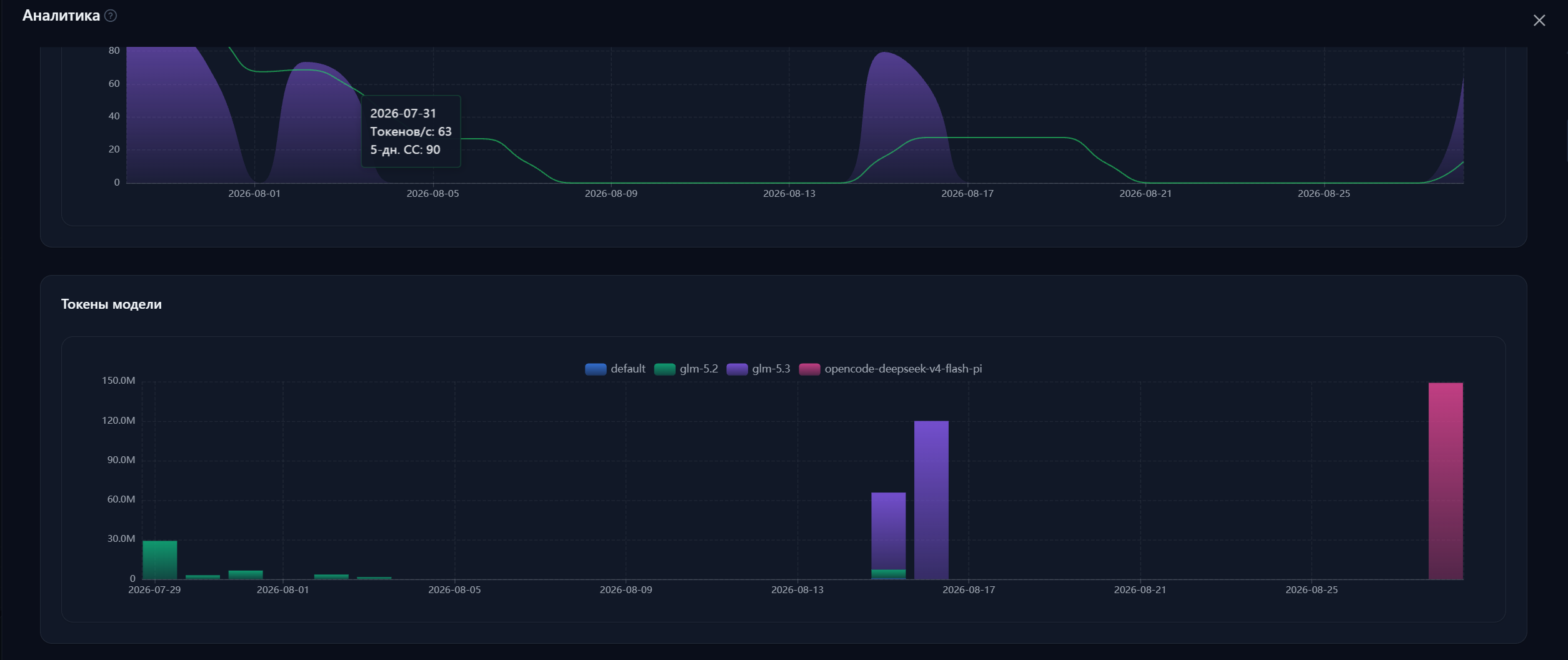
Compare models by spend and speed
A ready-made dashboard with 24 charts
Data can be pushed to a separate database for reports across all projects
Sound feedback
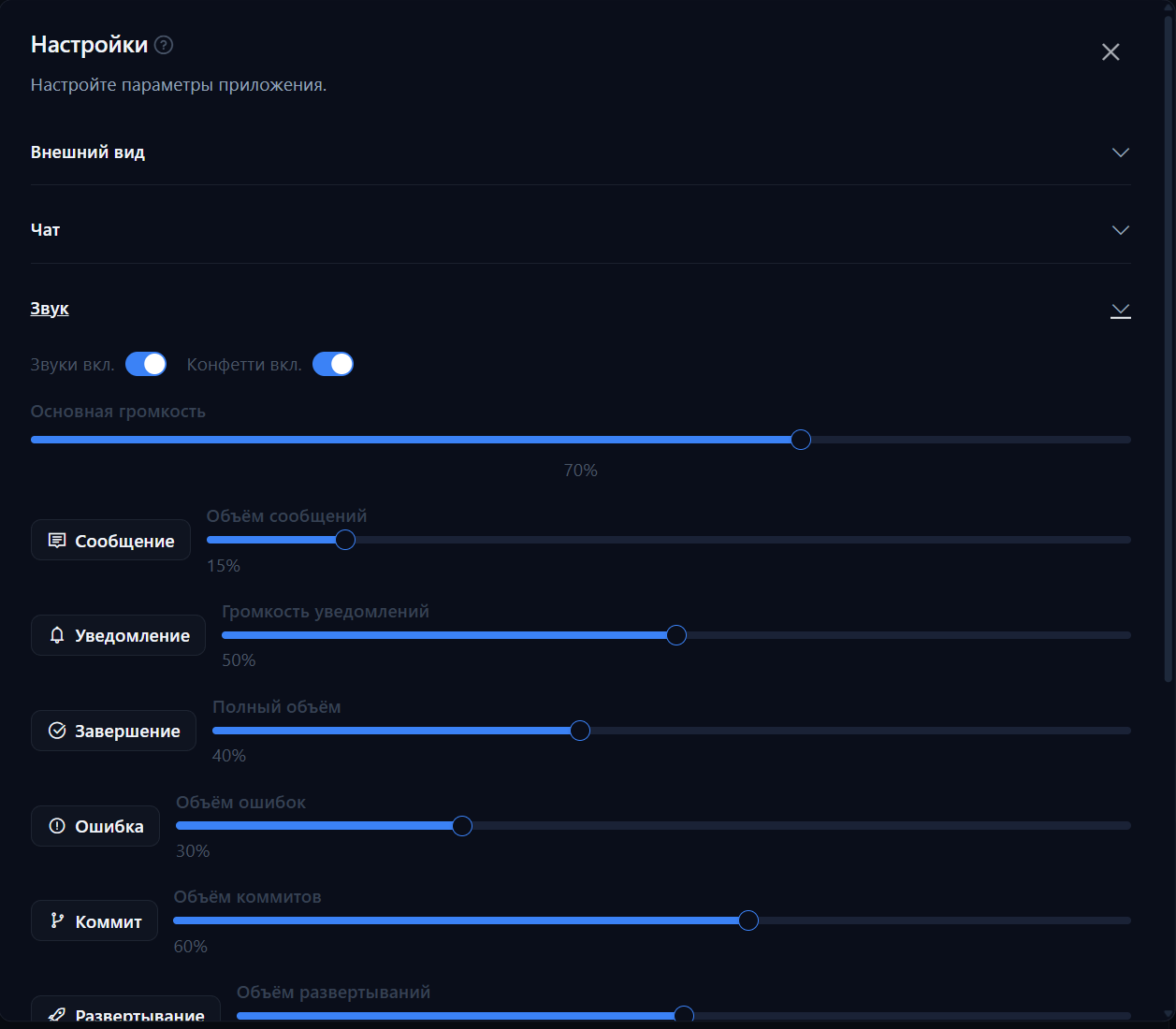
Distinct sounds for messages, errors, commits and builds
Built-in sounds can be replaced with your own
Each sound’s volume is adjusted separately
Follow progress by ear without watching the screen
Each sound plays once, even with the app open in several tabs or windows
Telegram bot
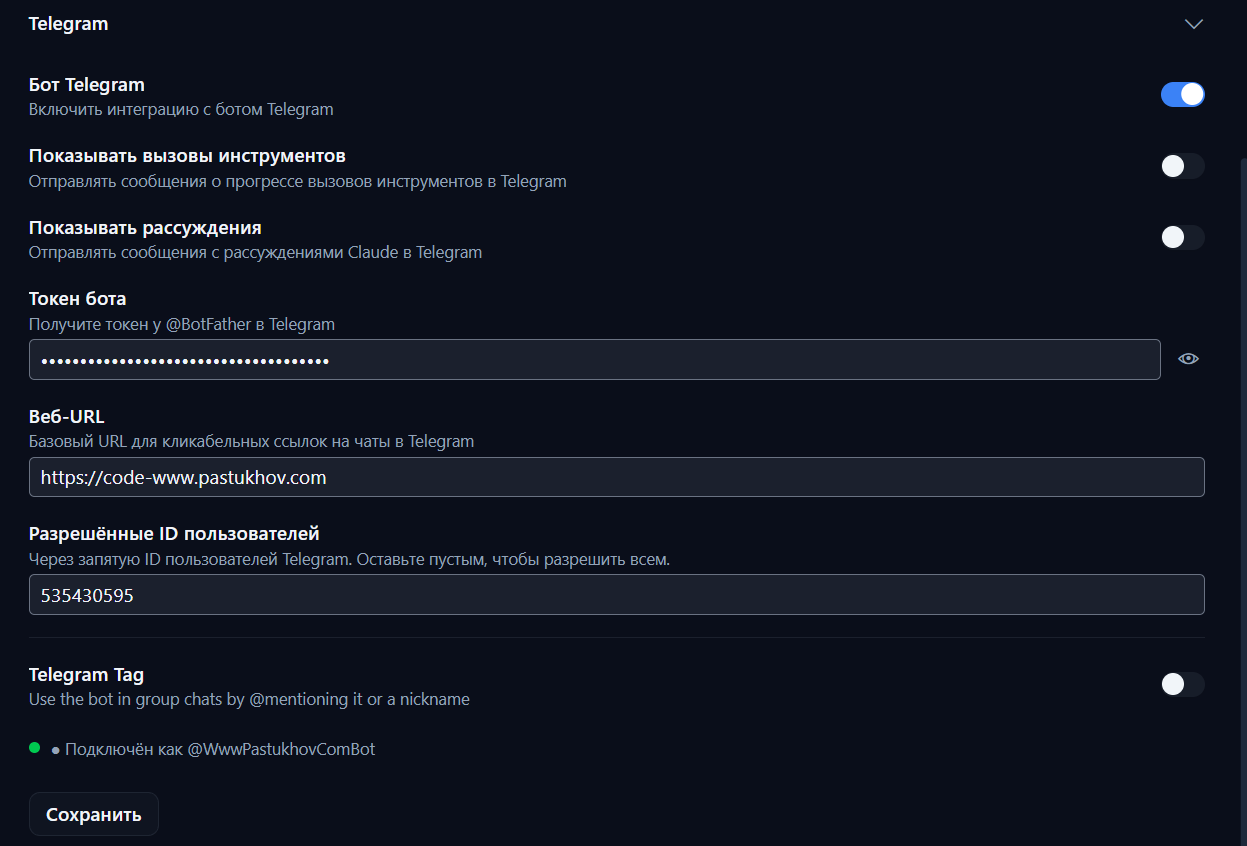
Full control right from Telegram
Run several bots: each with its own model and its own audience
No technical skills or manual reading required
Safe to hand to employees
Works even through a proxy
In group chats you can call the agent by its @name
Simplified interface
A minimalist, chatbot-style interface
Messages appear as rounded bubbles and copy on hover
All technical details are hidden: tools, statuses, cost
Model and skill are picked right in the input bar
Switch between modes with one click
Built-in MiniAgent
MiniAgent is a coding agent built right into Xedant Agent. Together they are fully self-sufficient out of the box: there is no third-party engine to depend on, nothing to install, and no risk of catching a compromised installer from outside sources.
No dependence on third-party developers: the engine always ships inside the product
Nothing to install: no npm package, no separate executable
No risk of a compromised installer from third-party sources
A full-featured agent: reads and edits files, runs commands, searches
Persistent JSONL sessions — they resume after a restart
Automatic context compaction and retries when a provider fails — the pause and the number of attempts are configurable, and every retry is visible in the chat as its own line
Subagents — several at once and in the background, the outcome of a finished task arrives by itself
Works with models from any provider — on your own API key
Switch the model and the reasoning level on the fly
Reads CLAUDE.md and .claude/skills on its own and tracks the cost
Its own MCP servers, hooks, and subagents — it even opens pages and searches the web on its own
Its own web catalogue: fetch.yml lists the fetch and search services with failover, edited in the settings dialog
Built-in proxy server
All requests and responses are stored for 30 days
Translates requests between provider formats on the fly
Counts token usage and cost at each model’s prices
A web viewer for the full history of every chat
You can even see the hidden system instructions the model receives
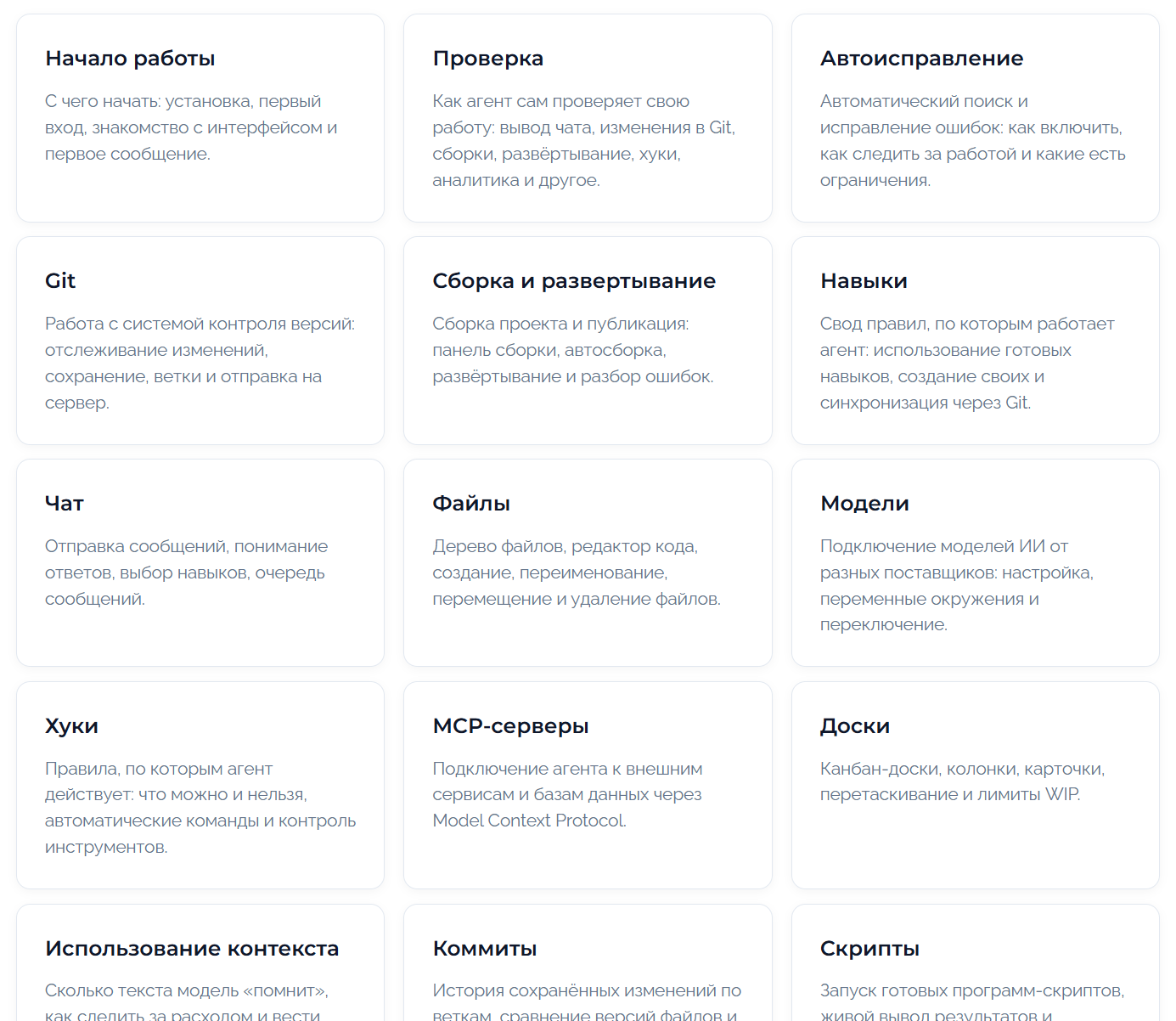
Thorough documentation
35 guides covering every feature of the product
Documentation in plain Markdown — readable by humans and by the model itself
A built-in README for quick setup right in the chat
Setup errors get fixed automatically by whichever model is available